
Think before you build
Raw ideas go in; an action plan comes out.
- Multilingual, LTR and RTL
- Free to start, no upfront payment
- Secure online payment
Problem and solution
An idea without structure never gets executed.
01 The problem
Brainstorming sessions usually end full of energy and carry on with little to show, because the links between ideas aren’t recorded anywhere and nobody owns the next step.
- Linear notes don’t show how ideas connect.
- Good branches from the session are left without an owner or an output.
- The team moves each idea by hand from the thinking tool to the doing tool.
02 Taskie's answer
Think in branches, finish with action
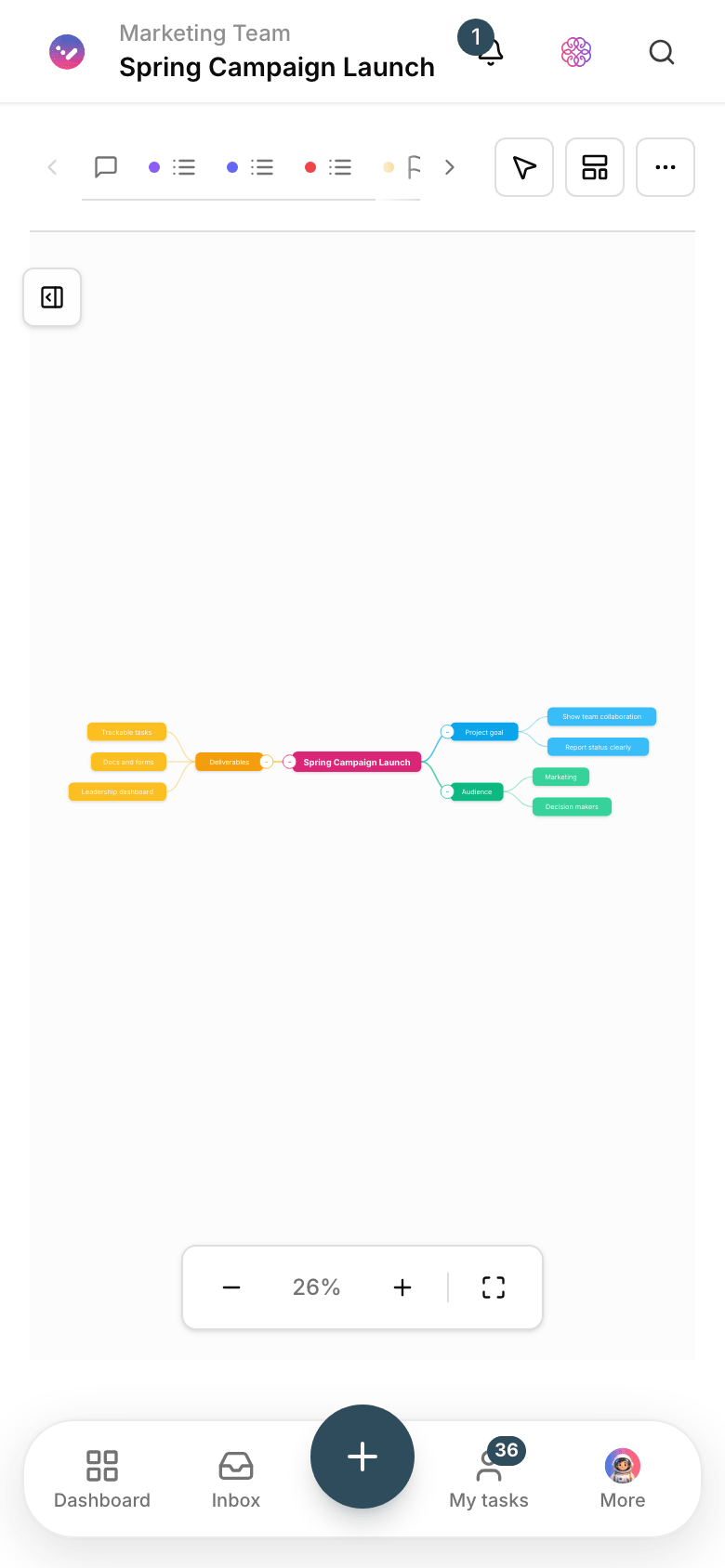
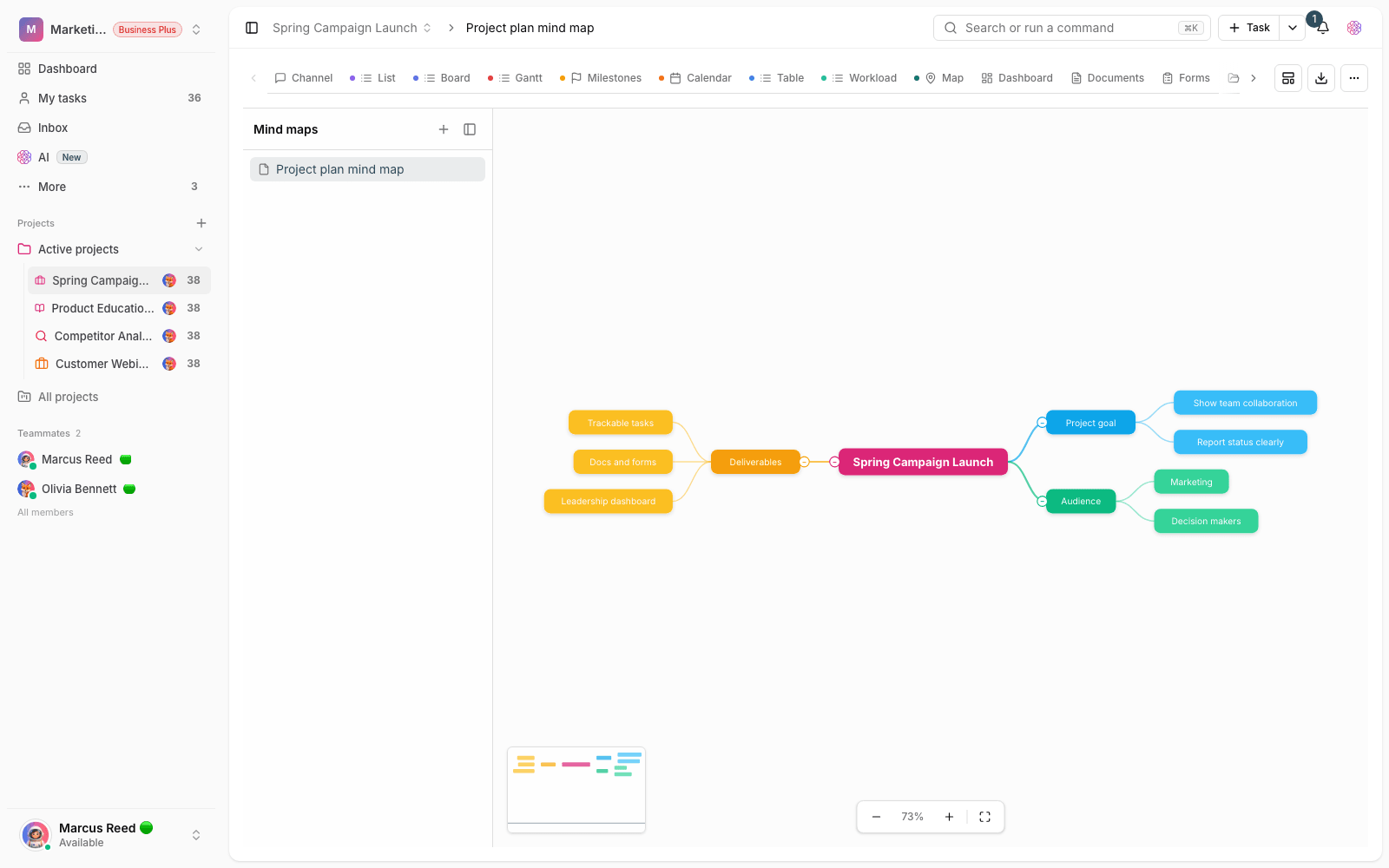
Mind maps are built inside the project itself. Your team opens branches together, prioritizes paths and turns the chosen nodes into tasks right there.
- Free-form branching for brainstorming and problem analysis.
- Team thinking on one shared map, not several separate files.
- Turn nodes into project tasks so the session’s output isn’t lost.
Workflow
From one node in the middle to a task list
Problem at the center
Put the main topic — a new product, a campaign, an operational problem — in the middle of the map.
Open the branches
Add ideas, risks and options branch by branch, with the team chipping in.
Pick a path
Mark the branches you can act on and keep the rest for later.
Turn into tasks
The chosen nodes join the project’s task list with an assignee and due date.
Outcome
Mind maps in practice: what actually changes?
You see the connections
What a linear list hides, the map reveals: which idea depends on which.
Less ambiguity before execution
Before building a backlog, the team has seen the scope and path and agreed on them.
Session output stays alive
The map stays in the project; the next session picks up from there, not from scratch.
Thinking and doing in one space
From branch to task is a single step; manual hand-offs between tools disappear.
- Session output
- Tasks, not photos
- Nodes turn straight into project tasks and get an assignee.
- Thinking together
- On one map
- Members add branches and comments together — not each in their own file.
- Where the map lives
- In the project
- The map never gets lost among personal files; it’s always at the team’s fingertips.
Use cases
Put Mind maps to work in these situations
Product discovery
Structure user needs, hypotheses and risks before writing the backlog.
Campaign planning
Branch out message, channel and content, and build the execution tasks from there.
Root-cause analysis
Open up causes and effects on the map and record a corrective action for each branch.
FAQ
Questions about Mind maps
How is a mind map different from a whiteboard?
A mind map has a branching structure built for breaking a topic into parts; a whiteboard is a free canvas for drawing and arranging anything. Start with a map for analysis and a whiteboard for designing workflows.
How does a map’s output become tasks?
Select a node and create a task from it right there; set the assignee and due date on the spot and the task joins the project list. Nothing is left for “I’ll move it later”.
How many people can work on one map?
Every project member has access to the map and can work on it together. In brainstorming sessions, one person leads and the others add their own branches.
Related features
Alongside Mind maps, explore these too
Whiteboard
The output of visual sessions stays in screenshots and never reaches execution.
View detailsTasks
Work is scattered across chats and meetings; nobody knows who owns what or when it’s due.
View detailsDocs
Guides and decisions sit in scattered files; nobody knows which version is the right one.
View detailsStarting today, move your team's work forward in one workspace
- Set up in minutes
- Start with no upfront payment
- Support from real people