
Briefs, files and client feedback, all around the same task
Which version is the latest? A question your team stops asking.
- Multilingual, LTR and RTL
- Free to start, no upfront payment
- Secure online payment
Metrics
Three things that should be clear from day one
01 Metric
The brief is complete on day one
The brief form won’t let work start without a goal, an audience and a due date — it asks the questions up front.
02 Metric
Feedback stays with the file
Client comments and design versions stay on the task, not in the designer’s private chat.
03 Metric
Deadlines in plain sight
The delivery calendar shows which deliverables go out this week and who owns them.
The problem
In Creative agencies today, where does work get stuck?
The brief in a messenger, “final-final-2” in cloud storage, client feedback on a phone call — and the designer left guessing.
- The designer, the writer and the project manager each have a different picture of the latest version and the delivery date.
- Several clients at once means shifting priorities by the hour, and silent rework eats the team’s time.
Workflow
From the first request to the report, built for Creative agencies
01 Step
Take in the brief
The account lead logs the brief through a form: goal, audience, due date and attachments.
02 Step
Break down the work
The team splits deliverables into design, copy, review and publishing tasks.
03 Step
Review and revise
The team logs versions and comments on the same task, so the revision history stays clear.
04 Step
Deliver and archive
Final deliverables and project knowledge stay, so the client’s next project doesn’t start from zero.
Taskie's promise
Creative work stays with its conversation and its files
- A client brief form, so no work enters the queue without complete information.
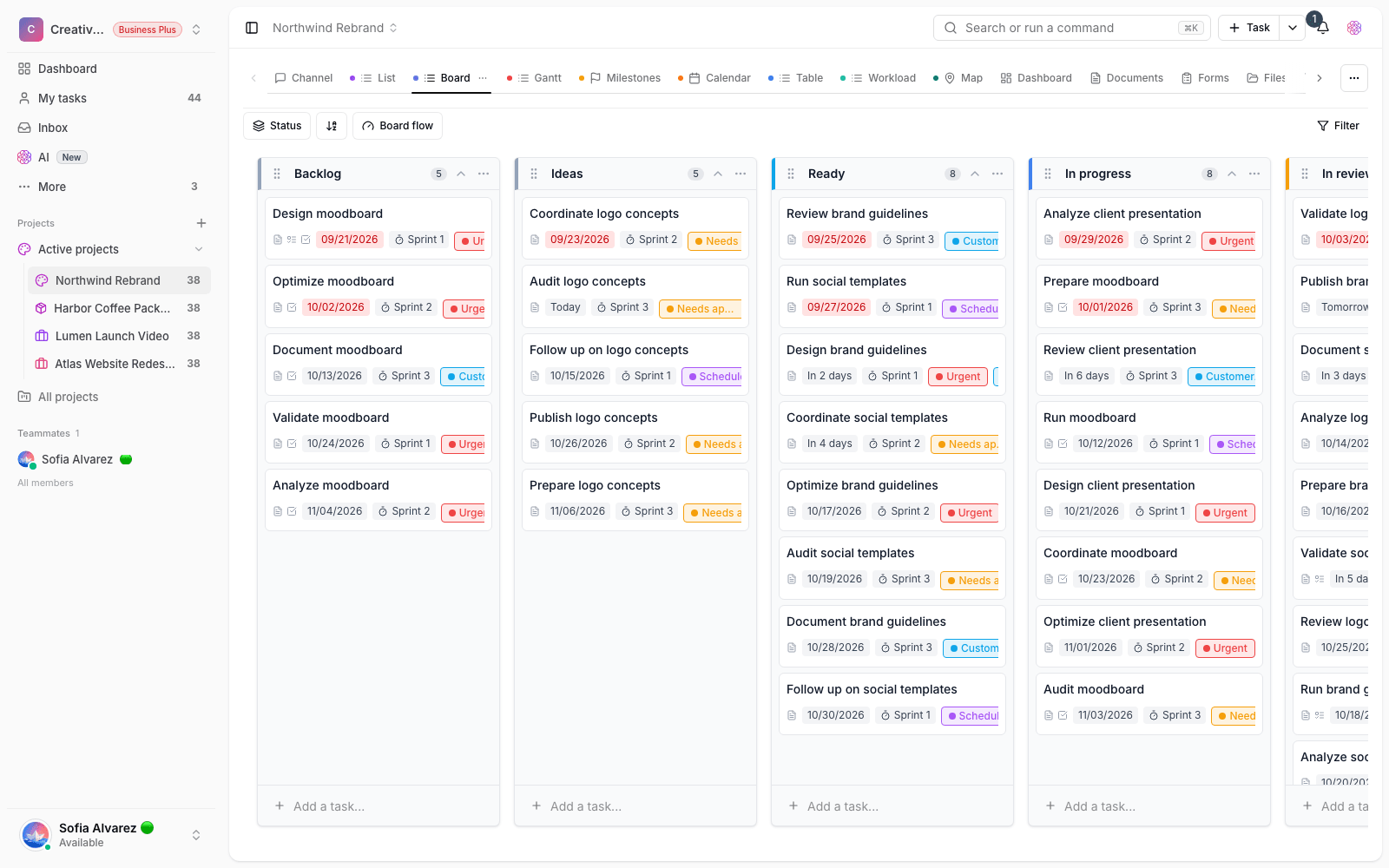
- A kanban board and calendar for each client’s design, review and delivery.
- Docs and files for brand guidelines, versions and each project’s final deliverables.
The tools that keep this promise
- FilesDesign versions stay where the work and the feedback are, not in scattered folders.
- WhiteboardMap out the campaign’s visual direction with the team and the client before production starts.
- Team collaborationComments, mentions and decisions on the task itself, so the conversation never drifts away from the work.
- AIGet help from the AI assistant to draft copy and break a brief down into tasks.
Inside the product
Two scenes from a workspace for Creative agencies
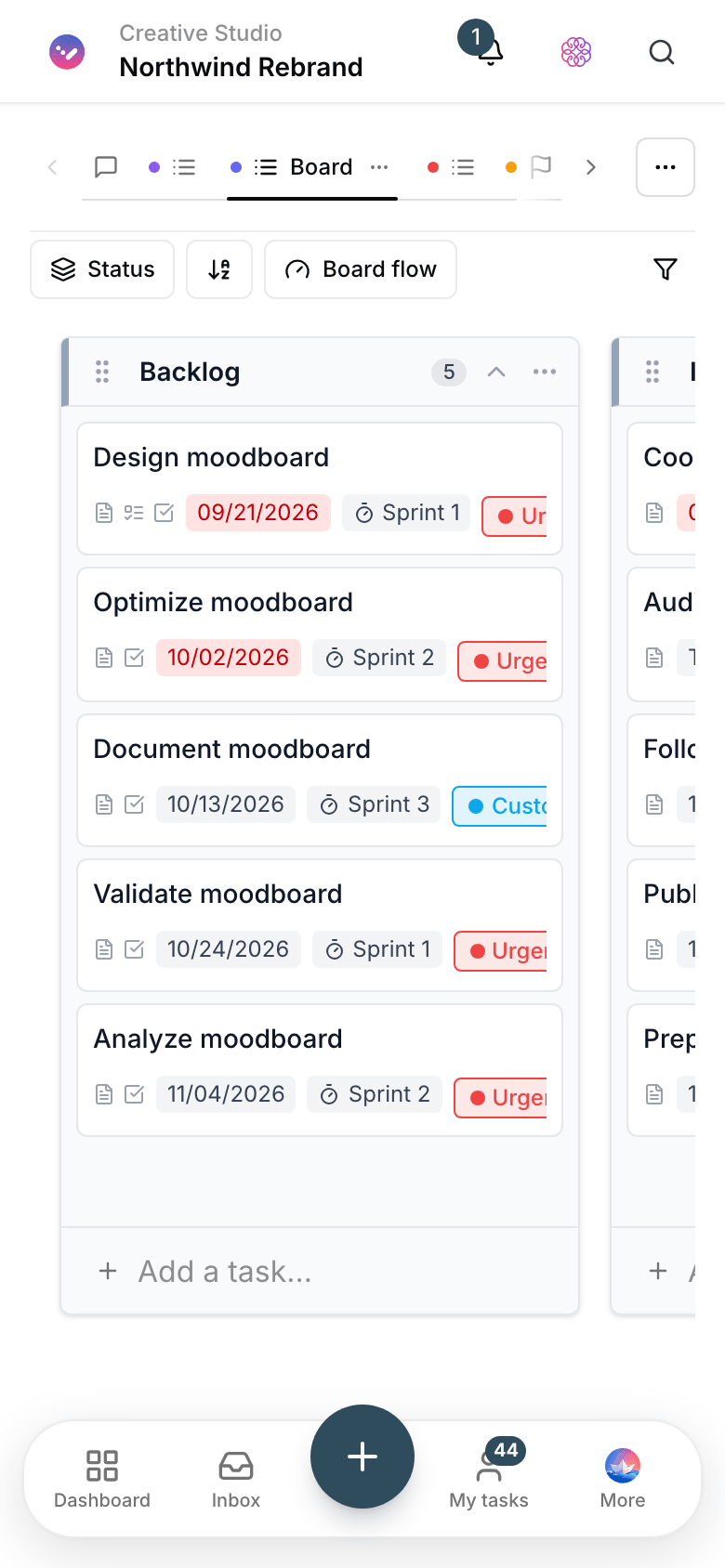
Agency delivery dashboard
How many open tasks each client has, what’s in review and which delivery is coming up.

Client brief form
The usual brief questions are built into the form, so creative work starts with complete information.
Use cases
What this solution does in practice
A client’s monthly content calendar
Every post’s idea, copy, design and publishing has a defined path; the account manager only needs to check the calendar.
A brand identity project
Research, sketches, meetings and files sit in one project, and every client approval stays on record.
A multichannel ad campaign
For every channel it’s clear which deliverable is due when, and which designer owns it.
FAQ
Questions that usually come up before you start
One project per client, or everyone in a single project?
Create a separate project for each client or campaign. You set member access right there, each client’s report comes out clean, and the project archive stays a reliable record.
Can a client see only their own work?
Yes. With the guest role, a client can only access their own project and can’t see the rest of the workspace. How much detail you open up is your team’s call.
Our work lives in a messenger and a few cloud drives. Isn’t moving hard?
No, because you don’t have to move the past. Start your next campaign in Taskie from day one: the brief comes in through a form and files attach to tasks. Old projects can stay where they are.
How is pricing calculated for a multi-person agency?
You can start for free with no upfront payment. As your team and client list grow, you pick the right plan; plan details are on the pricing page.
Related solutions
Solutions in the same family
Starting today, move your team's work forward in one workspace
- Set up in minutes
- Start with no upfront payment
- Support from real people