
Where execution starts
Every task has an owner, and every owner a clear next step.
- Multilingual, LTR and RTL
- Free to start, no upfront payment
- Secure online payment
Problem and solution
When work is everywhere, it’s nowhere.
01 The problem
A team that tracks work in chat and spreadsheets has several versions of the truth every day. One person reports from memory, another from yesterday’s file — and the manager guesses somewhere in between.
- You have to ask people for each task’s owner and due date, not the system.
- Follow-up meetings turn into manually reviewing scattered lists.
- Small tasks and key dependencies slip past the project manager.
02 Taskie's answer
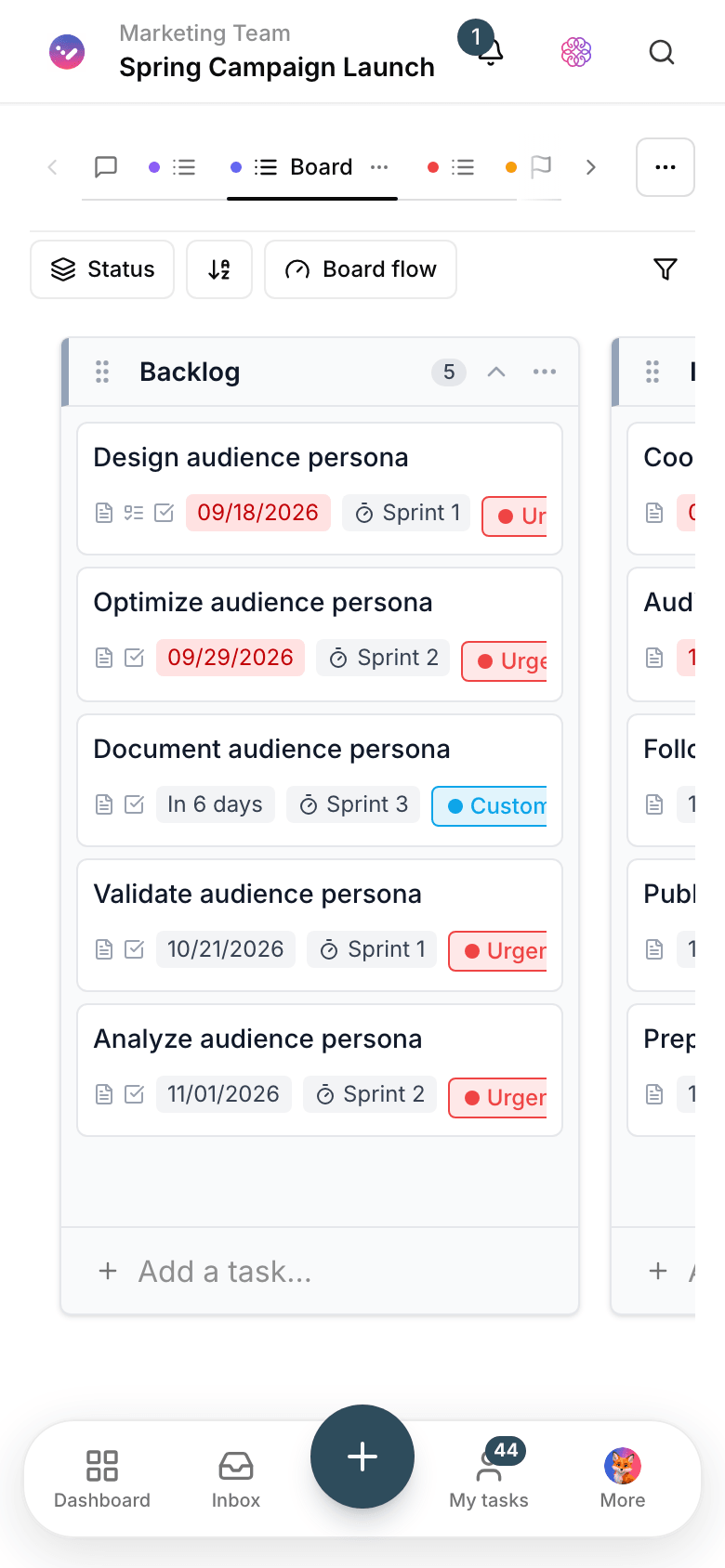
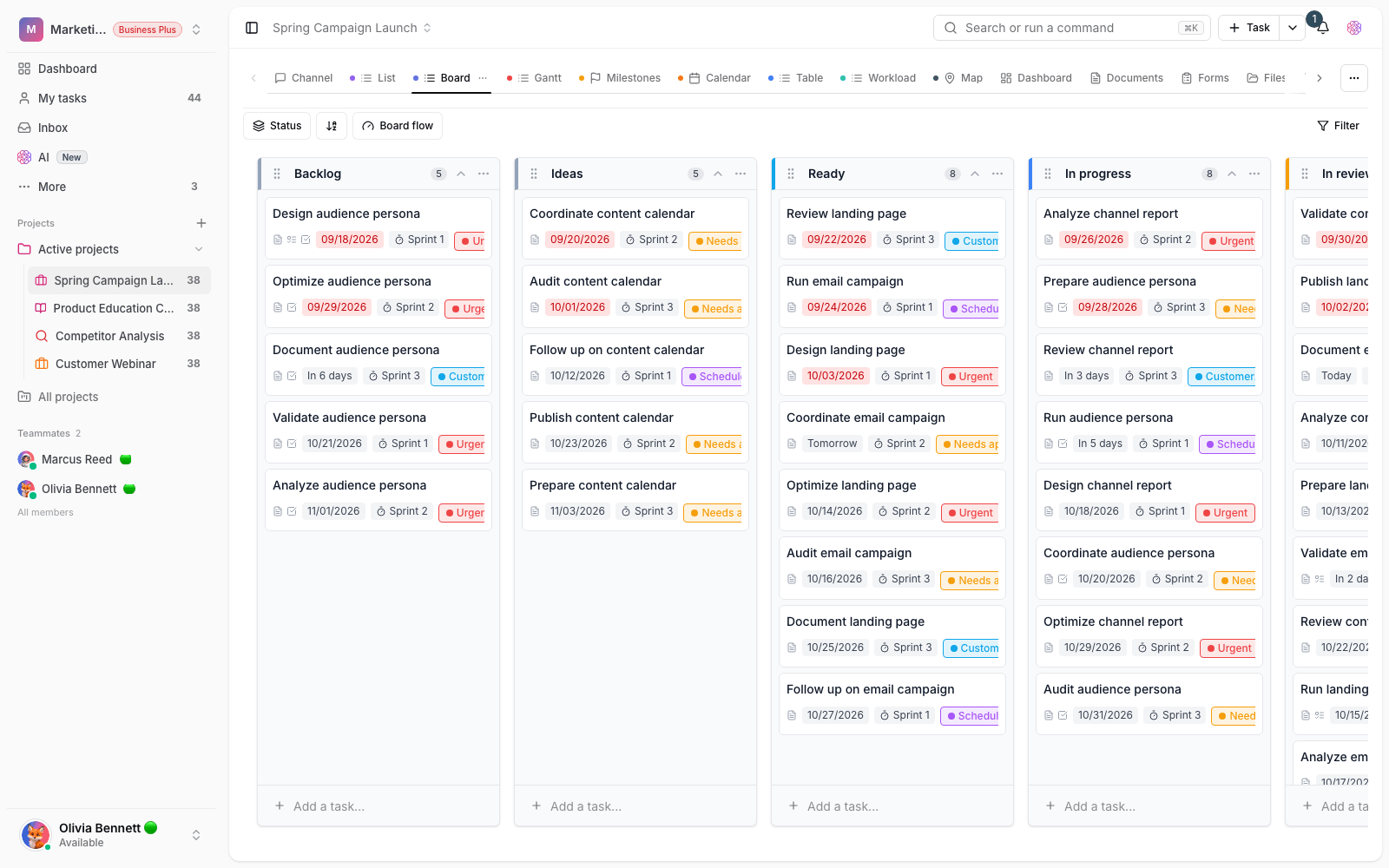
Every task has one home, from capture to delivery
Status, assignee, due date, labels, attachments and discussion live on the task itself. Instead of hopping between tools, your team opens the task and keeps going.
- Capture tasks and subtasks fast, without breaking focus.
- Priorities, due dates and dependencies for decisions based on real data.
- A full change history — you can see who changed what.
Workflow
From “needs doing” to “done”
Capture
Add a task with quick add or from inside a project; from that moment it has a status and a clear place.
Set owner and due date
Settle the assignee, priority and due date up front so nobody waits for “the next sync”.
Do and discuss
The team leaves comments and attachments on the task itself and moves its status forward right there.
Deliver
Close the task; project progress and reports stay current without a single line of manual reporting.
Outcome
Task management in practice: what actually changes?
You know who owns every task
The assignee is written on the task itself — not in last meeting’s memory or last week’s chat.
Follow up without asking
You see each task’s status and activity yourself; “any update?” disappears from team chats.
Focus on the next step
Priorities and dependencies show which knot to untie first, so the team’s energy goes there.
Starts simple, grows with your team
Start with a simple list and add views and automations whenever you need them.
- Source of truth
- 1
- Task, discussion, attachments and status on one page — the one everybody checks.
- Steps to delivery
- 4
- Capture, assign, do, deliver — every task follows these four steps.
- Ownership
- Clear owner
- Every task carries one named person; responsibility never gets lost between people.
Use cases
Put Tasks to work in these situations
Product projects
From backlog to release, the product team moves every task forward with a clear owner and due date.
Daily operations
Internal requests and recurring work land on the day’s list with a named owner.
Small teams
No heavy setup; the team captures its work on day one and gets moving.
FAQ
Questions about Tasks
How do we move our current tasks into Taskie?
Bring your current list from Excel or any other tool and add the tasks with quick add. For most teams moving one project takes less than an hour, and everything is in one place from day one.
Is task management on the free plan?
Yes. Creating a workspace, tasks and subtasks, assignees and due dates are free to start, with no upfront payment. Higher limits and advanced features are on higher plans; the pricing page has the details.
Can I assign a task to several people?
Yes. Assign a task to one or more members and split each person’s share with subtasks. The owner of each part shows up right there in lists and views.
Related features
Alongside Tasks, explore these too
Views
Everyone reports with their own filter; two people see the same project two different ways.
View detailsCollaboration
Agreements get lost in the messenger; a few days later nobody remembers the final decision.
View detailsAutomations
The same few manual steps repeat every day, and once a week one of them gets missed.
View detailsStarting today, move your team's work forward in one workspace
- Set up in minutes
- Start with no upfront payment
- Support from real people