
 Taskie assistant
01 Real work context
Grounded in this workspace's data
Answers are built from this workspace's tasks, docs, time entries and members, not from guesses or the public internet.
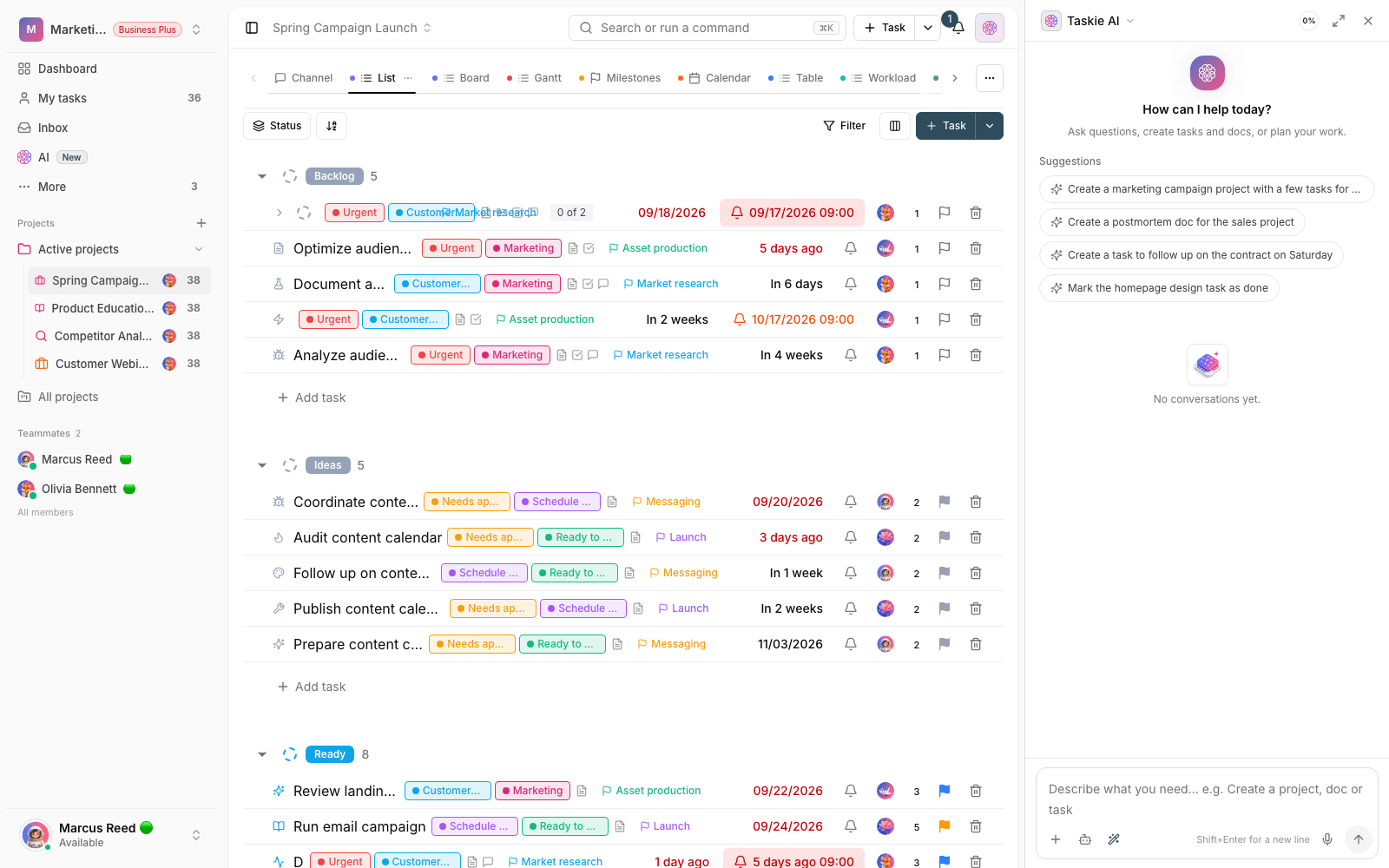
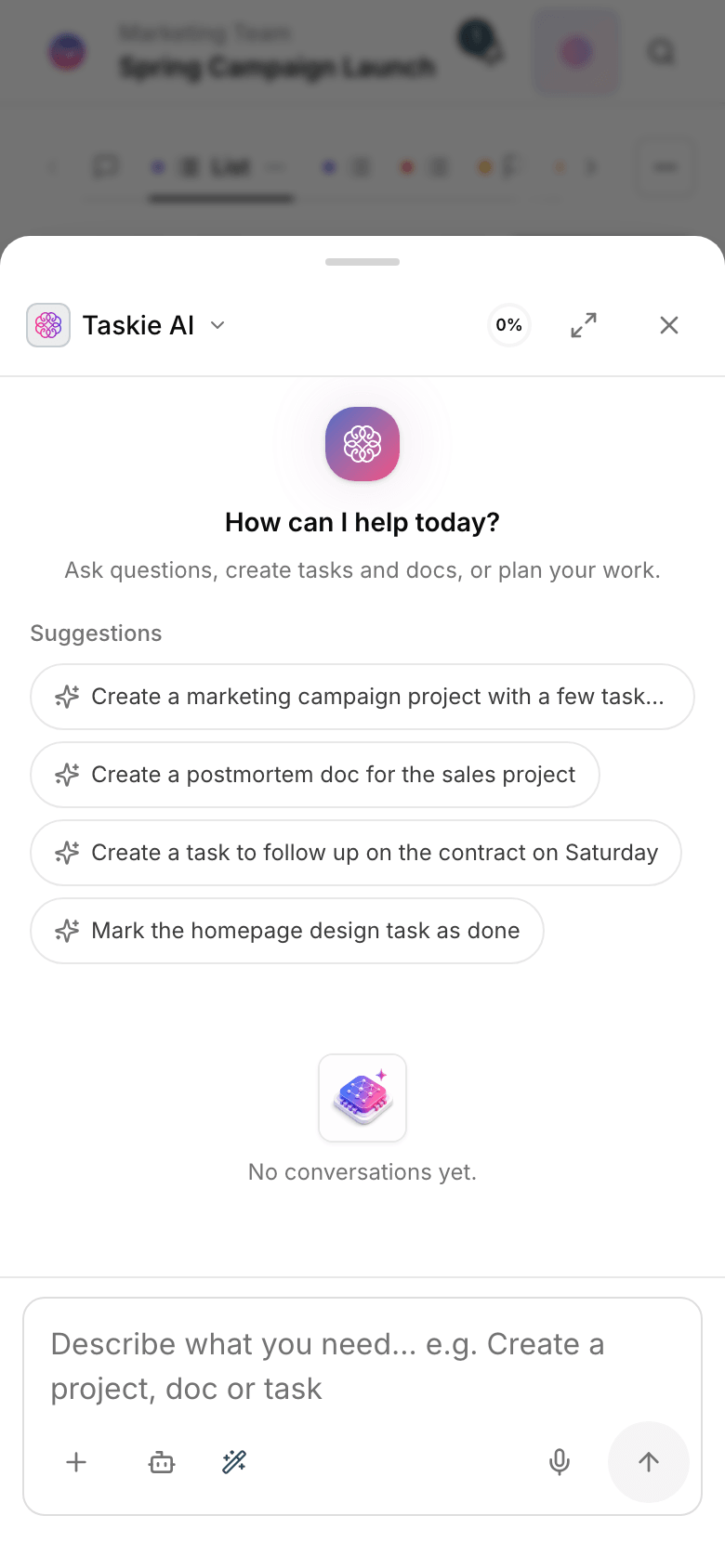
01 Real work context
Answers are built from this workspace's tasks, docs, time entries and members, not from guesses or the public internet.
02 Three work modes
In Ask it only reads. In Agent it moves the work forward. In Plan it shows you the plan first, then carries it out.
03 Multilingual from day one
Reads and writes your team's language, gives dates in each person's calendar, and takes voice messages too. Not a half-finished translation.
04 Built-in tools and MCP
The assistant can use Taskie's built-in tools, and it connects to your team's outside services through MCP.
05 Approve and undo
Bulk, sensitive or external actions get a preview before they run. Every change can be undone, and your permission boundaries always hold.
06 Dedicated assistants
You set each assistant's rules, tone and access, so you never have to explain recurring work twice.
How it works
Start with one plain sentence. The assistant sees the open project and the context you picked.
For big jobs, you get a plan you can edit before it runs.
Sensitive changes come with a precise preview so you decide with full knowledge.
The output becomes a task, a doc or a report and stays in the right place in the project.
Your first conversation and shaping the request.
Tasks, plans and team reports.
Project content and purpose-built assistants.
Automated runs, tools and your say over them.
It reads your project data and uses it to build reports, create and edit tasks, propose multi-step plans and search docs — and it can connect to your team's external tools.
No. In “Ask” mode it has no write tools at all. In the other modes, bulk, sensitive or external actions come with a preview and need approval before they run.
To answer, the assistant relies on data from the same workspace, within the user's permissions. AI settings and access are yours to manage in the workspace admin panel.
No. Just write what you want in plain language. For recurring work you can build a dedicated agent so you never have to repeat yourself.
Yes. The assistant panel is available on mobile too, and you can send a voice message instead of typing.
Each plan includes a set allowance of AI messages and weekly AI credits. Each chat’s usage is shown in the panel. Details are on the pricing page.
