
Hiring, onboarding and employee requests on one clear path
New hires know what’s waiting for them on day one.
- Multilingual, LTR and RTL
- Free to start, no upfront payment
- Secure online payment
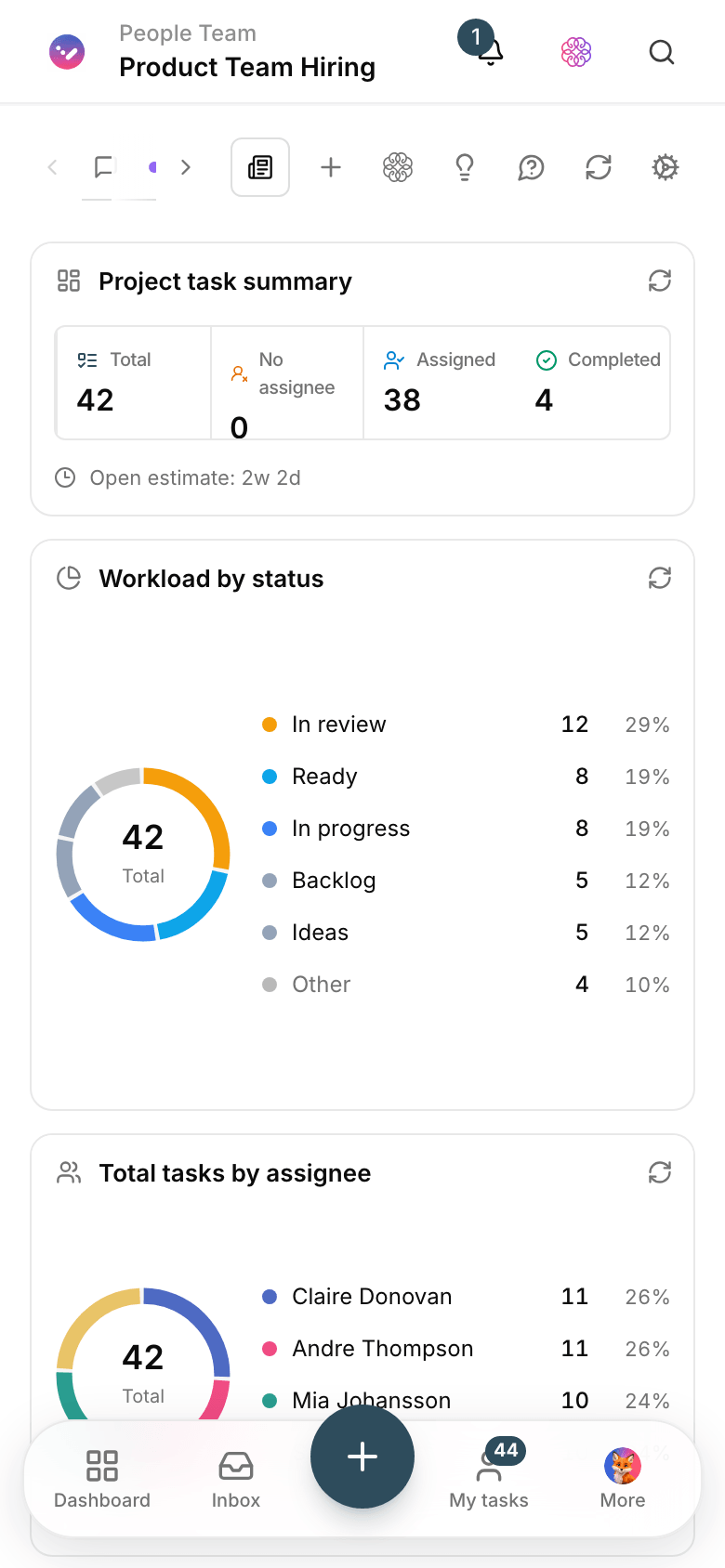
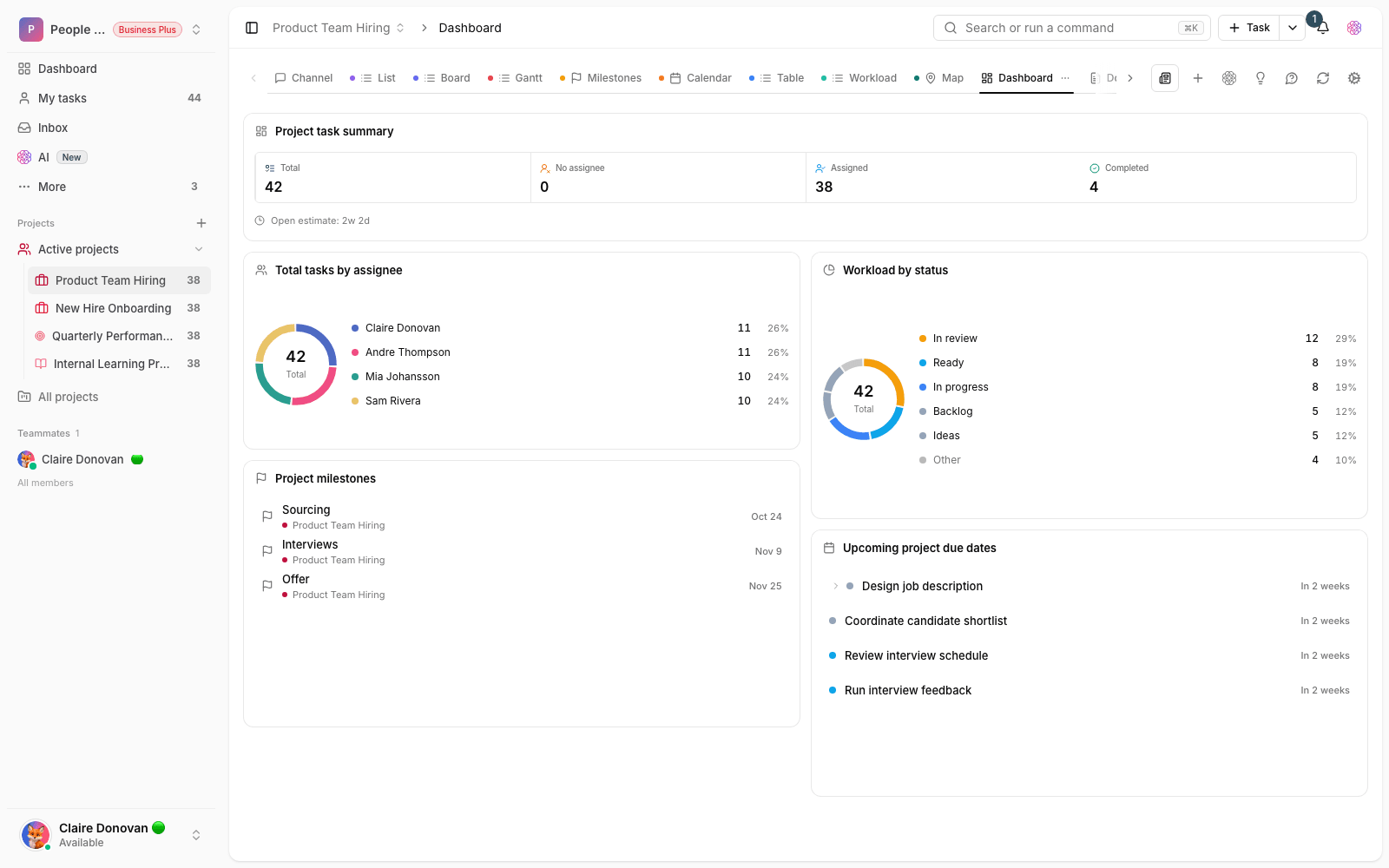
Metrics
Three things that should be clear from day one
01 Metric
Onboarding from a template
A ready-made template runs the same proven checklist for every new hire, so nothing slips through.
02 Metric
Every request gets a clear answer
Leave, employment letters or equipment come in through a form, and employees can check the status themselves.
03 Metric
Teams move in step
IT, finance and the direct manager see their part of a new hire’s start in the same flow.
The problem
In Human resources today, where does work get stuck?
The new hire is here, but the laptop isn’t ready, the accounts haven’t arrived and nobody knows where things are stuck.
- Hiring and interview steps move forward in messages and separate files, and each candidate’s status stays unclear.
- Employee requests arrive through several channels, and no one knows which are still unanswered.
Workflow
From the first request to the report, built for Human resources
01 Step
Start the process
Hiring, onboarding or an internal request enters the HR project from a template or a form.
02 Step
Split it across teams
Accounts with IT, equipment with procurement, introductions with the direct manager — each a task with a due date.
03 Step
Track and remind
Taskie sends reminders as due dates approach and keeps each step’s status in plain sight.
04 Step
Capture the lessons
What you learned this round goes back into the template and makes the next run better.
Taskie's promise
Design onboarding well once; Taskie runs it every time
- Task templates for hiring, onboarding and offboarding — first-time quality, every time.
- Internal forms for leave, employment letters and equipment, with a clear review path.
- Policy docs and the employee handbook, right where the work gets done.
The tools that keep this promise
- Task types and templatesBuild your own task types and templates for hiring, onboarding and offboarding.
- FormsReceive employee requests through one organized, consistent channel.
- PermissionsKeep personnel information away from people who don’t need it, with roles and project boundaries.
- AIDraft job descriptions and each process’s starting checklist with the AI assistant.
Inside the product
Two scenes from a workspace for Human resources
Employee requests dashboard
Open requests by type and owner, with items close to their due date at the top of the list.

Onboarding checklist
From the contract to accounts and the intro meeting, every step has an owner and gets checked off in plain sight.
Use cases
What this solution does in practice
Onboarding a new hire
Every team knows its part and its deadline, and the new hire spends the first week with a plan.
The hiring and interview cycle
Résumés, interviews and evaluations move forward step by step, with each interviewer’s feedback recorded right there.
Leave and employment letter requests
The employee fills in a form and the right person moves the approval forward; the status is clear to both.
FAQ
Questions that usually come up before you start
Should we put confidential employee information in Taskie too?
Log only what the process needs. For sensitive data such as salaries and personal documents, set project access boundaries carefully and follow your organization’s internal policy.
How do we make onboarding repeatable?
Build the steps once as a template with a checklist and default owners. For each new hire, you create a new task from that template and change only the name, the dates and any exceptions.
Our processes are in Excel and on paper. Which one do we start with?
The most painful one — usually onboarding or internal requests. Move that one process fully into Taskie and see the result; the rest follow the same pattern later.
Does an HR team have to buy a plan to get started?
No, you can start for free with no upfront payment. If you need more features later, you upgrade your plan; the pricing page has the details.
Related solutions
Solutions in the same family
Starting today, move your team's work forward in one workspace
- Set up in minutes
- Start with no upfront payment
- Support from real people