
Visual thinking for teams
Bring the meeting-room whiteboard into your project.
- Multilingual, LTR and RTL
- Free to start, no upfront payment
- Secure online payment
Problem and solution
The right diagram, in the wrong file.
01 The problem
Teams usually draw flowcharts and wireframes in a separate tool; versions multiply, the latest decision gets lost and nobody links it to the actual tasks.
- Visual files end up in several versions and nobody knows which one counts.
- Decisions made at the whiteboard get lost in the meeting notes.
- Turning a session’s output into tasks is manual and error-prone.
02 Taskie's answer
The same whiteboard, now connected to the project
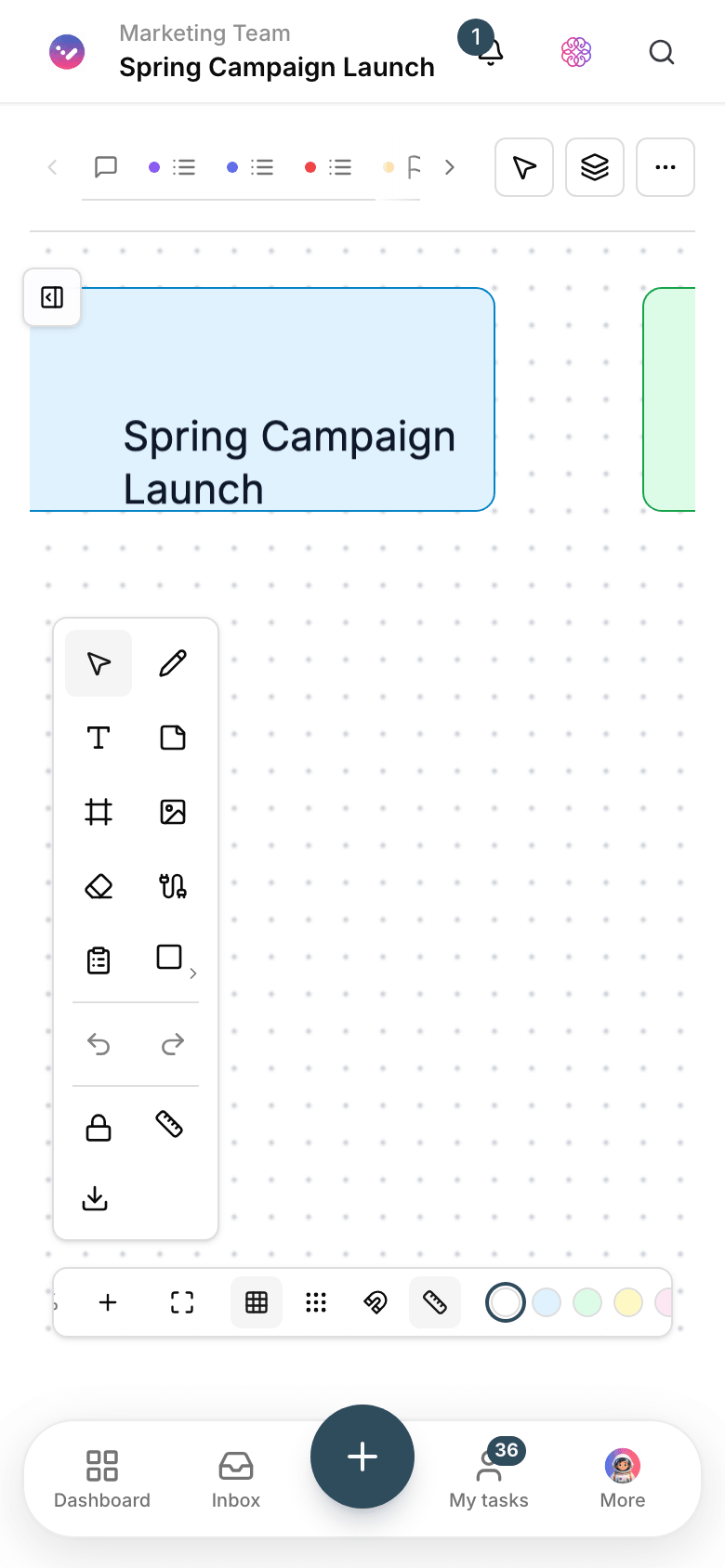
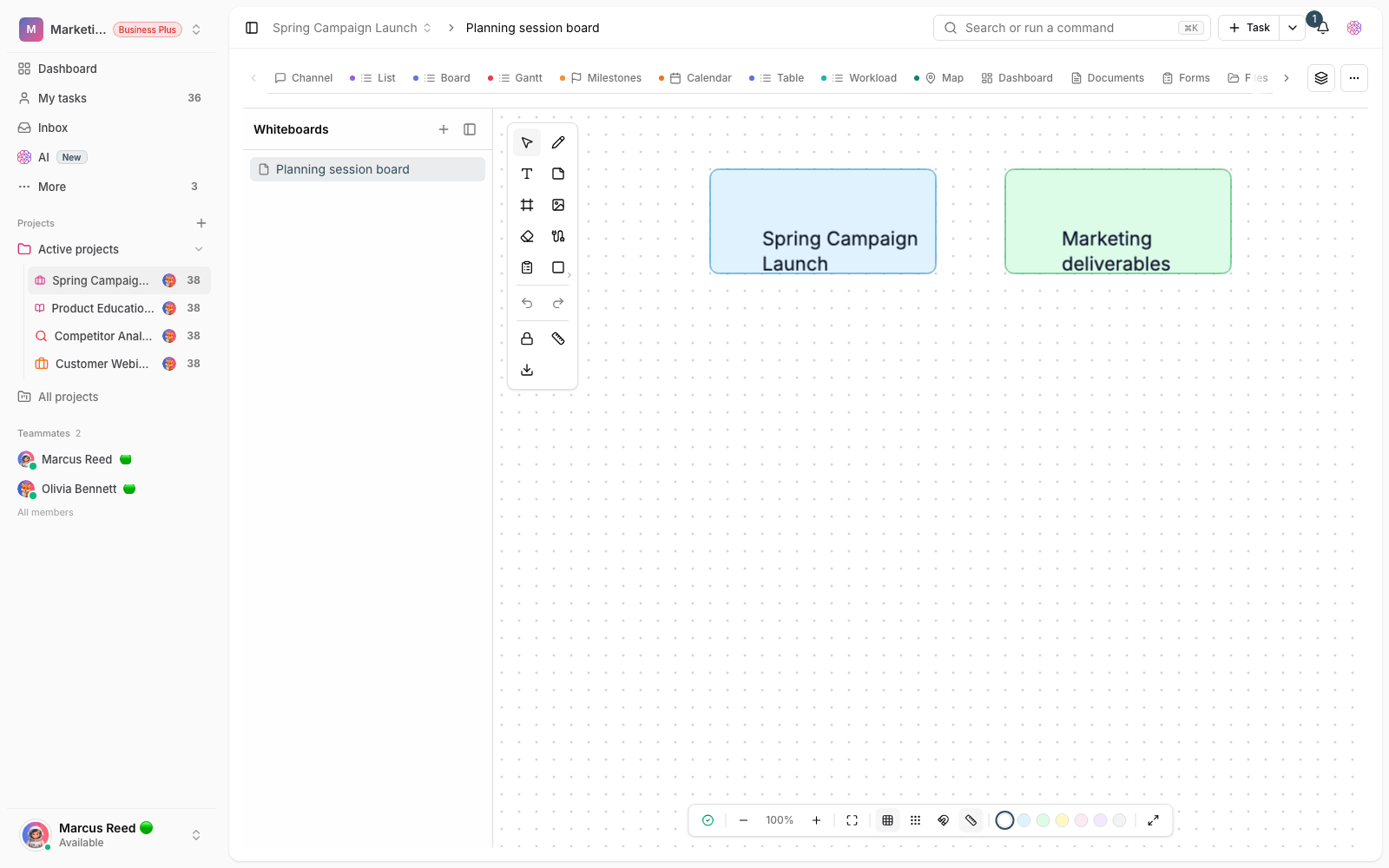
Create a whiteboard inside the project for each topic. The team arranges shapes, lines, text and notes together, and the result stays there for later reviews.
- Shapes, arrows, text and sticky notes for free-form drawing.
- Team thinking on one shared canvas instead of swapping photos.
- The canvas stays in the project and becomes the reference for later decisions.
Workflow
Visual sessions, without losing the outcome
Create a canvas
Open a whiteboard for the meeting or topic inside the same project.
Draw together
Members arrange shapes and notes; the process and options take shape in front of everyone.
Wrap up on the canvas
Mark the final decisions right there so they stand apart from the meeting chatter.
Carry on in the project
Turn the resulting actions into tasks, with the canvas as their reference.
Outcome
Whiteboard in practice: what actually changes?
Think together, no separate file
Instead of swapping photos and files, everyone works on one live canvas.
The latest version is always clear
One canvas in the project, not five files in five places; the “which version?” debate is over.
Multilingual, LTR and RTL
Text sits right on the canvas in any direction; no fighting text direction or layout.
From picture to action
A visual decision turns into a task with an assignee right there, so the session’s output gets done.
- Team canvas
- Shared and live
- Everyone works on one canvas; no more swapping screenshots.
- Where the canvas lives
- In the project
- The whiteboard sits next to the project’s tasks and docs, so it’s easy to find.
- Output
- Actionable tasks
- The canvas wrap-up becomes tasks, not a photo in someone’s phone gallery.
Use cases
Put Whiteboard to work in these situations
Process design
Map out steps, approvals and decision points with the team before execution.
Product design sessions
Wireframes and ideas come together on one canvas, and feedback is recorded right there.
Customer journey analysis
Draw the path from first contact to service delivery and find the bottlenecks together.
FAQ
Questions about Whiteboard
What drawing tools does the Taskie whiteboard have?
Ready-made shapes, lines and arrows, text and sticky notes — what you need for flowcharts, brainstorming and laying out a session. We focus on simplicity, not professional graphics software.
Does it work for in-person meetings too?
Yes. Open the canvas on the meeting-room screen or TV and arrange things right there. After the meeting everything is saved in the project, and people who missed it can see it too.
Does the whiteboard replace mind maps?
They complement each other: a mind map breaks a topic down in a structured way, a whiteboard is for free-form drawing. Many teams start analysis on a map and continue design on the whiteboard.
Related features
Alongside Whiteboard, explore these too
Mind maps
Meeting ideas stay on the whiteboard, and a week later none of them has an owner or a plan.
View detailsDocs
Guides and decisions sit in scattered files; nobody knows which version is the right one.
View detailsCollaboration
Agreements get lost in the messenger; a few days later nobody remembers the final decision.
View detailsStarting today, move your team's work forward in one workspace
- Set up in minutes
- Start with no upfront payment
- Support from real people