
AI in the middle of real work
The weekly report writes itself.
- Multilingual, LTR and RTL
- Free to start, no upfront payment
- Secure online payment
Problem and solution
All the information is there; the time to read it isn’t.
01 The problem
A project is full of tasks, comments and docs. Pulling all of that together for every meeting and decision eats hours of your most experienced people’s time — and something still slips through.
- Managers open several pages and docs for every status report.
- Members read long histories to understand the background of a topic.
- Repetitive writing like meeting summaries and first replies takes time.
02 Taskie's answer
An assistant that has read your project
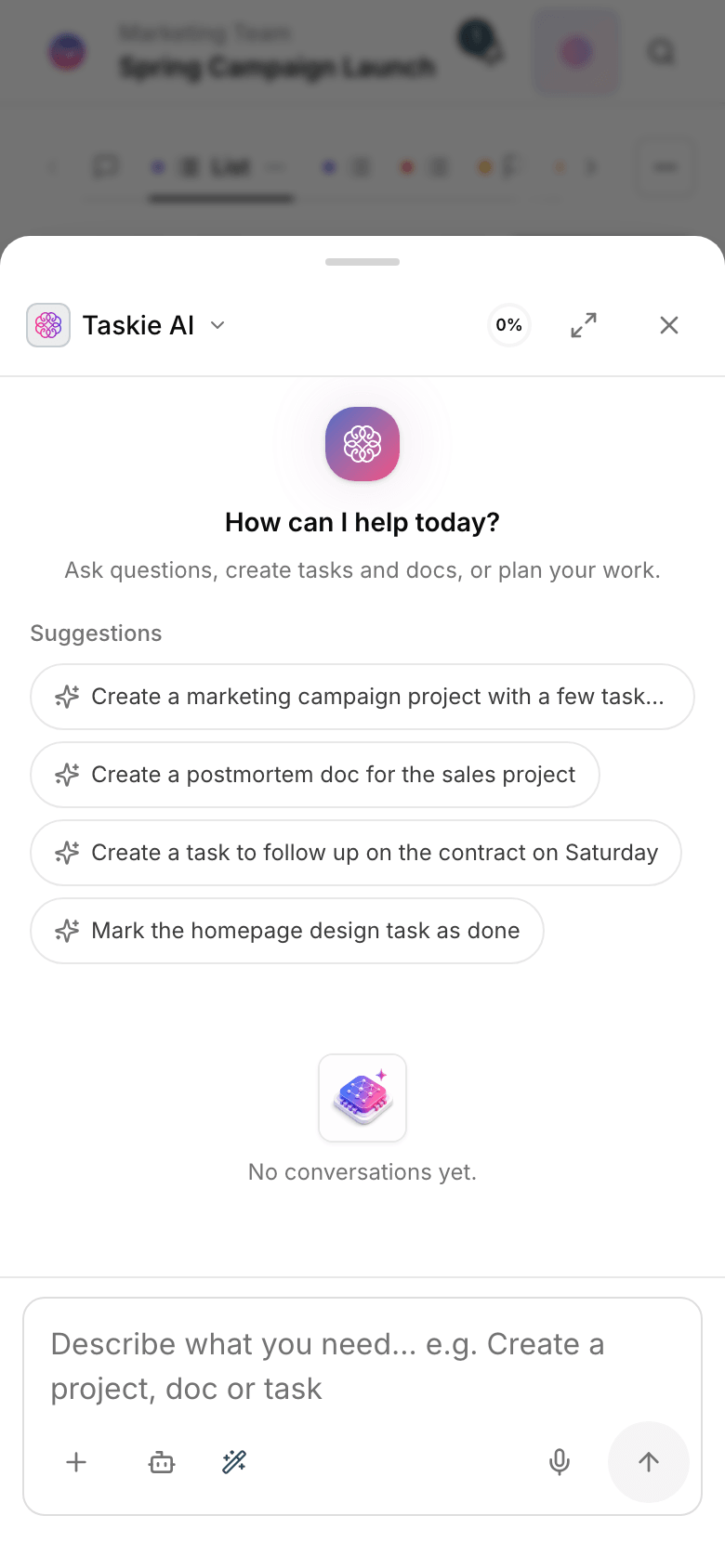
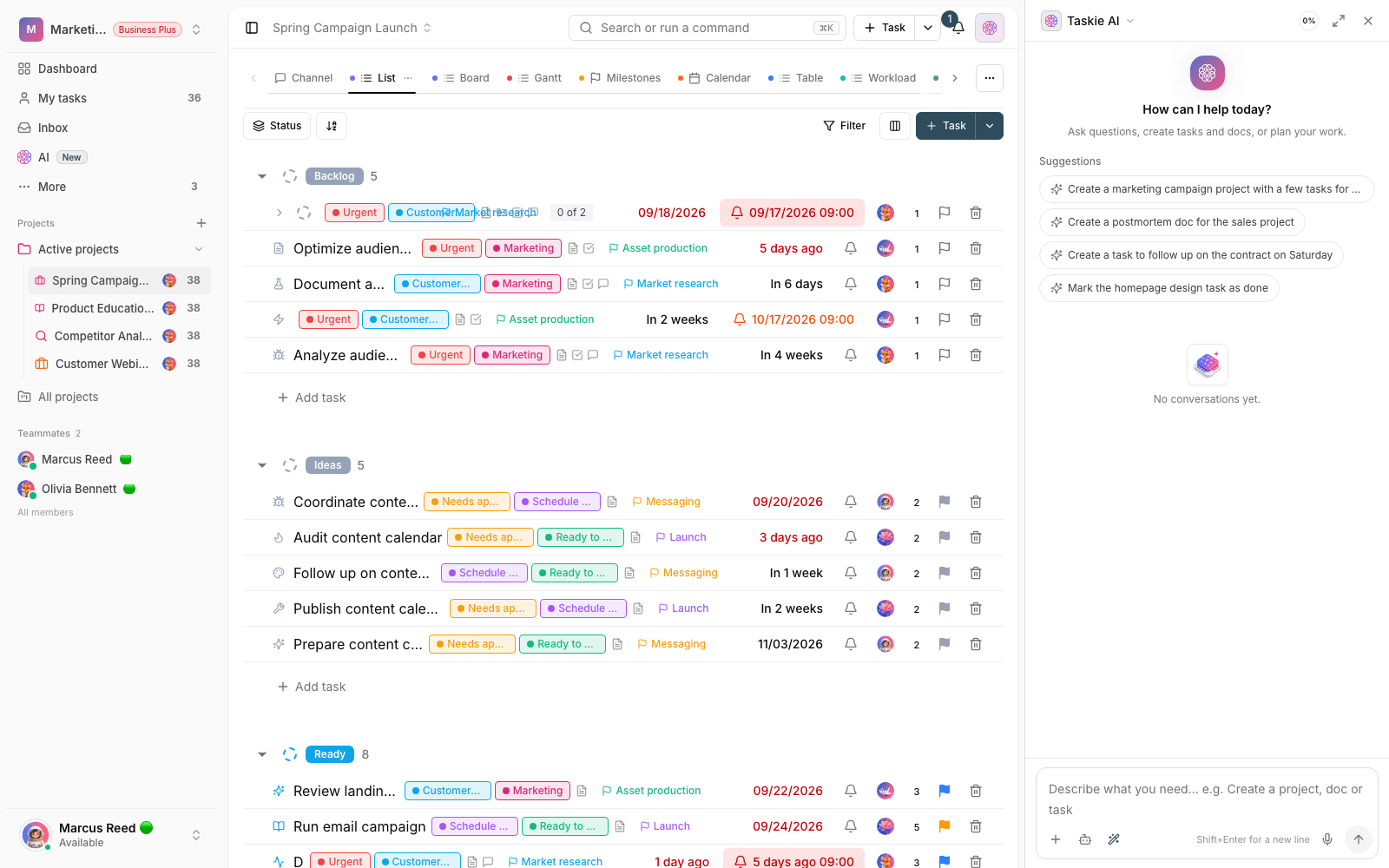
The AI assistant has access to the tasks, docs and history of that project; you ask a question and get an answer from your team’s real data, not a generic answer from the internet.
- Status summaries and key points drawn from the project’s tasks and docs.
- Drafts of docs, task descriptions and messages in the tone you want.
- Priority and next-step suggestions based on the real state of the tasks.
Workflow
From question to action, with your project’s own data
Ask in context
Ask your question right where you are: on a task, a doc or the whole project.
Read project data
The assistant looks at information within that scope: related tasks, statuses and docs.
Editable answer
Get a summary, text or suggestion and edit it yourself before using it.
Act
Use the output in a doc, a task or a team message; the final call is yours.
Outcome
AI assistant in practice: what actually changes?
Wrap-ups in minutes, not hours
Status reports and meeting summaries come straight from project data; manual review disappears.
Getting started on writing is easy
The first draft is ready; you just finalize the tone and details.
Nothing slips through
Blocked tasks and upcoming due dates are highlighted in the summaries.
You’re always in control
Every output is a suggestion; nothing in the project changes until you approve it.
- Answer source
- Your project data
- Answers are built from your tasks and docs, not generic guesses.
- Where it lives
- On the work page
- No separate tool to switch to; the assistant is right where you work.
- Final say
- Your team
- AI output is a draft; people approve and refine it.
Use cases
Put AI to work in these situations
Preparing for meetings
Before a meeting, get a summary of open tasks and risks from the assistant.
Drafting documentation
Start a decision doc or guide from existing information, not a blank page.
Daily review
Every morning, ask what matters today and start with a clear list.
FAQ
Questions about AI
What data can the AI assistant access?
Only the workspace and projects you work in yourself; the same access boundaries that apply to members apply to the assistant. Nothing outside your scope is read.
Does it work in my team’s language?
Yes. Taskie works left to right and right to left, and the assistant asks and answers in your language. Summaries and drafts come back in fluent, natural text.
Does the assistant cost extra?
AI features come with a set allowance depending on your workspace plan; see the pricing page for each plan’s details. Getting started needs no upfront payment.
Related features
Alongside AI, explore these too
Docs
Guides and decisions sit in scattered files; nobody knows which version is the right one.
View detailsVoice capture
Tasks born in meetings and calls get forgotten in the hope of “I’ll write it down later”.
View detailsTasks
Work is scattered across chats and meetings; nobody knows who owns what or when it’s due.
View detailsStarting today, move your team's work forward in one workspace
- Set up in minutes
- Start with no upfront payment
- Support from real people