
AI that moves the work forward
An agent that knows your tools, too.
- Multilingual, LTR and RTL
- Free to start, no upfront payment
- Secure online payment
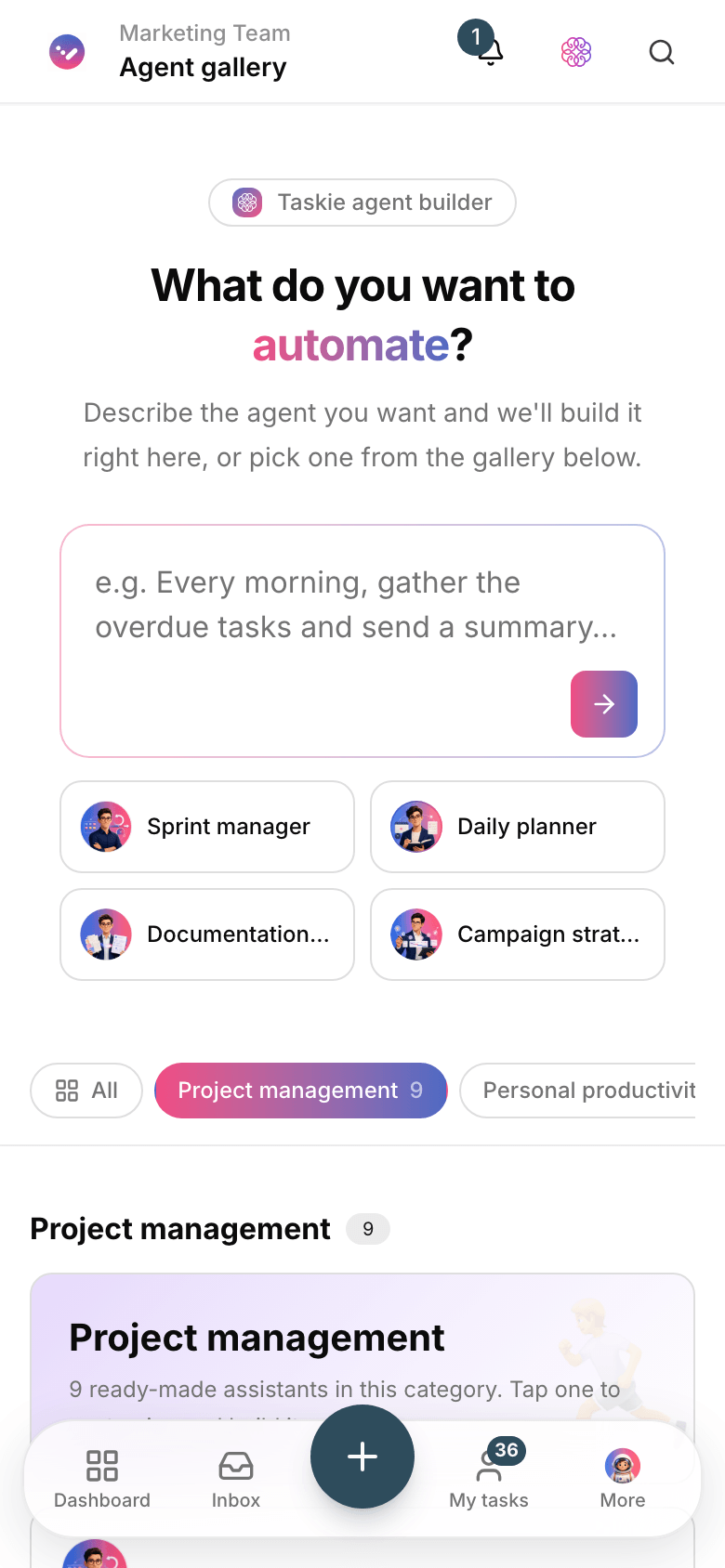
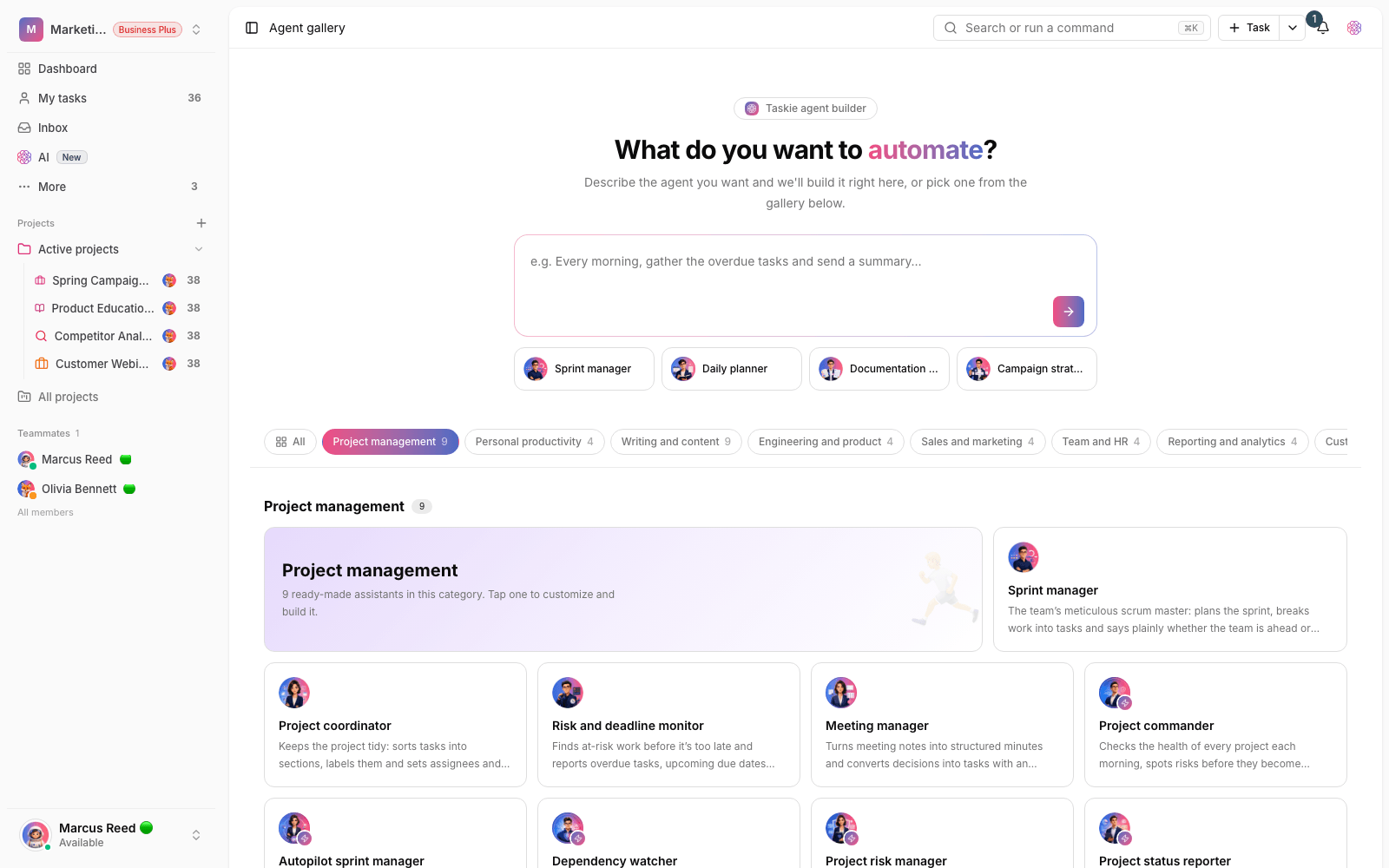
Problem and solution
Between talk and action lies a canyon.
01 The problem
The assistant summarizes status well, but every action means jumping from one tool to another — copying, moving and missing things, same as always.
- AI output stays in one tool while the action happens in another.
- Connecting to outside services takes separate technical work and upkeep.
- Once a tool gets access to team data, control and security get murky.
02 Taskie's answer
An agent with secure access to your tools
Besides project data, the Taskie agent connects to outside tools through the standard MCP protocol; it discovers the tools and uses them with your approval.
- Create and update tasks, subtasks and comments with one request.
- Connect to ready-made MCP servers like Slack, Notion, GitHub and Linear.
- Sensitive actions are summarized and wait for your approval before running.
Workflow
From request to safe action
Talk to the agent
Make your request in plain language — about a task, a project or the whole workspace.
Discover tools
The agent learns which tools the connected MCP servers offer, along with their risk level.
Propose actions
The agent lays out a plan and shows write and destructive actions for approval.
Run with permission
The action runs after you approve it, and many changes can be undone.
Outcome
AI agents & MCP in practice: what actually changes?
From answers to real action
The agent doesn’t just summarize; it creates tasks, updates them and calls tools.
Your tools, in one place
Outside services connect over MCP from the App Center — no separate technical work.
Control and approval
No sensitive action runs without your approval, and everything is traceable.
Enterprise-grade security
Credentials are encrypted, URLs are checked against SSRF and every call is logged.
- Connection protocol
- Standard MCP
- One open protocol for every tool instead of one-off integrations.
- Sensitive actions
- With your approval
- Write and destructive actions wait for approval before running.
- Access
- Workspace admins
- Only admins can create connections, enabled according to the workspace plan.
Use cases
Put Agents & MCP to work in these situations
Team coordination
Post a status summary to Slack or tie a GitHub issue to a Taskie task.
Automating repetitive work
Hand recurring work to the agent with one request; it proceeds step by step.
Connecting outside knowledge
Make Notion pages or Drive docs available to the agent for more accurate answers.
FAQ
Questions about Agents & MCP
What is MCP and why does it matter?
MCP is an open protocol for connecting outside tools to AI agents; with it, the Taskie agent can discover and use tools from services like Slack and GitHub in a standard way.
Does the agent ever act without permission?
No. Write and destructive actions are always summarized and wait for your approval before running, and many actions can be undone. You always have the final say.
Who can connect an MCP server?
Only workspace admins can connect MCP servers, and it’s enabled on business plans; credentials are stored encrypted and never displayed.
Related features
Alongside Agents & MCP, explore these too

AI
A simple status report means manually going through dozens of tasks, docs and comments.
View detailsAutomations
The same few manual steps repeat every day, and once a week one of them gets missed.
View detailsCollaboration
Agreements get lost in the messenger; a few days later nobody remembers the final decision.
View detailsStarting today, move your team's work forward in one workspace
- Set up in minutes
- Start with no upfront payment
- Support from real people