
OKR cycles and goal folders
Cycles group goals into planning periods, and folders organize them by team or topic.
Once you have more than a handful of goals, a flat list stops working. Taskie has two separate tools for organizing goals that are easy to mix up: a cycle is for "when", and a folder is for "who or what topic".
OKR cycles: planning periods
A cycle is a planning period — usually a quarter. Goals in the same cycle are reviewed together and closed together.
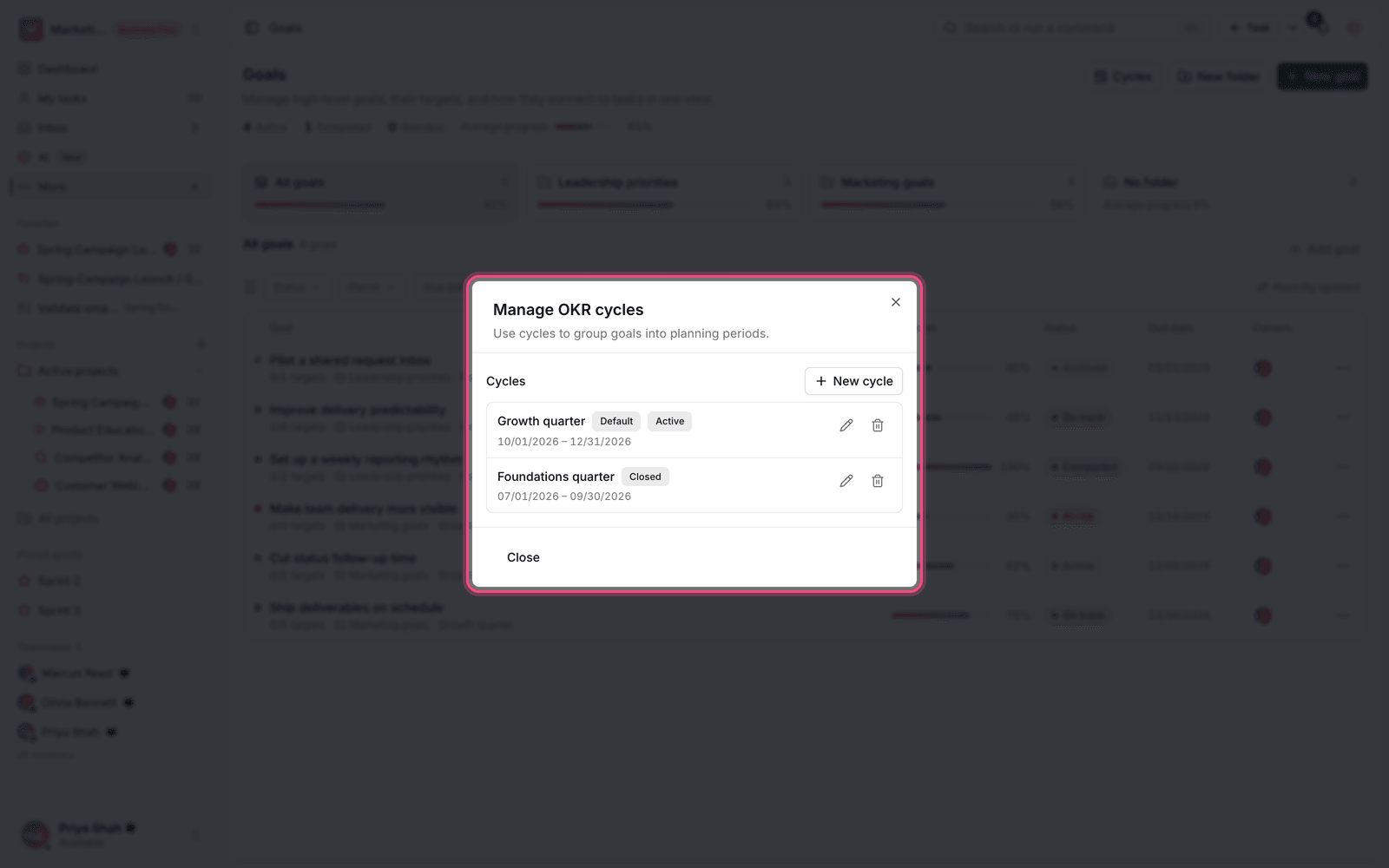
- From the Goals page, go to Manage OKR cycles.
- Click New cycle.
- Enter the cycle name — for example, "Spring 2026". This field is required.
- Set the start and end dates.
- If you want new goals to be created in this cycle by default, turn on Use as the default cycle for new goals.
- Save.
Note: if you delete a cycle, the goals linked to it aren't deleted; they're just left with No cycle.
Goal folders: organizing by topic
Folders help you keep the goals of a team, project or work period separate and easy to review. Unlike a cycle, which is about time, a folder can be based on a team ("Marketing"), a product or any other topic.
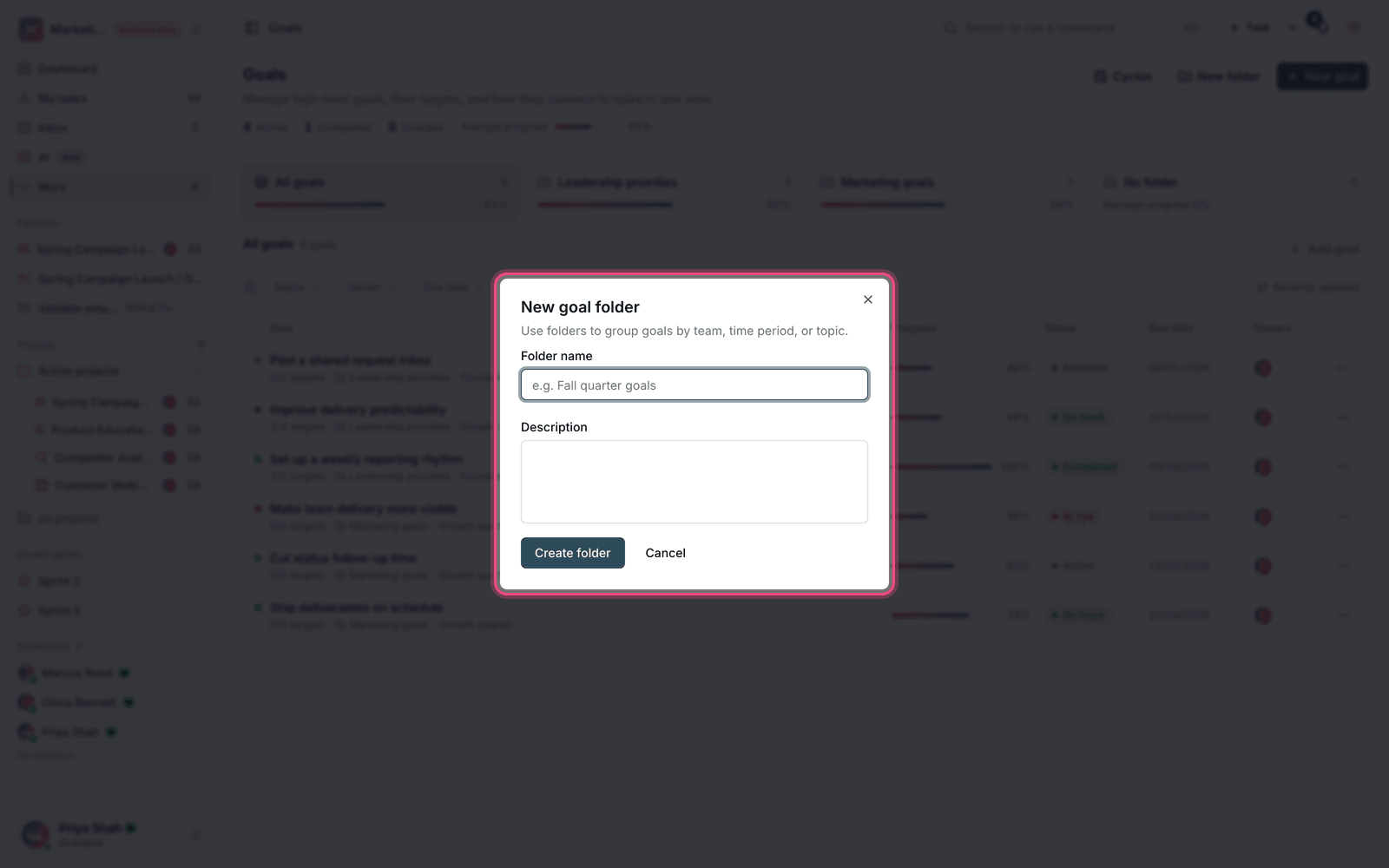
- Click Create folder and enter a folder name.
- When you create or edit a goal, choose the destination folder.
- To take a goal out of a folder, drop it so it goes back to goals without a folder.
- Goals that aren't in any folder yet are listed under goals without a folder.
Use both at the same time
Cycles and folders don't conflict, and you should usually set both. For example, a goal can be in the "Marketing" folder and the "Spring 2026" cycle; then you can view all marketing goals at one time and all of this quarter's goals at another.
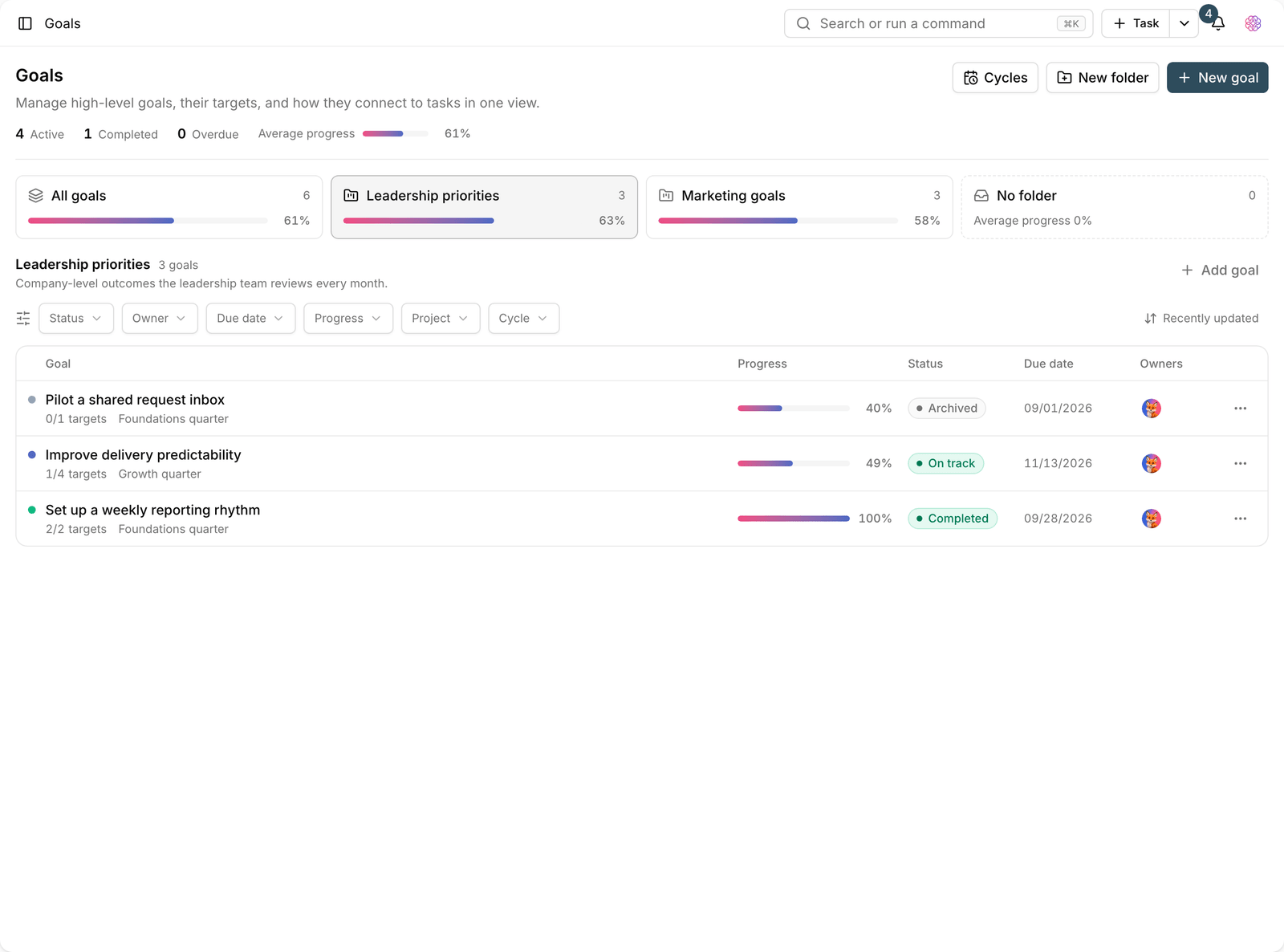
Both are available in the filters: All cycles and No cycle for periods, and No folder for uncategorized goals.
Suggestion: keep folders few and stable (one per team) and create new cycles each period. If you create a folder for every small topic, you'll be back to the clutter of a flat list.
End-of-cycle review
The real value of a cycle comes at its end. When a cycle finishes, review all its goals together: which ones reached their outcome, which didn't, and why. Either move unfinished goals to the next cycle or close them explicitly.
- Mark completed goals as completed so they leave the active list.
- Move unfinished goals that still make sense to the next cycle.
- Close or archive goals that are no longer a priority. Leaving them around only drags down your average progress.
- Create the next cycle before the period starts so new goals land in the right place.
To create the goals themselves, see Create a goal and its targets, and for the basics, see What goals and OKRs are.