
Discount codes and remaining credit
Enter a discount code when you buy a subscription, and see how your current plan's remaining credit counts when you change plans.
Two things can lower the final price of your subscription: a discount code and your current plan's remaining credit. Both are applied in the same subscription purchase window, and their effect is shown in the quote before you pay.
Entering a discount code
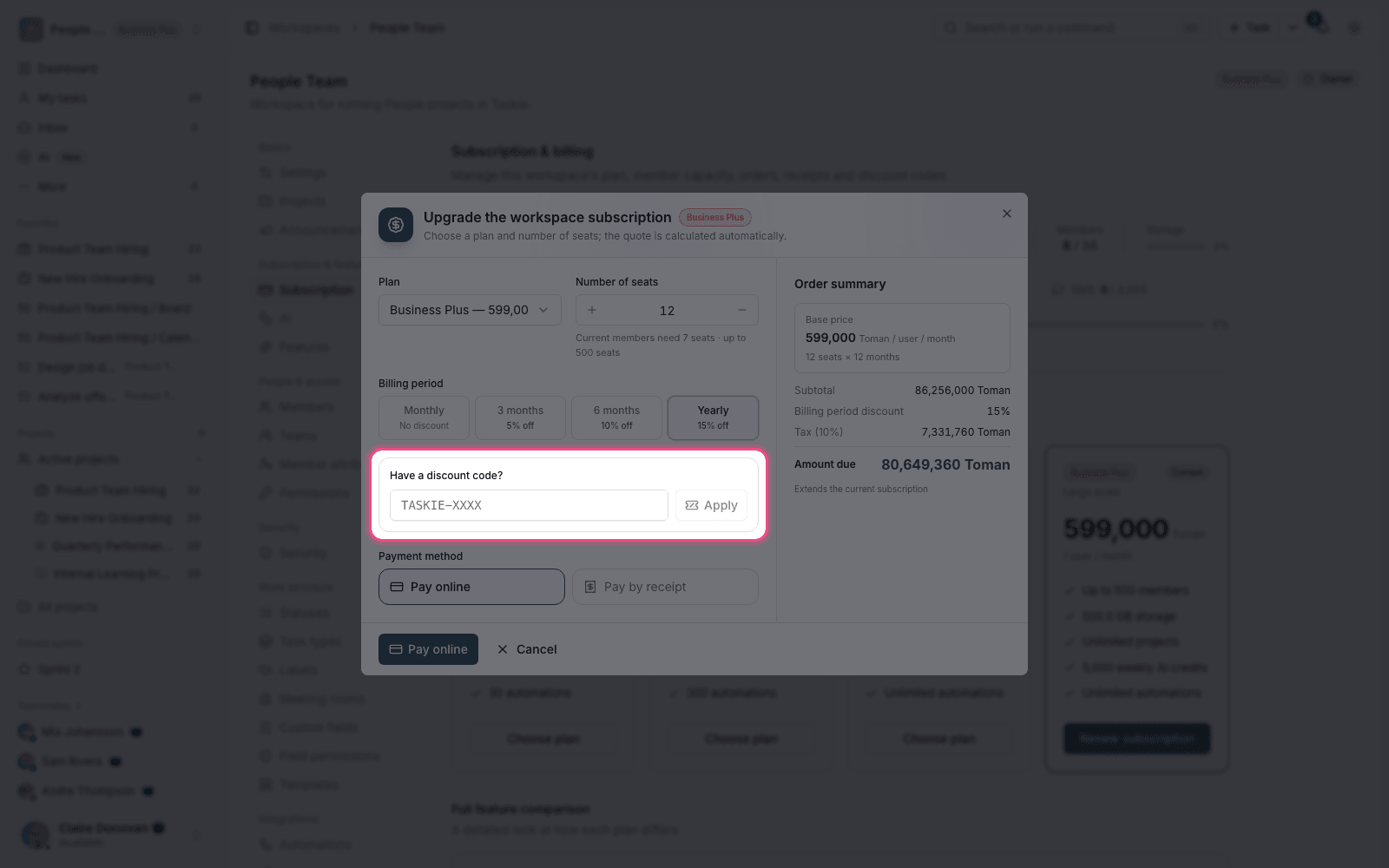
- Go to your workspace's subscription and billing section.
- Choose a plan and the number of seats so the quote is built.
- Enter the discount code in its box.
- The amount due updates immediately, and a Discount code line appears in the quote.
- If you entered the wrong code, remove it with Remove discount code and try again.
In addition to a discount code, a Billing period discount may also apply: when you choose a longer billing period, the price per month goes down. The two are combined in the quote.
Note: If a code isn't accepted, it has usually expired, reached its usage limit or isn't valid for the plan you chose. Discount code history shows which codes have already been applied to this workspace.
Your current plan's remaining credit
If you change your plan or number of seats in the middle of a subscription period, the money you paid for the rest of the current period isn't lost. That amount counts as remaining credit in the calculation.
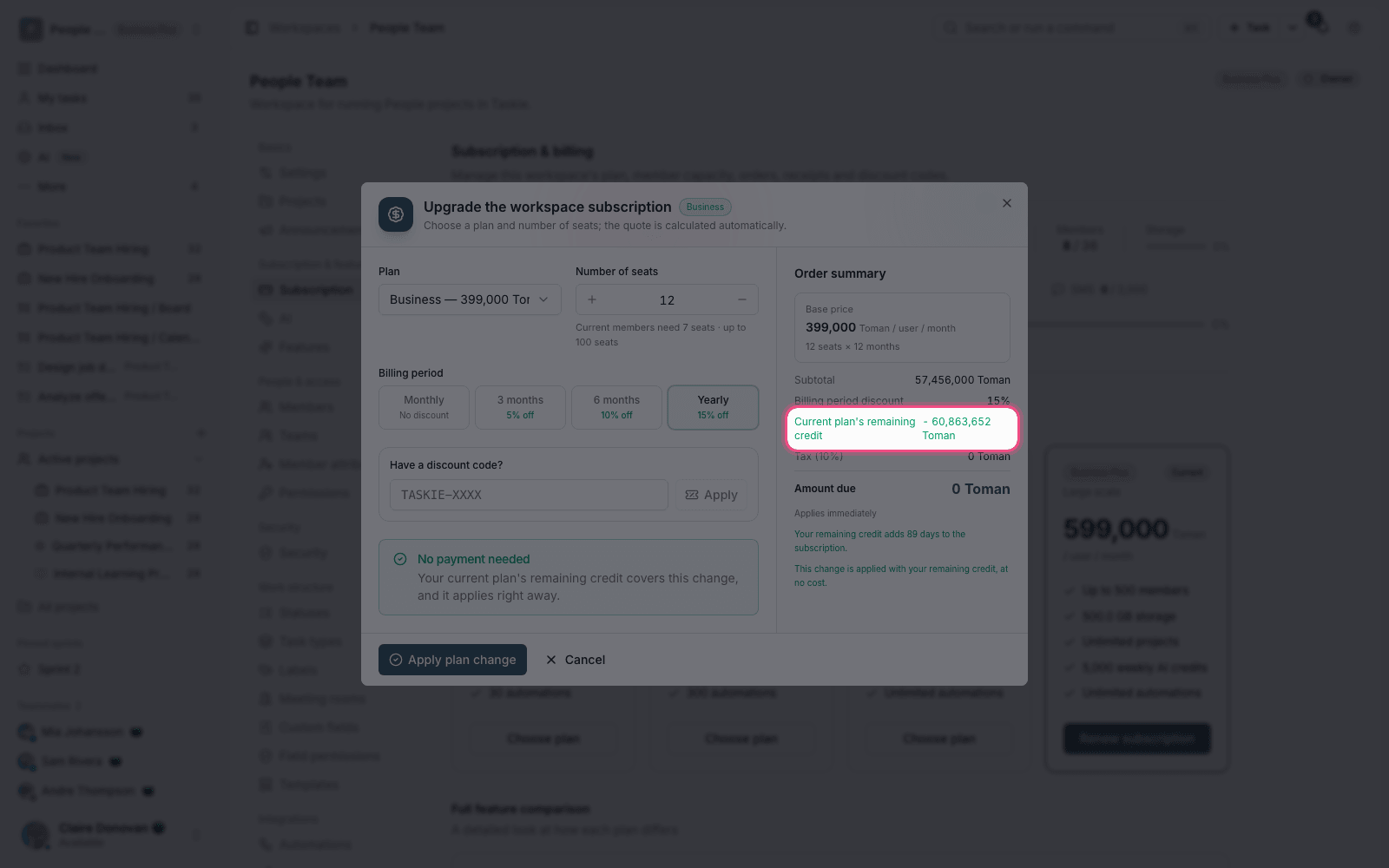
- Upgrading: you only pay the price difference, not the full price of the new plan.
- Adding member capacity: the difference is calculated based on the time left in the period.
- Changes with no payment: if your remaining credit is enough, the change is applied with No payment needed.
- Quote: all of these calculations are shown clearly before you pay.
A note on subscription scope
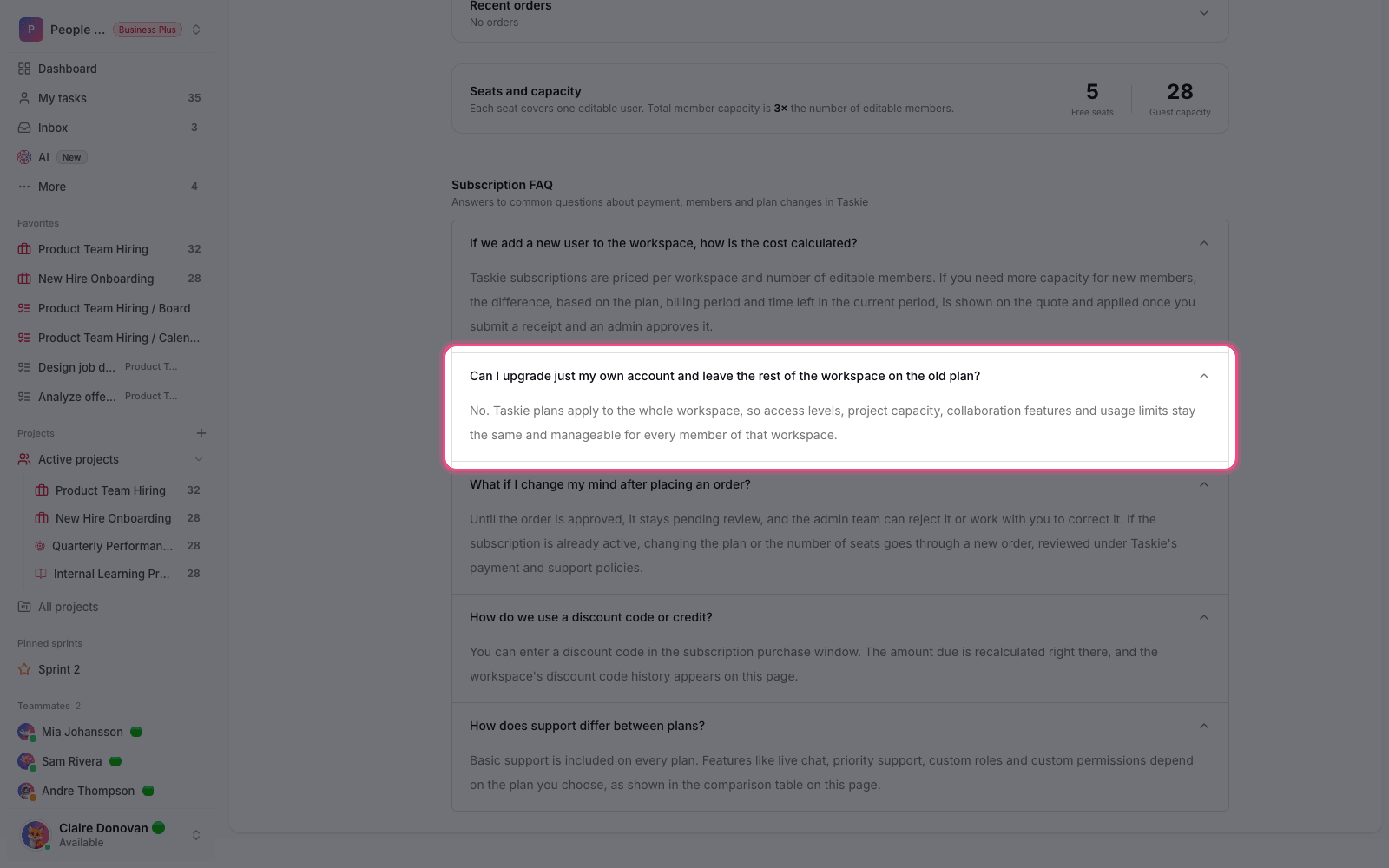
Plans are activated for the whole workspace, not for one user. This means you can't upgrade just your own account while other members stay on the previous plan; project limits, collaboration features and usage limits are the same for every member of that workspace.
What to check before you buy
The most common mistake when buying a subscription is choosing the wrong number of seats or billing period, not the discount code. A few quick checks before paying help you avoid extra costs:
- Count your current members and the members who'll be added in the coming months.
- Weigh the billing period against the period discount; a longer period usually works out cheaper.
- Compare the chosen plan's limits with your workspace's current usage.
- Read the quote in full; all discounts and credits are listed there.
- Keep your payment receipt; it's also available in the billing section.
To manage your subscription, see Managing your subscription and member capacity, and for the payment steps, see Payments and invoices.