
Core concepts: workspace, project, task and view
The mental model of work in Taskie: a simple, clear explanation of how workspaces, projects, tasks, views, documents and files relate.
Taskie is built on a few simple concepts. Once you understand how they relate, working with every other part of the app becomes clear. These concepts are like nested layers: the workspace is the top layer, projects live inside it, a task is the smallest unit of work, and a view is the angle you see your tasks from.
Alongside these, documents and files are where your team's knowledge and assets are kept. On this page we briefly explain each concept, and at the end we show how they all fit together into one coherent mental model, so you never get lost as you work.
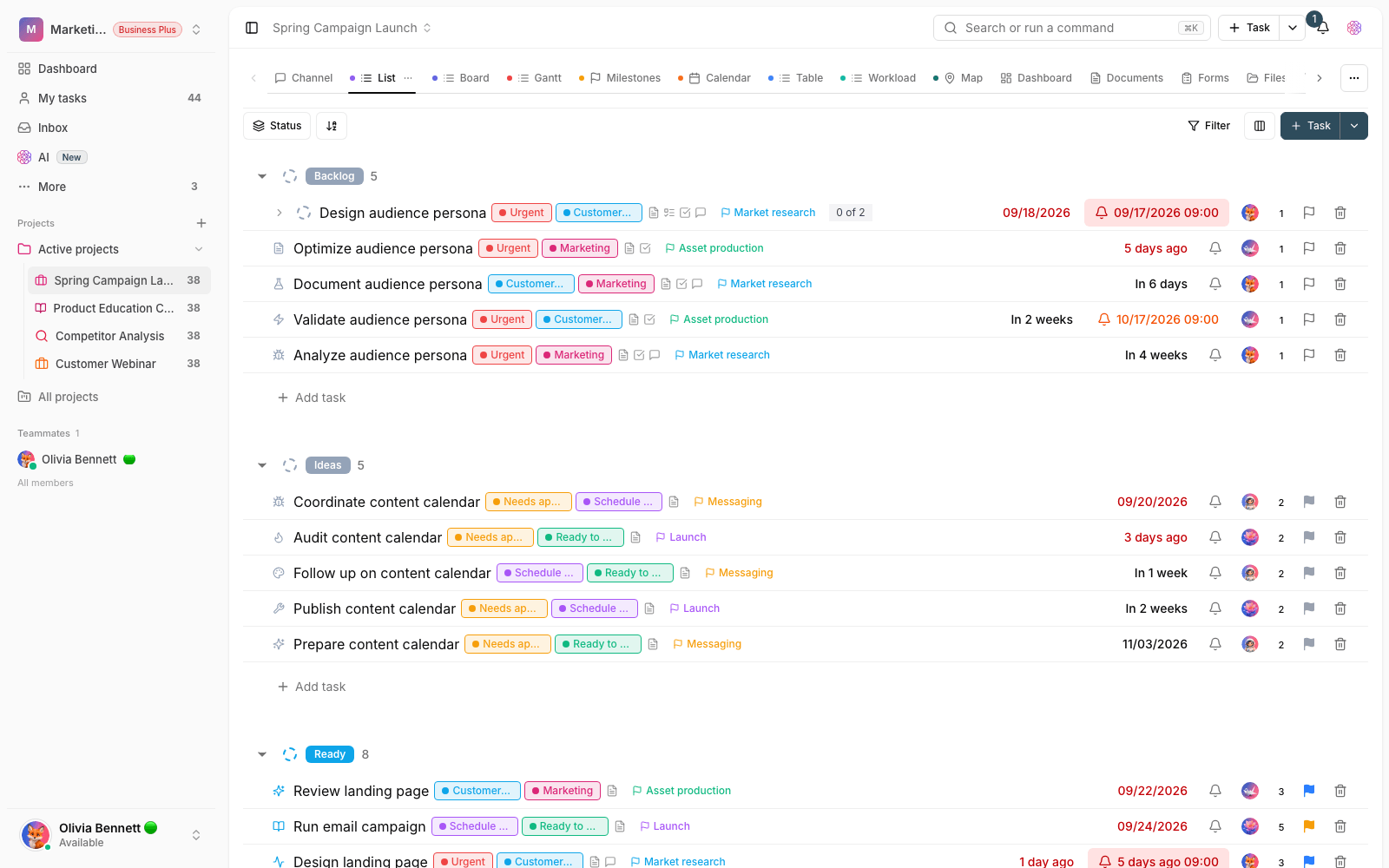
Workspace
The workspace is the outermost layer and your team's home base. Members, roles, projects, default statuses and task types, as well as the plan and subscription, all sit under a workspace. You can have more than one workspace. Usually each independent team or organization gets its own workspace so the boundaries stay clear.
Project
A project is the boundary of a specific workflow, such as a product, a campaign or the work of one department. Tasks always live inside a project, and each project can turn on a range of sections, from a dashboard, documents and files to forms, channels, sprints and a whiteboard. The Inbox is also a kind of personal project for quick tasks that don't belong to a specific project yet.
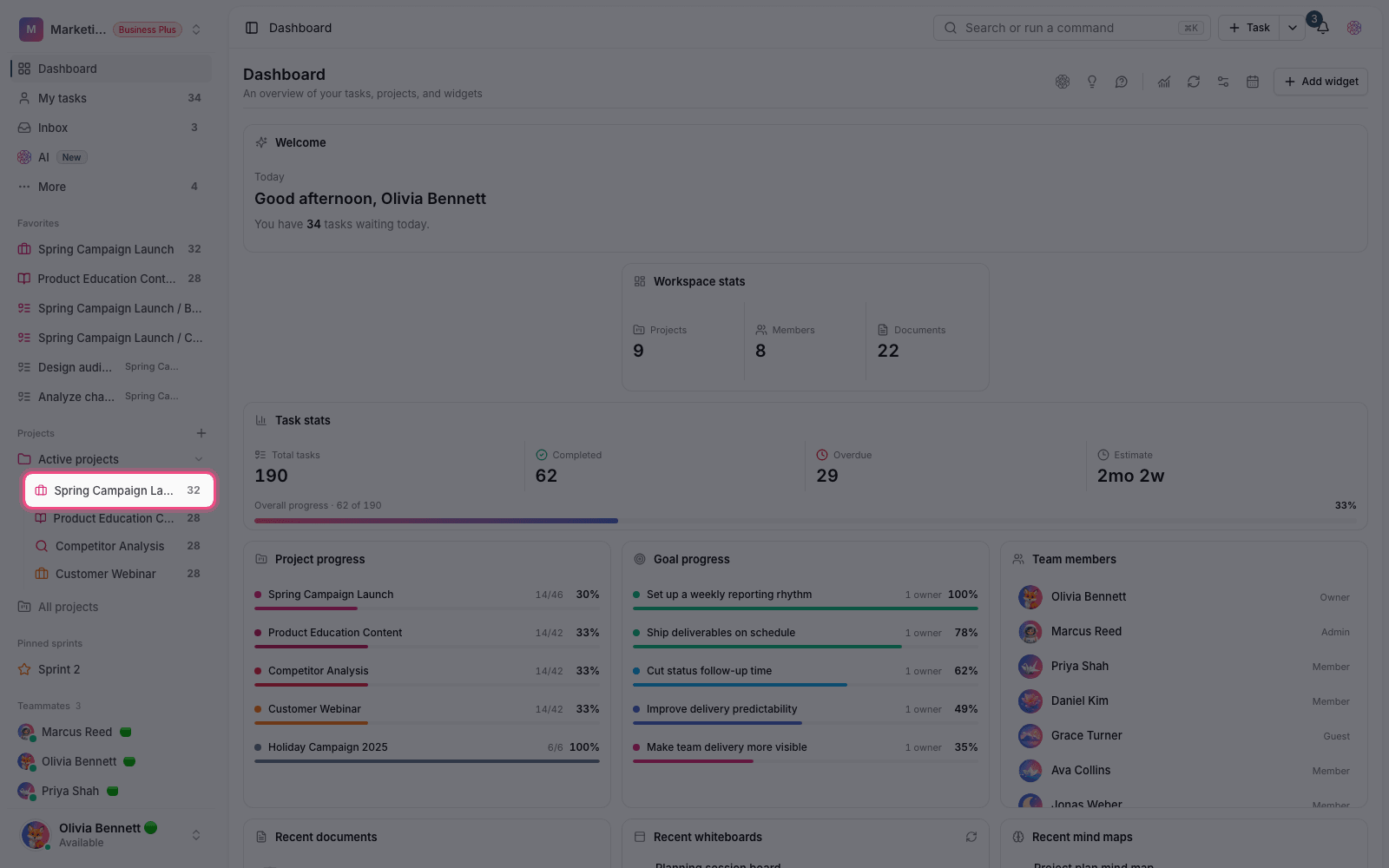
Task
A task is the smallest, most concrete unit of work: a specific piece of work that needs to be done and eventually closed. Each task can have an assignee, a date, a status, a priority, labels, subtasks, attachments, comments and logged time. These details are what make tracking possible and show everyone what needs to be done, by whom and by when.
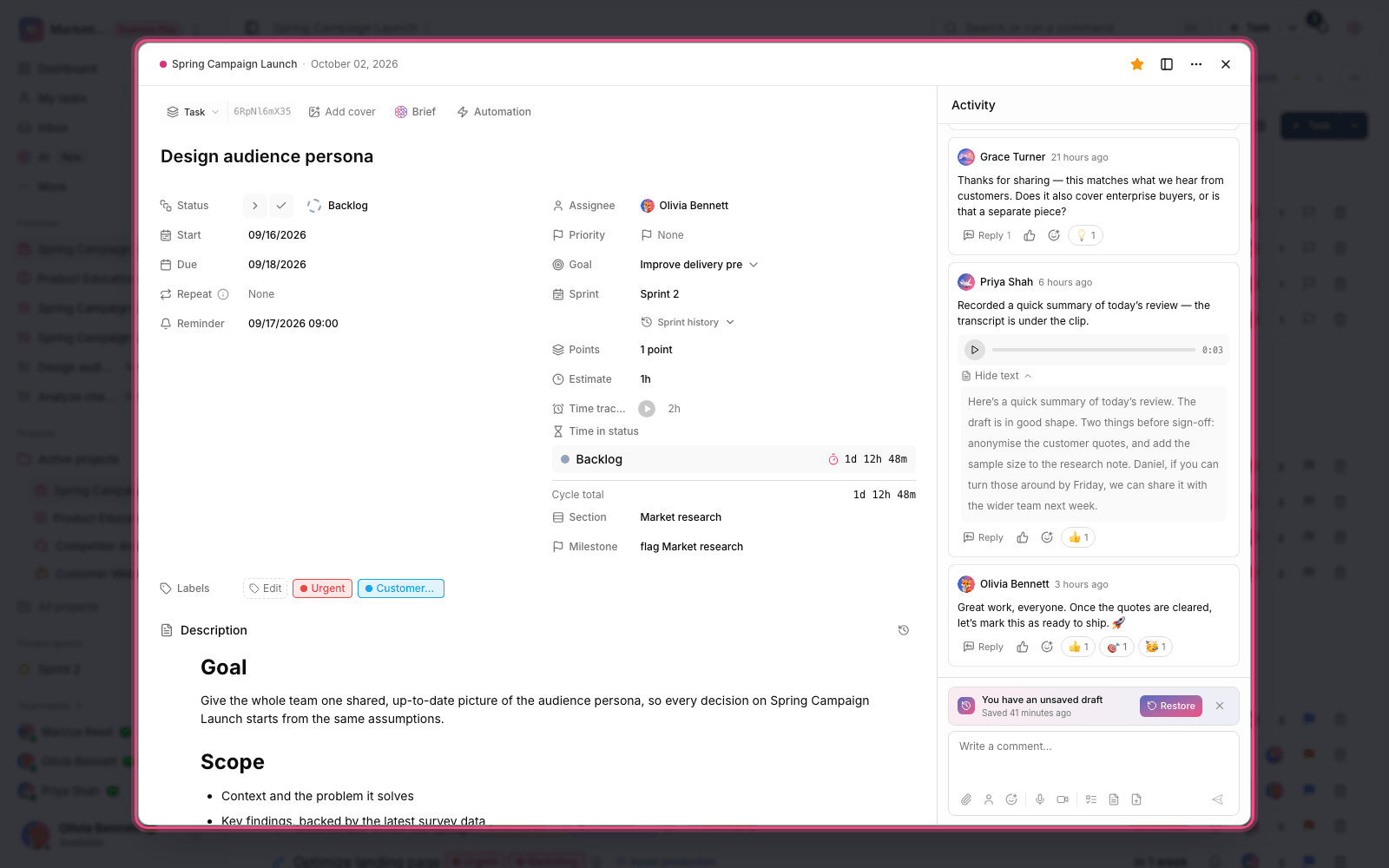
View
A view doesn't create new data; it's just the angle you see the same tasks from. Depending on what you need, you can see tasks as a list, board, calendar, Gantt chart or table. For example, a board is good for following statuses, calendar and Gantt are good for scheduling, and a list is good for a quick review. You can also create saved views with your own filters so you can get back to your favorite perspective quickly every time.
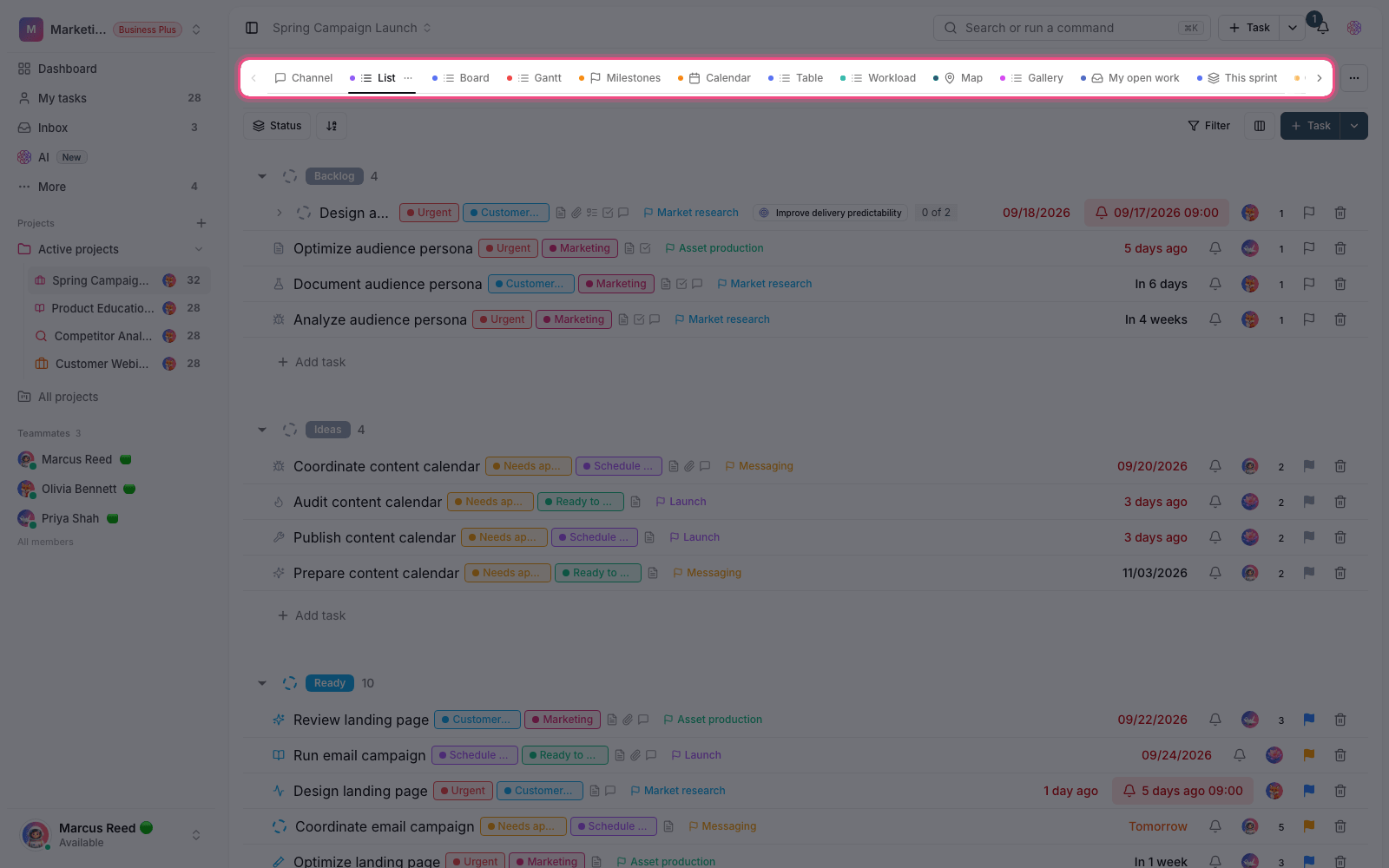
Documents and files
A document is a home for your team's lasting knowledge: decisions, guidelines and notes that shouldn't get lost in everyday conversations. In a document you can mention a user with @, a task with # and another document with [ so everything is linked together. Files are your assets and attachments, kept next to the work they relate to so they're always at hand.
How it all fits together
The best way to understand these concepts is to see them in a real workflow. Here's a simple top-down path:
- Create a workspace for your team.
- Inside it, create a project for a specific workflow.
- Turn the work in that workflow into clear tasks with an assignee and a date.
- Follow the tasks in the right view (list, board, calendar or Gantt).
- Write decisions and recurring knowledge in a project document, and keep files next to the work they belong to.
- The workspace is the overall container; real work always happens inside a project, as tasks.
- A view doesn't create new data; it just shows the same tasks from a different angle.
- The Inbox is a kind of personal project for tasks that don't belong to a specific project yet.
- A document is for lasting knowledge, and a task is for work that must be done and closed. Don't confuse the two.
A simple mental model: The workspace is your team's building, projects are its rooms, a task is work that needs to get done, a view is the window you look at the work through, and documents and files are your team's memory and storage.
If you haven't created a workspace yet, start with Create your first workspace. To find these sections quickly in Taskie, see Navigating the app and shortcuts.