
Welcome to Taskie
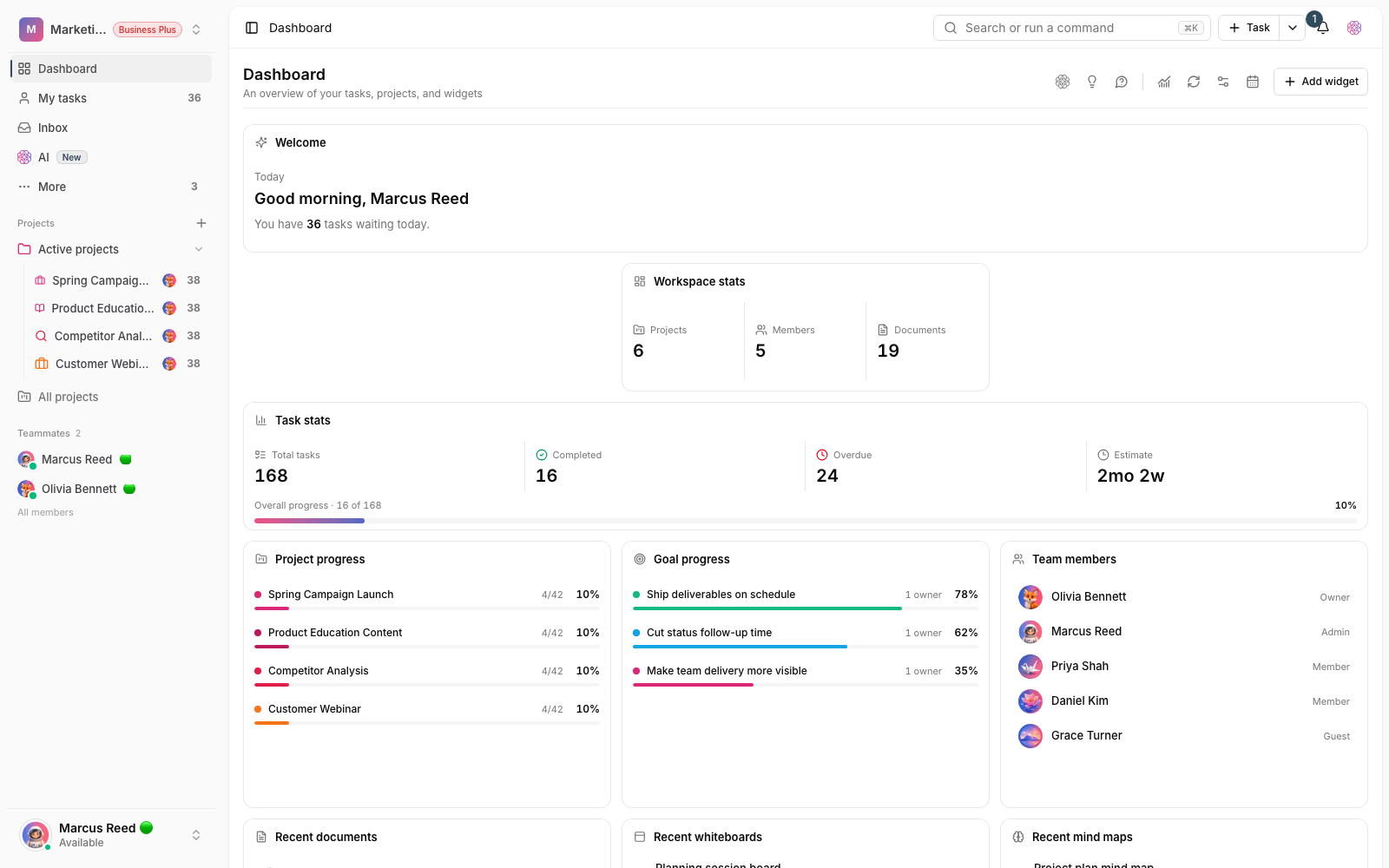
Taskie is an all-in-one workspace for project management, tasks, documents, files and team collaboration. This page shows you where to start.
Taskie is an all-in-one workspace for project management, tasks, documents and team collaboration, multilingual, with full support for both left-to-right and right-to-left languages. Planning, execution, tracking and your team's knowledge all live side by side in one place. Instead of work being scattered across chat apps, spreadsheets, email and people's memory, everything is organized into projects, tasks, documents and files, so every team member knows what needs to be done, by whom and by when.
This page gives you the big picture of Taskie in a few minutes and shows you where and how to begin. You don't need to turn on every feature from day one. It's better to start with one real workflow and adopt more parts of Taskie over time.
What problem does Taskie solve?
Most teams suffer from scattered information: decisions get lost in day-to-day conversations, responsibilities are unclear and follow-up depends on manual reminders. Taskie pulls all of that together. Every piece of work becomes a clear task with an assignee, a date and a status, every important decision stays in a project document, and every file is kept next to the work it belongs to.
Core concepts to know
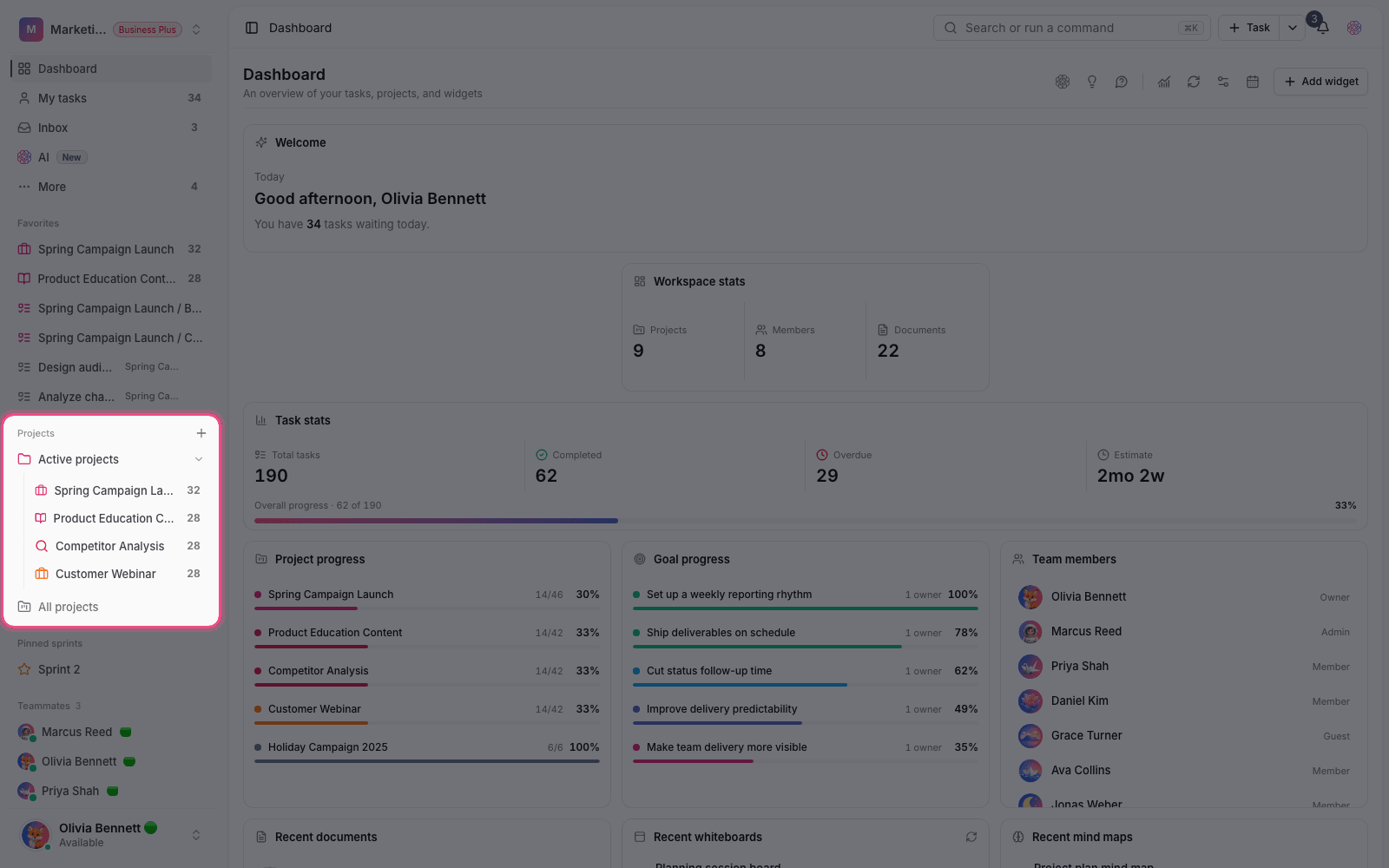
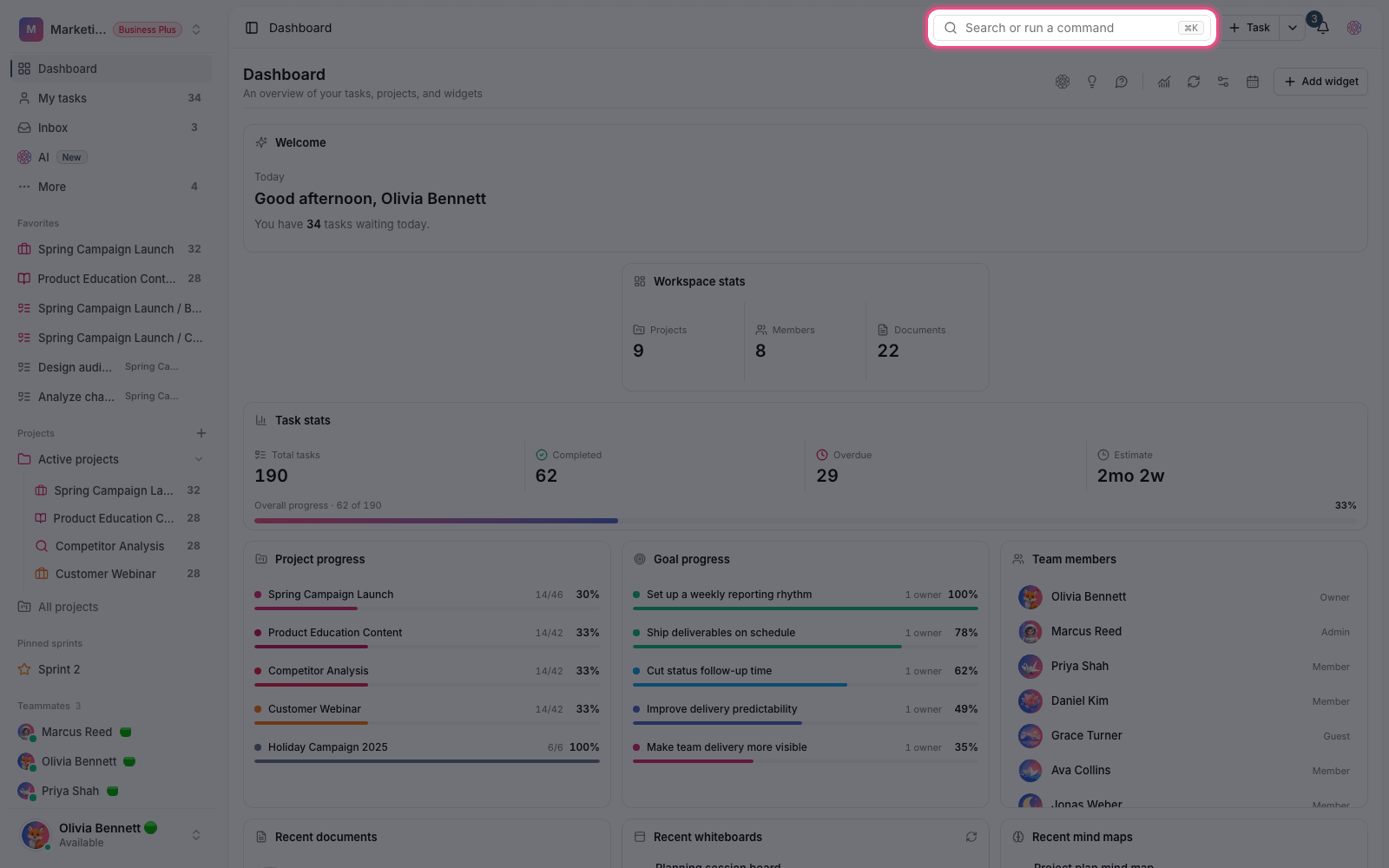
- Workspace: your team's home base, which holds members, projects, the subscription and permissions.
- Project: the boundary of a specific workflow, such as a product, a campaign or the work of one department.
- Task: the smallest unit of work, with an assignee, a date, a status and a description, whose progress you track.
- View: the angle you see your tasks from, from list and board to calendar, Gantt and table.
Where should you start?
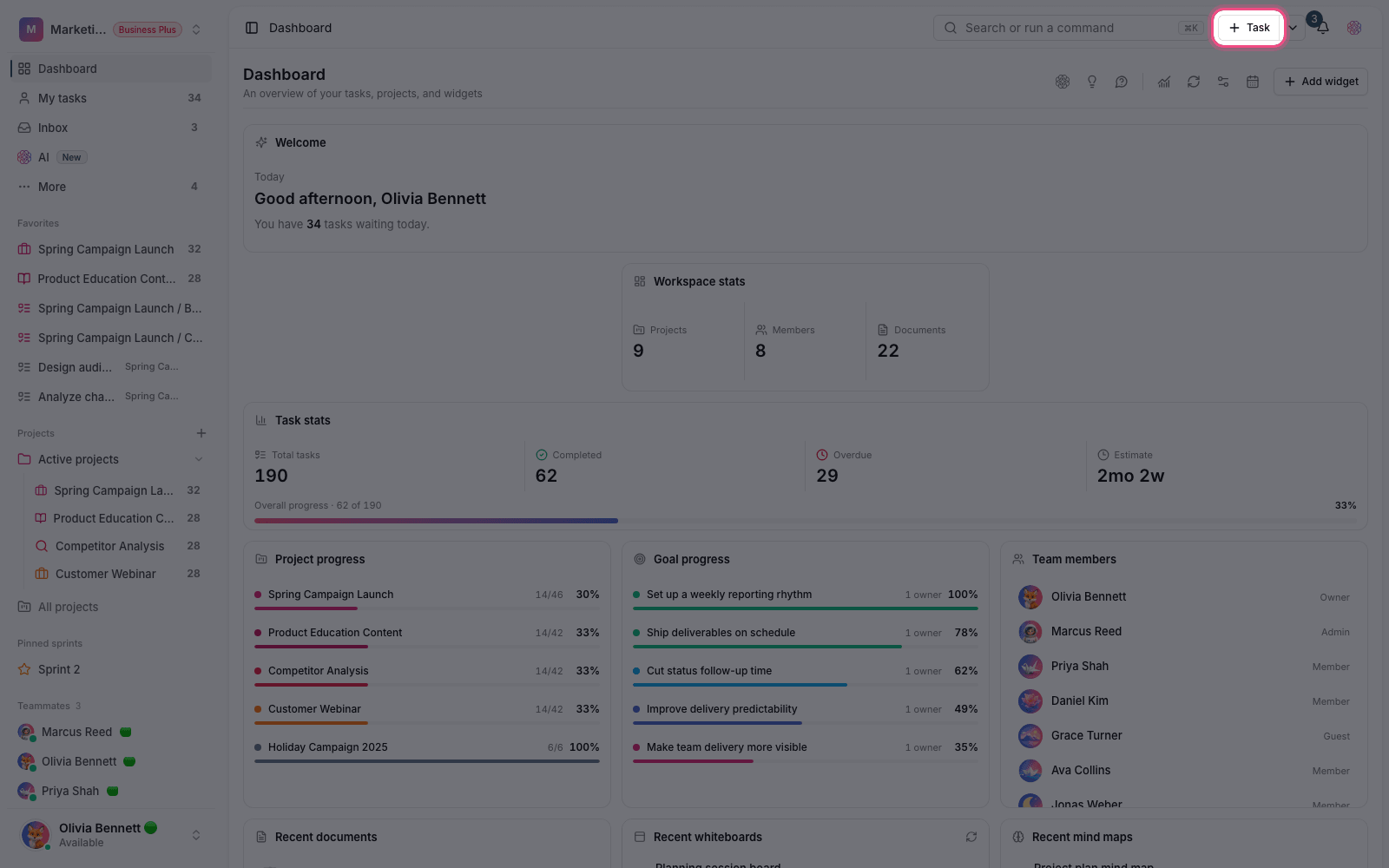
- Create a workspace with a recognizable name and give ownership to the person responsible for keeping the team organized.
- Create a small, real project and start with just a few simple statuses.
- Add a few day-to-day tasks with a clear title, an assignee and a date so the team sees the value in practice.
- Write decisions and recurring knowledge in a project document so they don't get lost in scattered conversations.
- After a few days, turn on views, files, forms or automations only when your team actually needs them.
A tip for new teams
From day one, agree on consistent terms for project, task, status and assignee, and make Taskie the main source for reviewing work in your weekly meeting. This simple habit keeps reports accurate and gives every member one source they can trust.
Tip: If your team has been working across scattered tools, don't move everything at once. First run one sample project cleanly and completely in Taskie, then expand from there.
As a next step, see Create an account and sign in and then Create your first workspace so your team's foundation in Taskie is set up correctly.
If you're just getting started, see The getting started path and setup wizard, and if you need help, see Support tickets.