
Starter view pack
The starter view pack creates several popular personal views in one click, and AI can also suggest custom views for you.
Building filtered views from scratch takes a little time, especially when you've just started a project. That's what the starter view pack is for: a set of popular views that Taskie has prepared in advance, which you add to the project in a single click. These views are created as personal views, which means they appear as tabs only for you.
Each ready-made view has a smart filter behind it. For example, My open tasks shows the tasks assigned to you that haven't been closed yet. Beyond this ready-made list, you can describe what you need in plain language and AI will build a custom view for you.
What's in the ready-made views?
When you add a view, the Ready-made views option opens a list of suggested views. The main views in this pack are:
- My open tasks: tasks assigned to you that haven't been completed or closed yet.
- Due this week: tasks that are due this week.
- Overdue: tasks that are past their due date and need immediate action.
- Unassigned: tasks that haven't been given to anyone yet.
- High priority: high and urgent priority tasks.
- Blocked by dependencies: tasks waiting for other tasks to be completed.
- Waiting for review: tasks in a review status.
Add ready-made views in one click
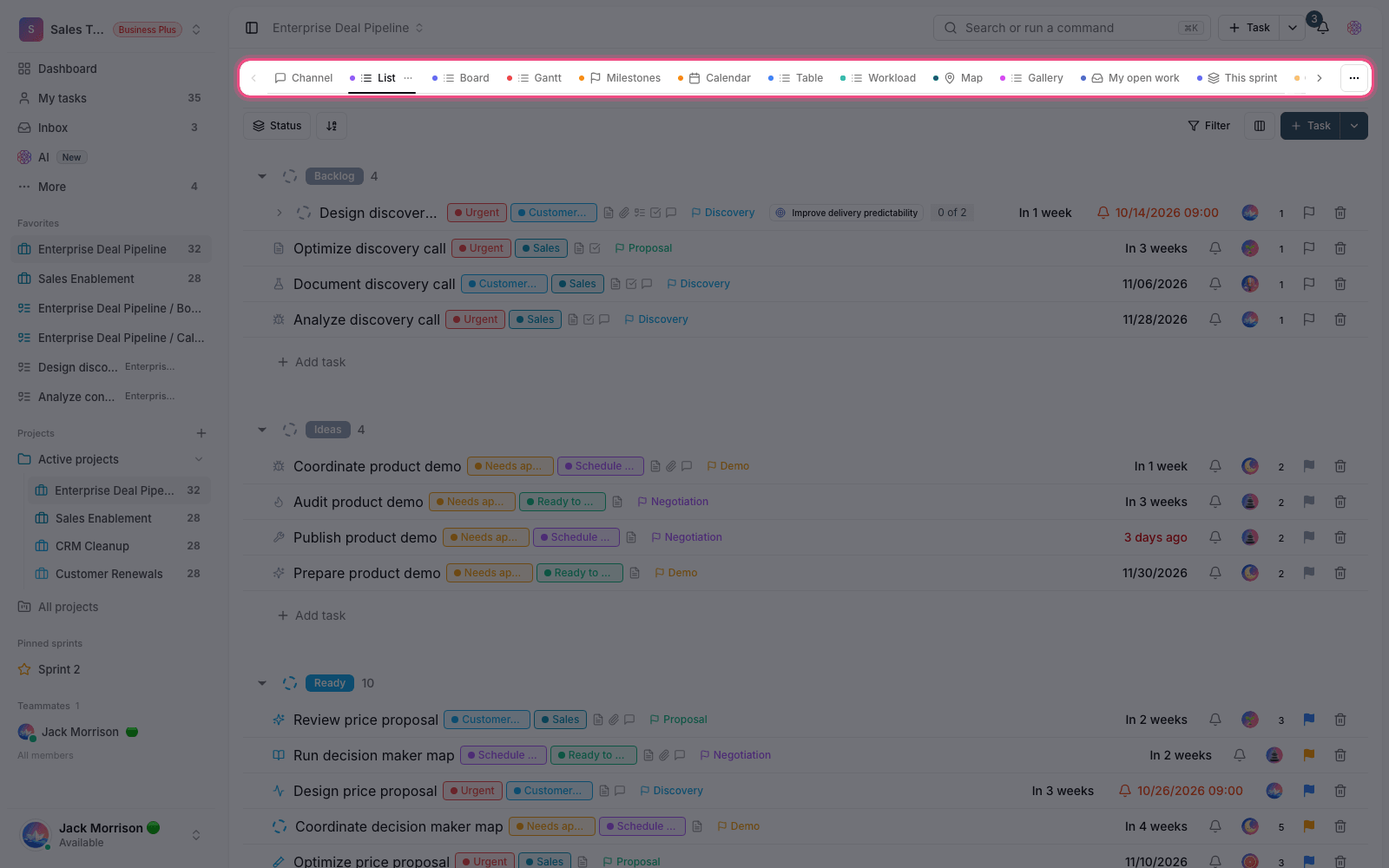
- In the project's top bar, click Add view, then Ready-made views.
- The list of suggested views opens with the views you can add already selected. Each one also shows how many tasks currently match it.
- Deselect the views you don't want, or use Select all to pick them all at once.
- Click the Create views button to create them all as new tabs.
- If a view with the same name already exists, it isn't created again, so you don't end up with duplicate tabs.
Some views are only available when their prerequisite is in place. For example, Waiting for review is created only if the project has a review status; otherwise it's shown with an Unavailable label.
Create a custom view with AI
If none of the ready-made views covers exactly what you need, use the Build with AI option. Just write what you need in plain language — for example, "High-priority tasks due this week that are assigned to me" — and several suggested views are generated along with their filters. You can then add any of them to the project in one click.
- You can start from ready-made examples such as Urgent work this week or Waiting for review.
- Each suggestion shows how many filter conditions it has, so you know how precise it is before you create it.
- This feature uses the workspace's weekly AI credits. If there aren't enough credits, you'll see a message saying so.
Tip: Ready-made views and AI suggestions are both created as personal filtered views, so you can edit their filters or names later like any other view.
To fine-tune the conditions of these views, read Smart views and nested filters, and to learn about the display layouts, check out Choose the right view.