
Task field permissions
Decide who can change each task field. Define it once at the workspace level and every project inherits it.
Not every task field carries the same weight. Changing the description is fine, but changing the delivery date or a budget field can shift a commitment. With task field permissions, you decide who can change each field.
This setting has two levels: the workspace level, which every project inherits, and the project level, which applies only to that project.
Restrict a field
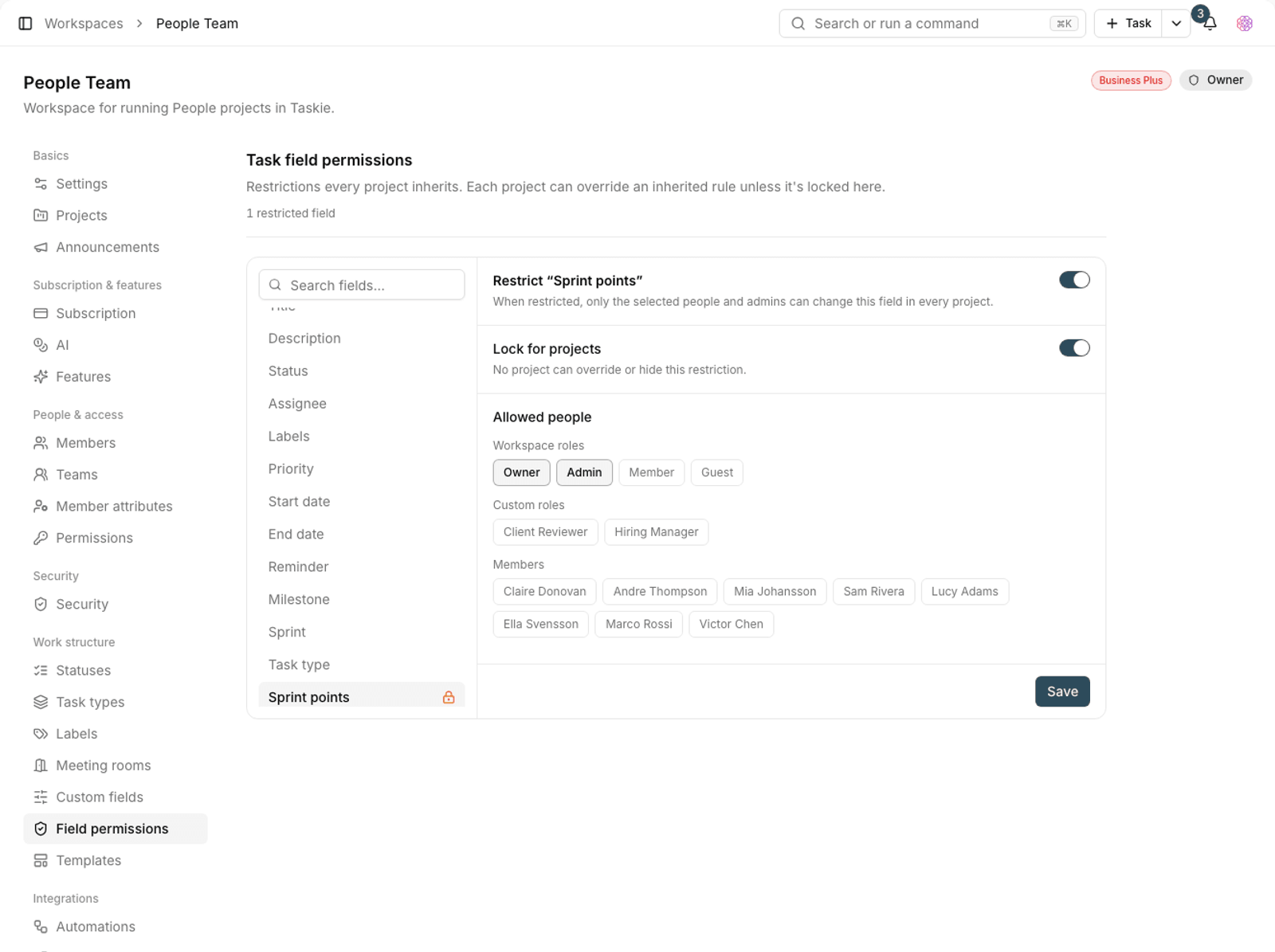
- In workspace settings, go to Task field permissions.
- Use the Search fields box to find and select the field you want.
- Turn on the Restrict option for that field.
- Under Allowed people, choose who's allowed to make changes. You can also choose by workspace role or custom role.
- Save.
Once a field is restricted, only the selected people and admins can change it, in every project. Other members can still see the field but can't edit it.
Inheritance and locking
Workspace-level restrictions are inherited by default: each project can override or hide an inherited rule. If you want to close that option, turn on Lock for projects. When it's on, no project can override the restriction.
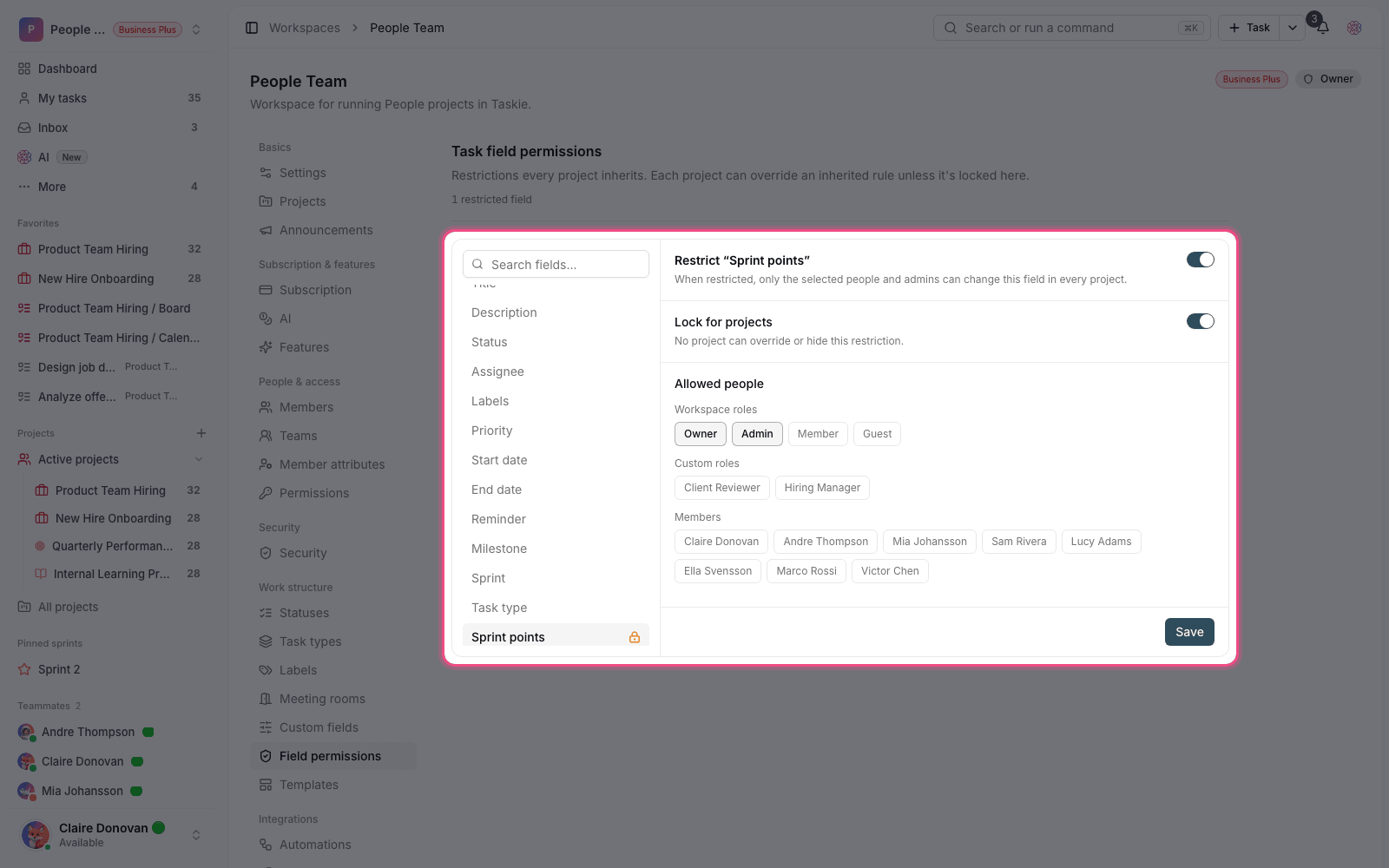
Recommendation: Only lock fields that are truly organizational policy, such as financial or compliance fields. If you lock everything, project managers will have to come to you for every small change.
Restrictions at the project level
If a restriction only makes sense for one project, define it in that project's settings instead of the workspace. When the inherited rule isn't locked, the project setting takes priority over the workspace setting.
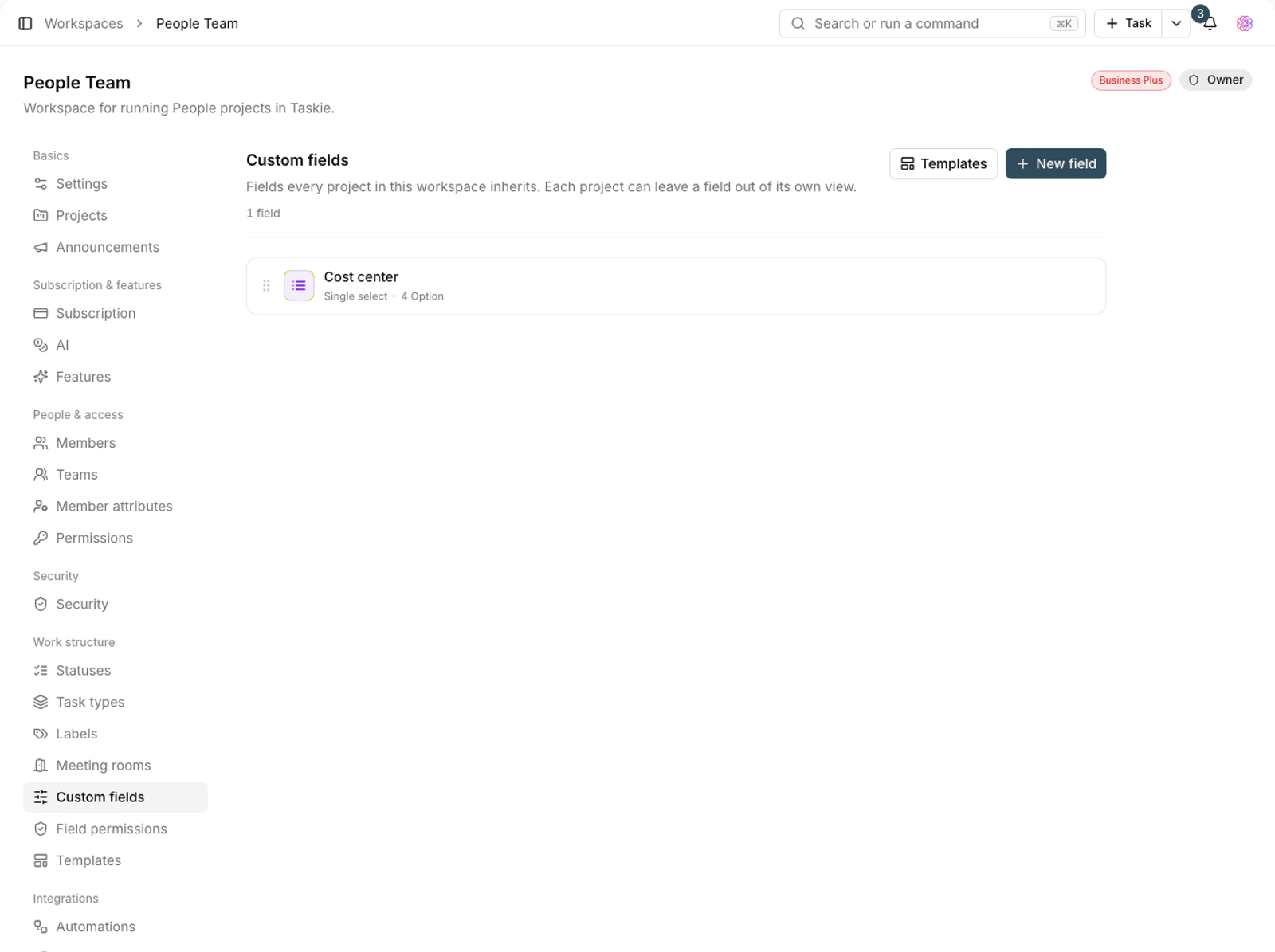
Plan required: Defining field restrictions once for every project is available on the Business and Business Plus plans.
Which fields to restrict
Restricting every field backfires: the team ends up waiting for every small change. Usually only a few fields really need control.
- Good to restrict: financial fields, delivery dates committed to a client, and compliance and audit fields.
- Usually shouldn't be restricted: description, labels, assignee and status, which are part of everyday work.
- Alternative: if your only concern is knowing when something changes, set up an automation that reports the change instead of restricting the field.
Review restrictions regularly
Field restrictions go stale over time: a field is removed, the team changes or a process evolves. Review the list of restricted fields every so often.
- Remove fields that are no longer used in projects from the restriction list.
- If Allowed people is limited to one person and that person has left, choose a replacement.
- If the team keeps asking to change a field, its restriction is probably unnecessary.
- Let the team know when restrictions change, so nobody gets stuck behind an unexpected lock.
To create the roles you use in Allowed people, see Custom roles and granular permissions, and to define the fields themselves, see Workspace-level work structure.