
Workspace-level work structure
Define custom fields, statuses, task types and workflows once for the whole workspace so every project inherits them.
When every project builds its own fields and statuses, reporting across projects becomes impossible after a few months. Workspace-level work structure solves this: you define things once and every project inherits them.
These settings live in workspace settings and cover four areas: custom fields, statuses, task types and workflows.
Shared custom fields
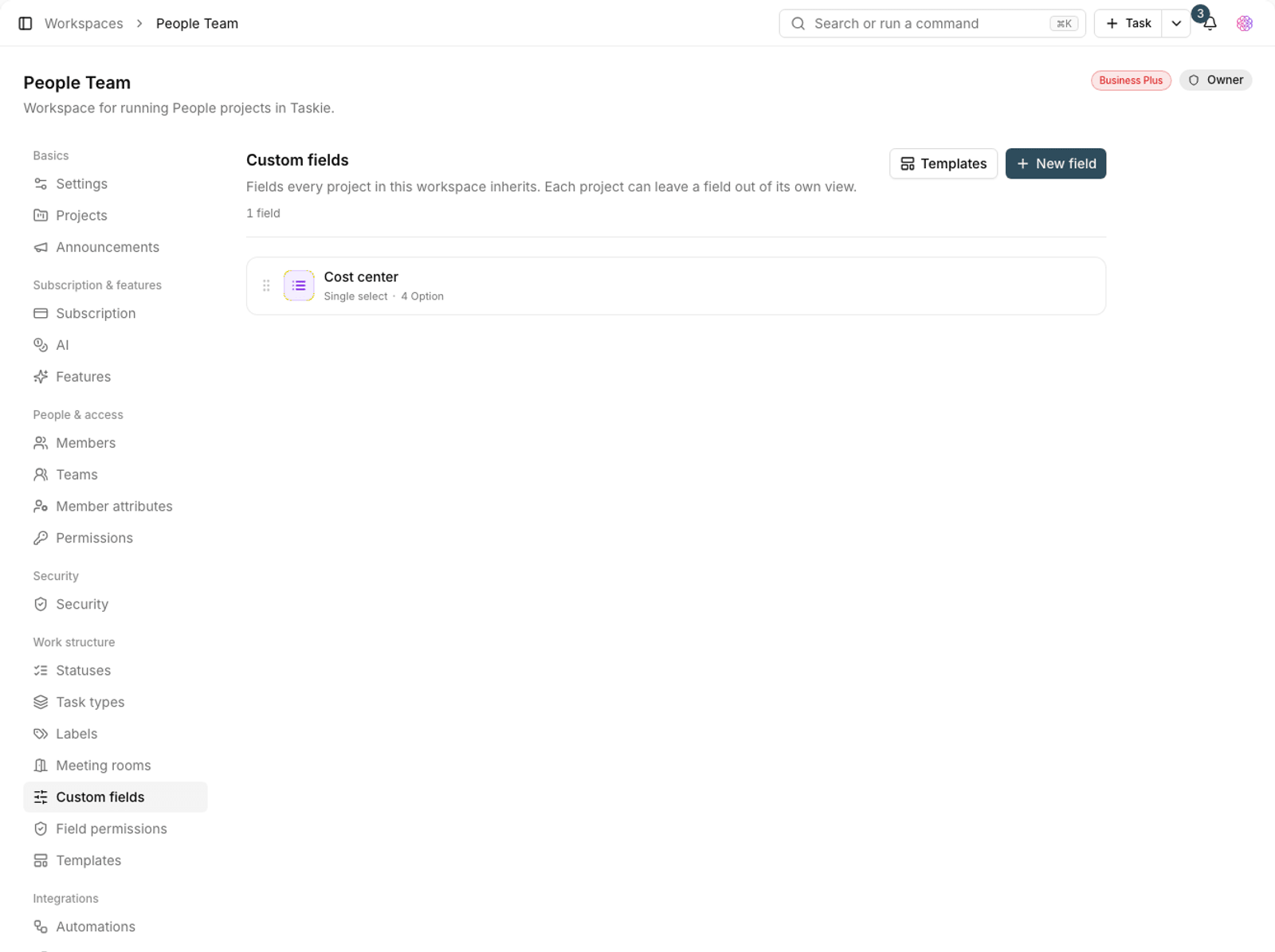
- Go to the workspace fields section and click Add field.
- Set the field's name, type and settings.
- Save. The field will be available in every project in the workspace.
- To get started faster, you can use ready-made field templates and add a whole set at once.
Note: Deleting a workspace field removes it from every project in the workspace, and the values recorded in it are lost. Before you delete one, make sure nothing depends on it.
Shared workflow
The workspace workflow decides which statuses a task can move to from each status. Open the Workflow builder to build it visually.
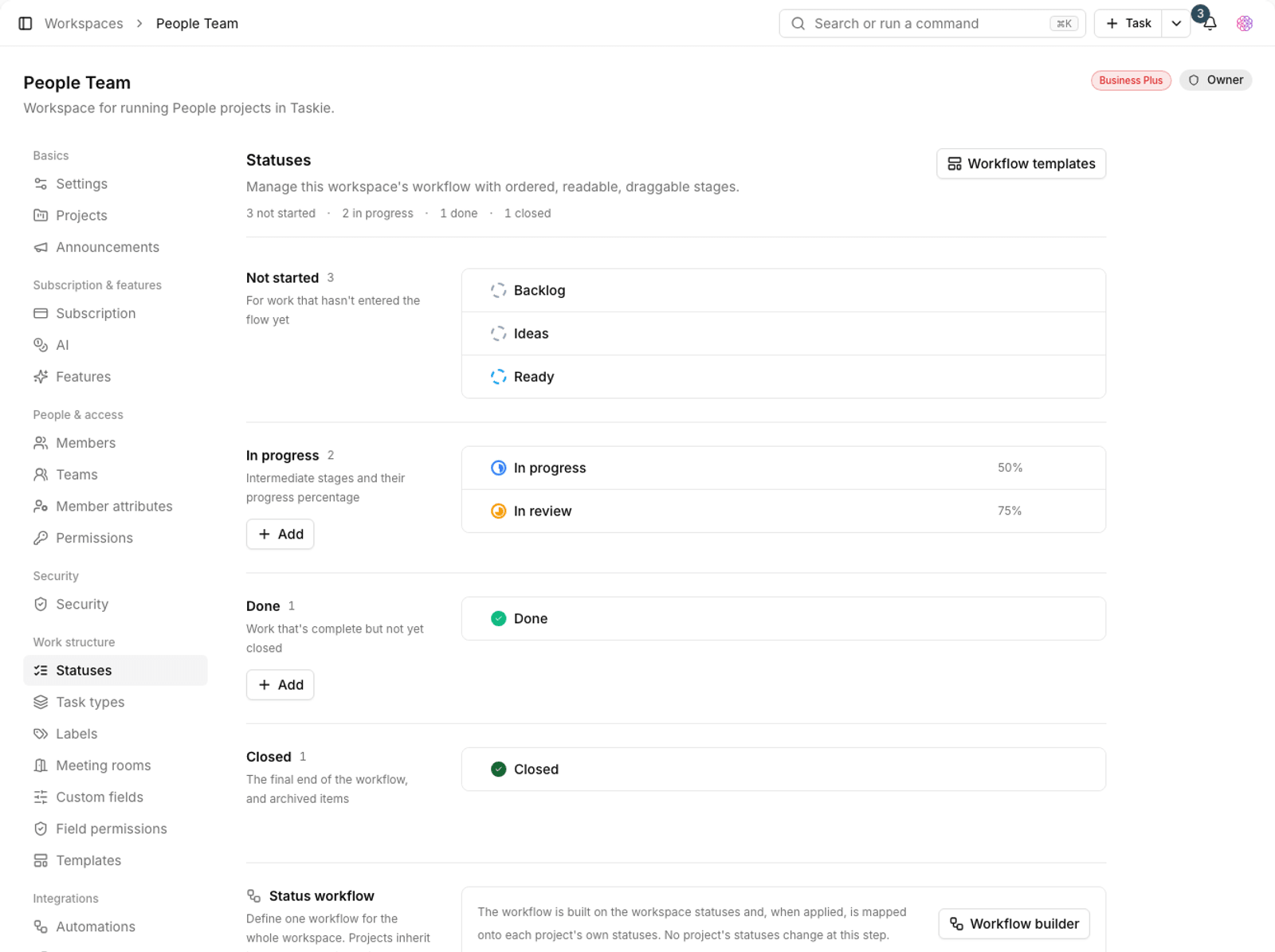
The key point is that the workspace workflow is translated to each project's own statuses, so all projects don't need identical statuses. Projects inherit this workflow unless they build their own.
Task types and IDs
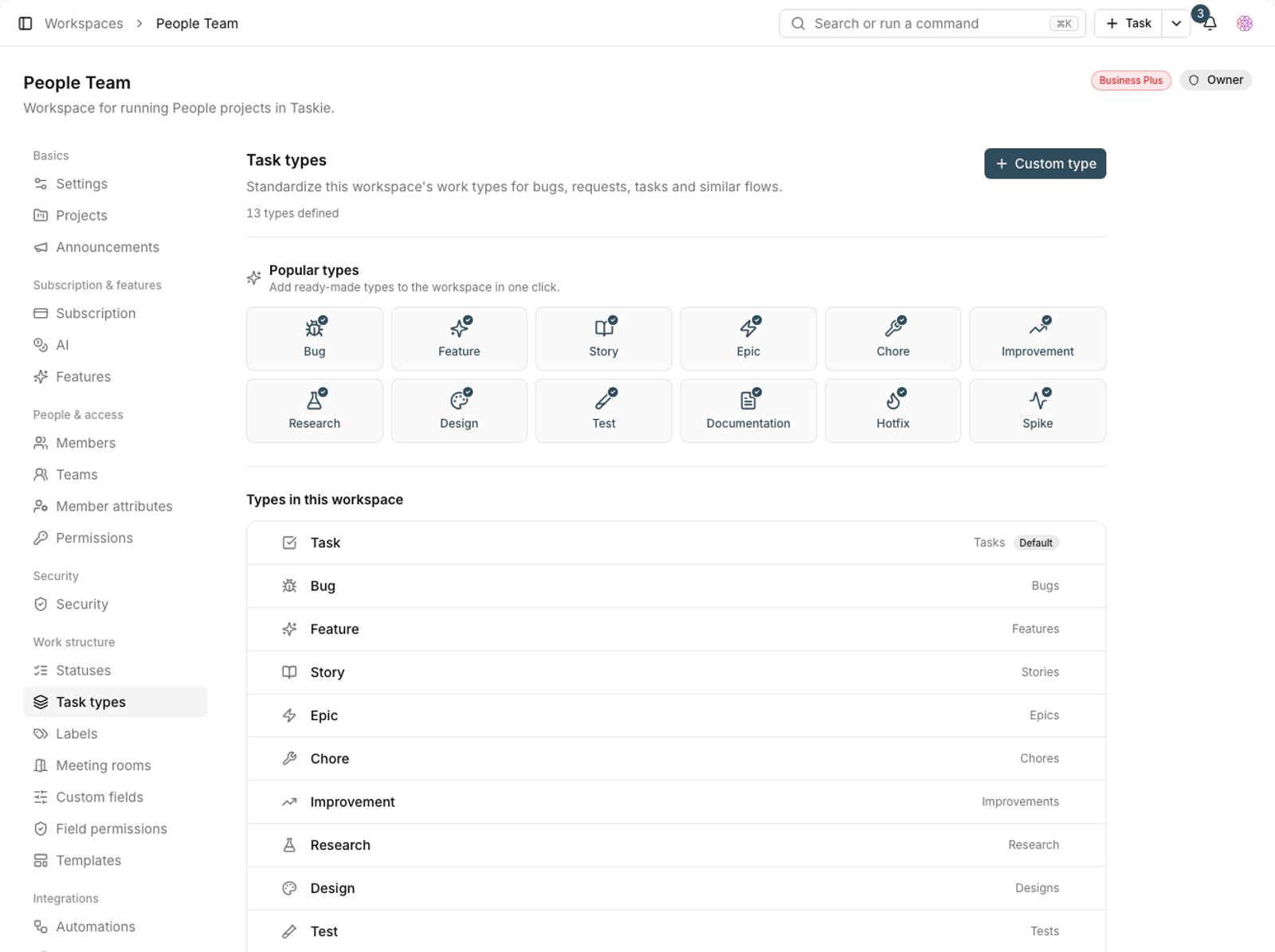
- Task types: define shared types once so they're available in every project.
- Custom IDs: you can allow custom IDs for new projects and define any prefix you like in Latin letters.
- Subtask depth: set the maximum depth allowed for the subtask hierarchy.
- Subtask rollup: add up the time estimates of direct subtasks on the parent.
- Parent dates: keep the parent task's dates in sync when its children change.
Turn features on and off
In this same section, you can turn some features on or off for the whole workspace, for example whether members can log time on tasks, react to comments with emoji, or use approvals and sign-offs.
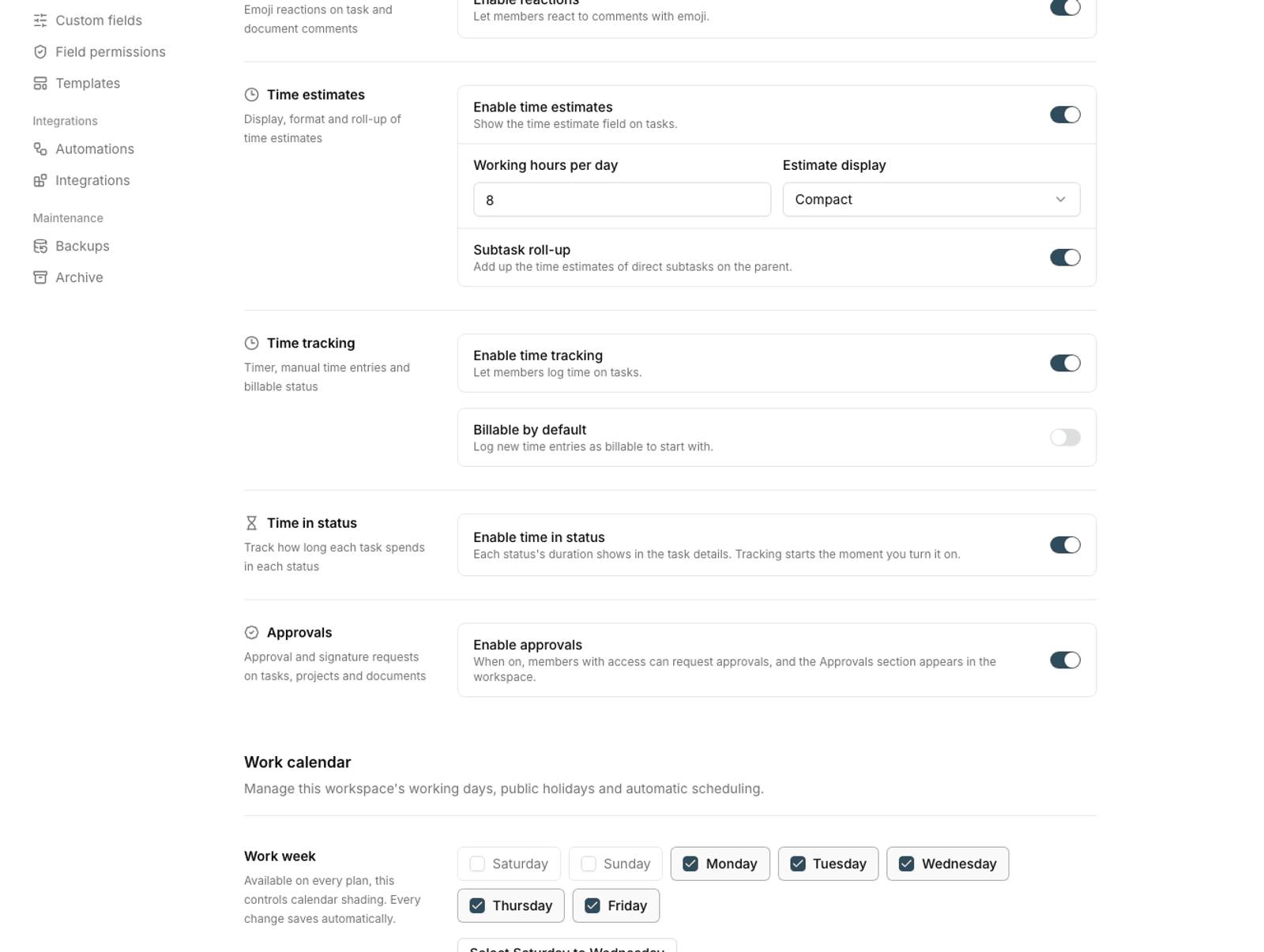
Note: These toggles can only turn a feature off; they can't get around plan limits. If a feature isn't available on your current plan, it won't work even when its toggle is on.
Plan required: Defining fields and workflows once for every project is available on the Business and Business Plus plans.
To build a workflow for a single project, see Status workflow builder, and to limit field editing, see Task field permissions.