
Teams in a workspace
Group members into teams to make assigning work, managing access and mapping SCIM groups easier.
Once you have more than a handful of members, referring to "the engineering team" is easier than naming seven people. Teams group workspace members so assigning work and managing access gets simpler.
You manage teams in workspace settings, in the Teams section. Keep in mind that a team is a group of people, not a project. Being on a team doesn't give anyone access to a project by itself.
Create a team and add members
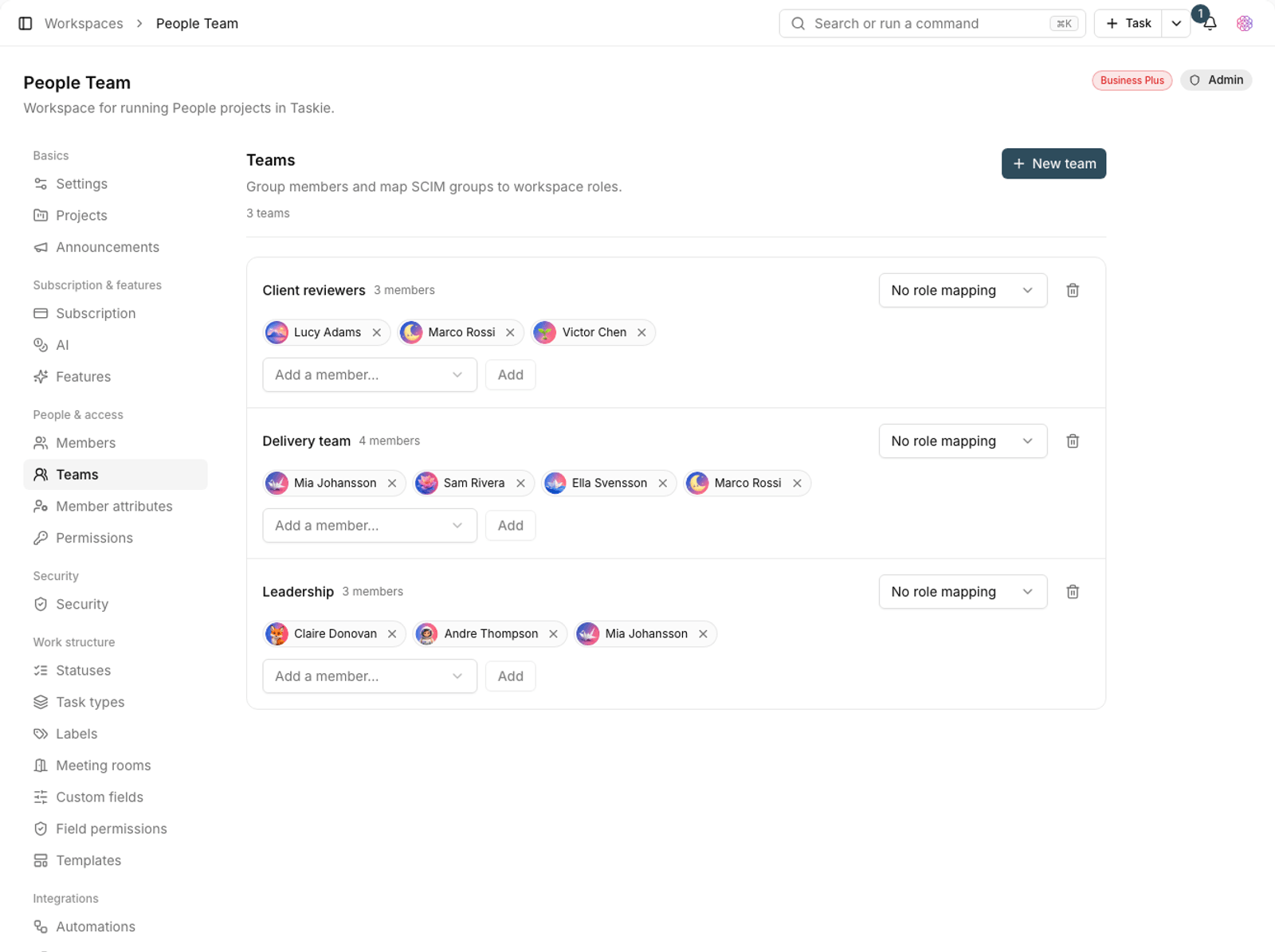
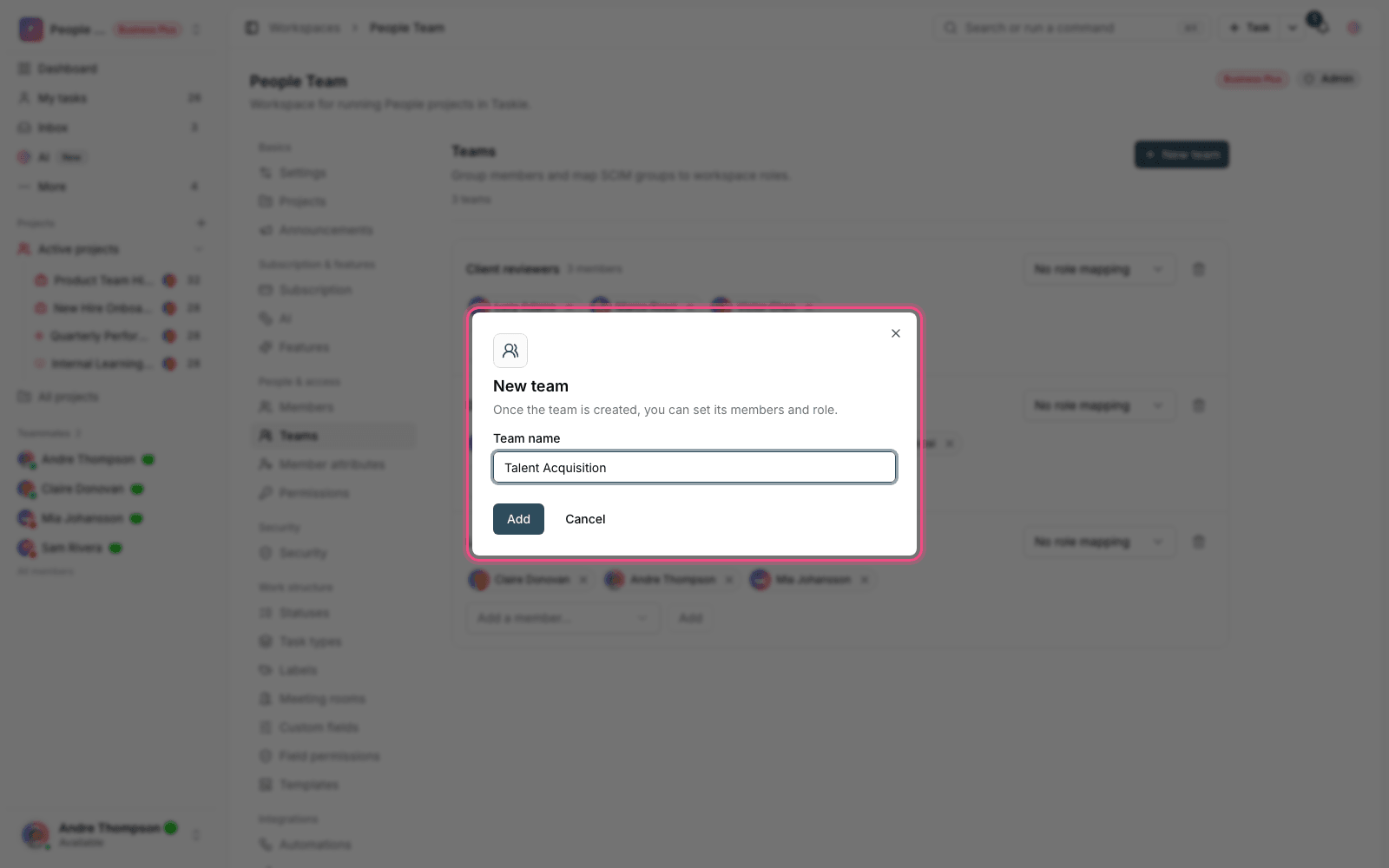
- In workspace settings, go to the Teams section.
- Click New team and give it a name, such as "Engineering".
- Use Add member to add workspace members to the team.
- Set a team role for each member.
- If you haven't created any teams yet, you'll see the message "No teams yet."
Roles within a team
- Admin: can add and remove team members.
- Member: a regular team member.
- Guest: limited access, for outside collaborators.
- No role: on the team, but with no specific role set.
Mapping SCIM groups
If your workspace is provisioned through SCIM from an organizational identity tool, SCIM groups are mapped to Taskie teams. For each team, you can choose which workspace role membership in it translates to. If you don't choose one, the team stays marked No role mapping.
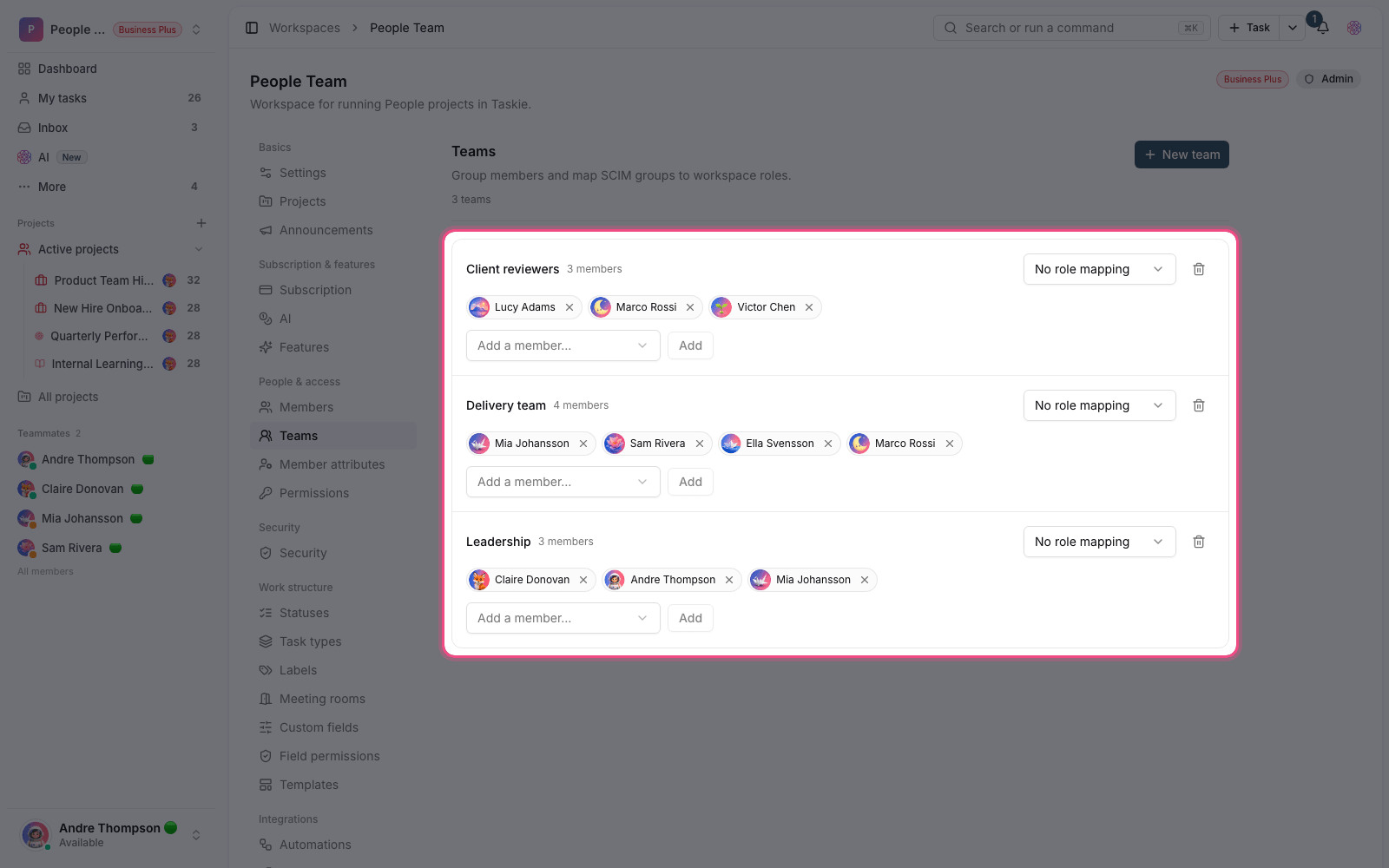
Note: Teams that come from SCIM are marked with a Managed by SCIM label. Don't change these teams' membership manually in Taskie; it will be overwritten at the next sync. Make the change in the identity tool itself.
Delete a team
Deleting a team doesn't remove its members from the workspace; only the grouping goes away. If the team is managed by SCIM, deleting it in Taskie isn't the right fix. Delete the group in your identity tool instead.
Plan required: Teams are available on regular plans, but automatic provisioning of members and groups with SCIM is only available on the Business Plus plan.
Teams, roles and project access
These three concepts are similar, and mixing them up causes confusion. Telling them apart is simple:
- Team: a group of people, for organizing members and mapping identity groups.
- Workspace role: decides what each member is allowed to do across the whole workspace.
- Project access: decides who can see and work in which project.
- Being on a team doesn't give project access by itself. Set access in the project itself or through roles.
To manage access, see Custom roles and granular permissions, and for automatic user provisioning, see Automatic user provisioning with SCIM.