
01 Data
Secure hosting for your data
Encrypted connections, fine-grained roles and permissions, and your work is always yours to export.
Save money. Tasks, docs, chat and forms in one subscription.
Save time. The whole team together, with full context.
Endless productivity. A multilingual AI assistant, plus automations.
Works with your team's tools
 GitHub
 GitLab
 Discord
 ChatGPT
 Claude
 VS Code
Built for teams in every language — not translated as an afterthought.
01 Data
Encrypted connections, fine-grained roles and permissions, and your work is always yours to export.
02 Payment
Secure online payment with an official invoice; start free and upgrade only when you need to.
See pricing03 Language and calendar
Your calendar system and date format, the week starting on the day you choose, and a complete LTR or RTL interface — not a half-done translation.
Views and calendar04 AI
The assistant reads and writes your team's language, from meeting notes to weekly reports.
What the assistant can doOne subscription instead of many tools
32 connected capabilities that replace scattered subscriptions — one language, one set of permissions, one bill.
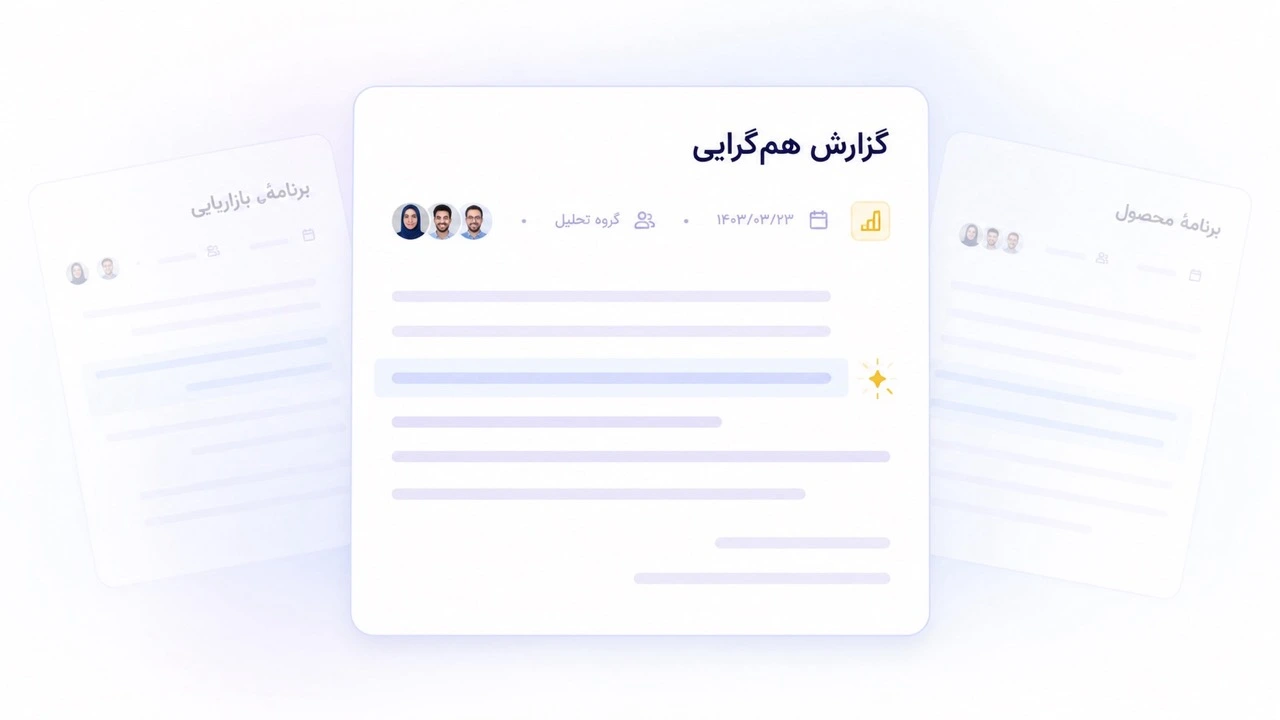
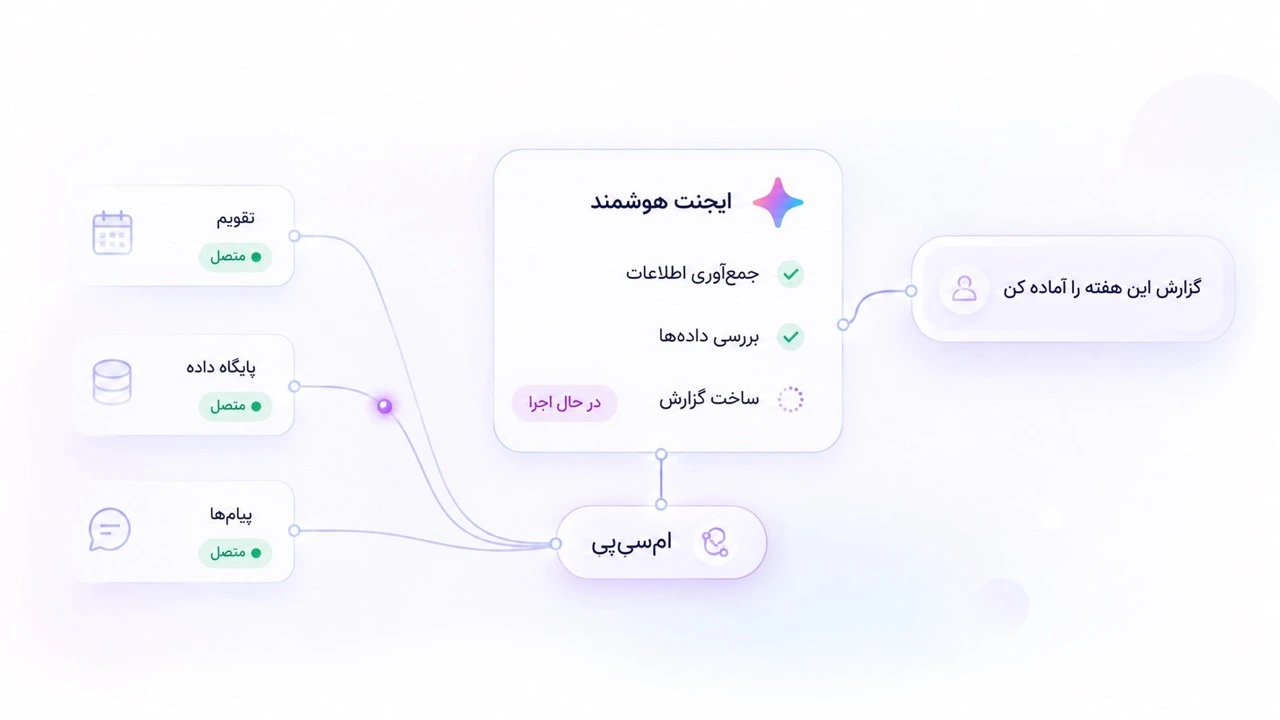
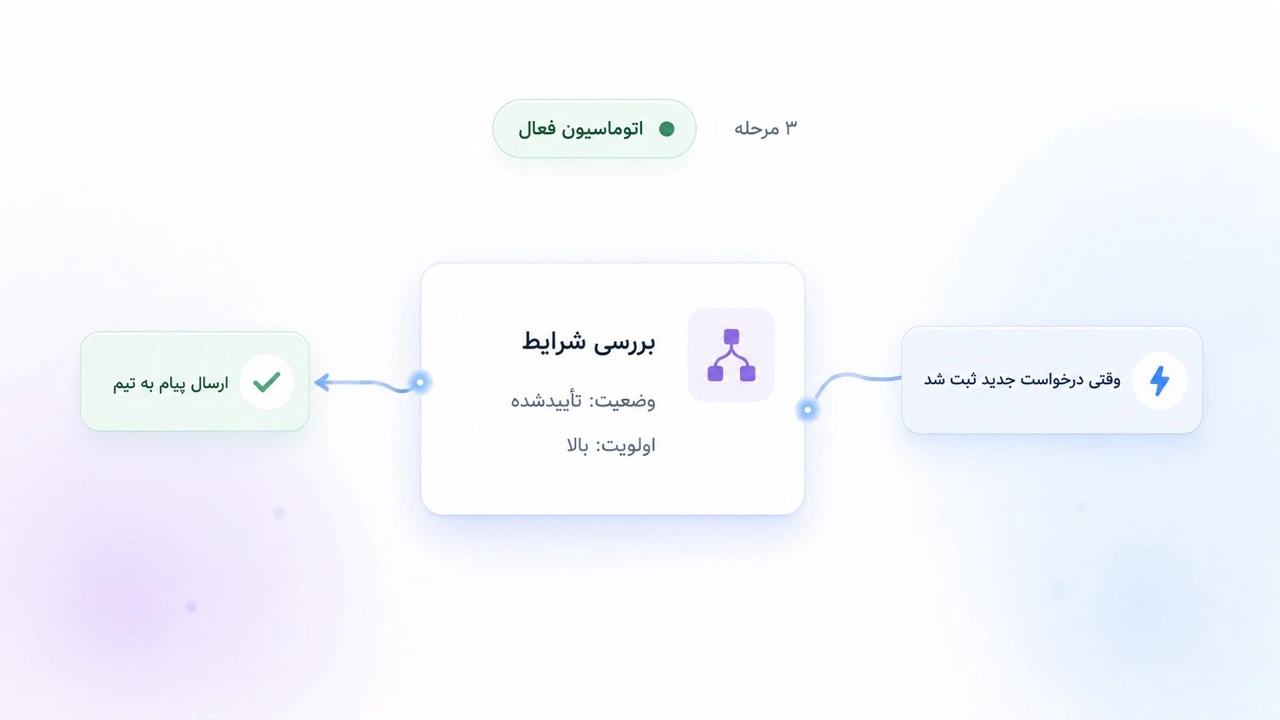
It's already connected to your team, tools and tasks — not a chatbot off to the side.
Memory and preferences
It remembers your tone, report format and team habits, and gets more precise every time you use it.
Your preference
“Short reports, in a table”
Full context
It sees the project's tasks, docs and conversations; it knows where things stand and what's stuck.
“What's waiting on me this week?”
Website redesign · 3 tasks waiting on you
Multilingual
Your team's terms, your calendar and date format, a formal or casual tone — in your team's language, never a clumsy translation.
Write this week's report in English
Use my calendar for dates ✓
Keep the tone formal
Tools and MCP
Through MCP it connects to other services and moves the work forward where it lives — instead of just talking about it.
Plan mode and approval
You see the plan before any change. Everything it does can be undone, and it never steps outside your permissions.
Proposed plan
Waiting for your approval
A shared team assistant
Build custom agents for each team; knowledge one person builds is there for everyone.
The only AI that truly knows your work
Get started with the assistantYour team's core workflow, with help from Taskie's assistant.
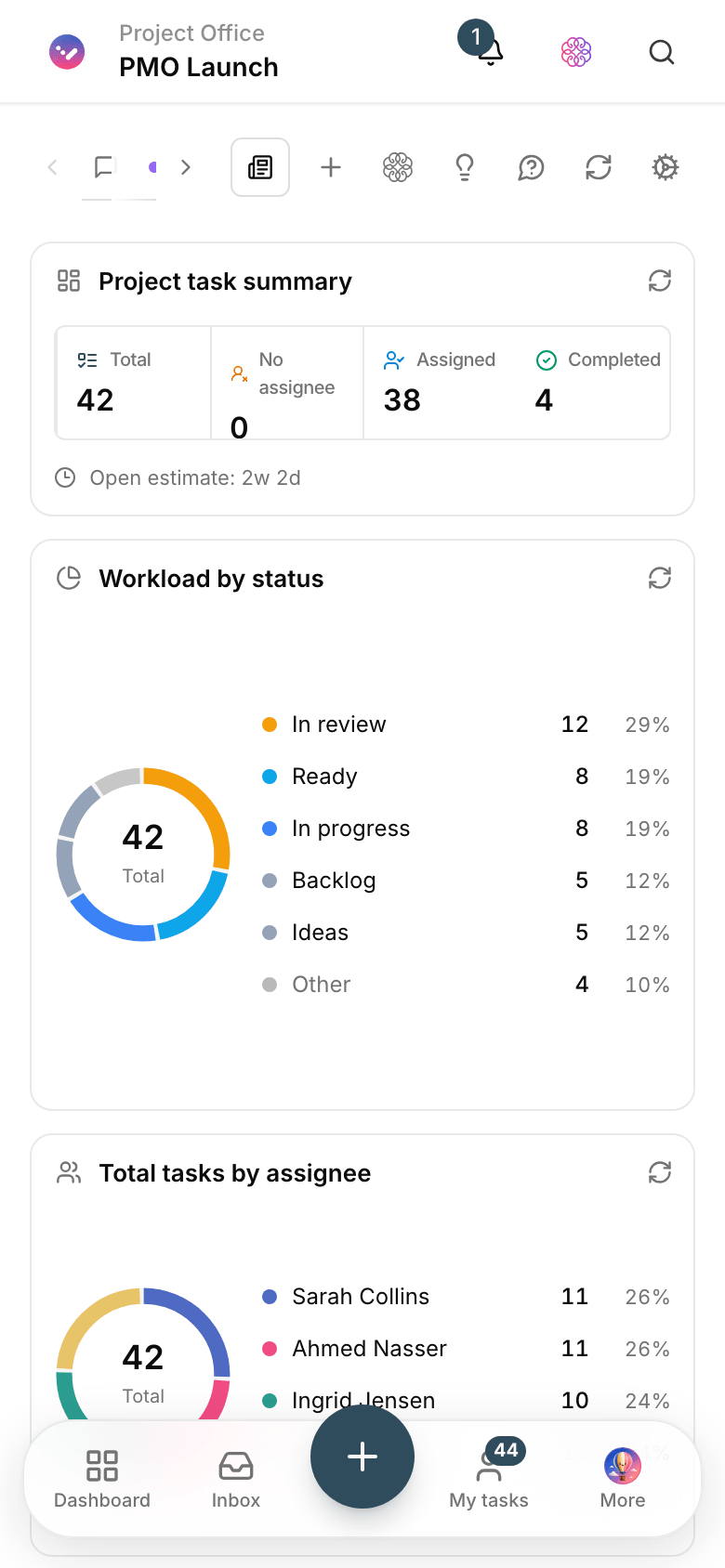
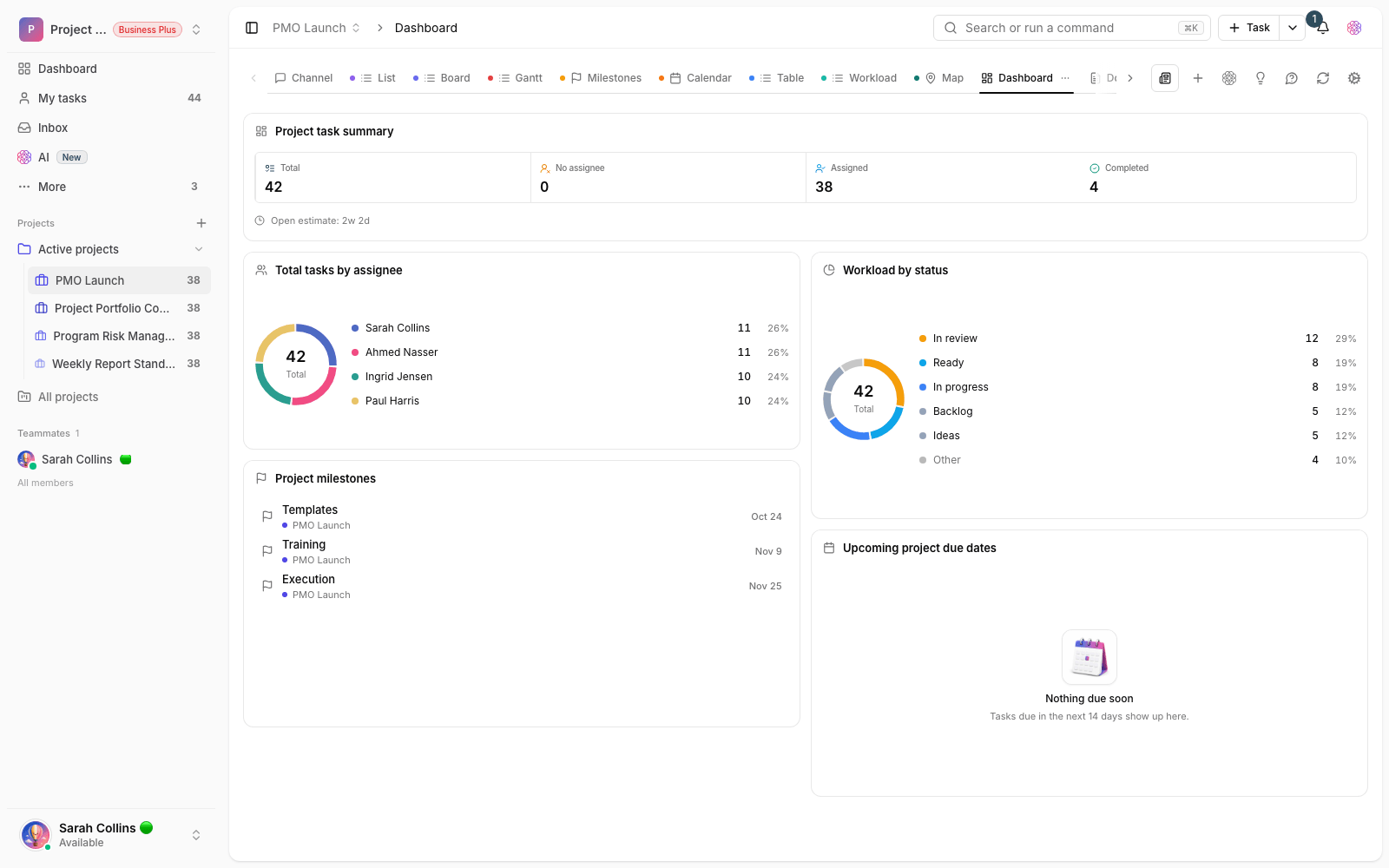
Your team logs requests through a form, and Taskie turns each one into a task with an owner and a due date. The dashboard shows what’s still waiting.
Industry
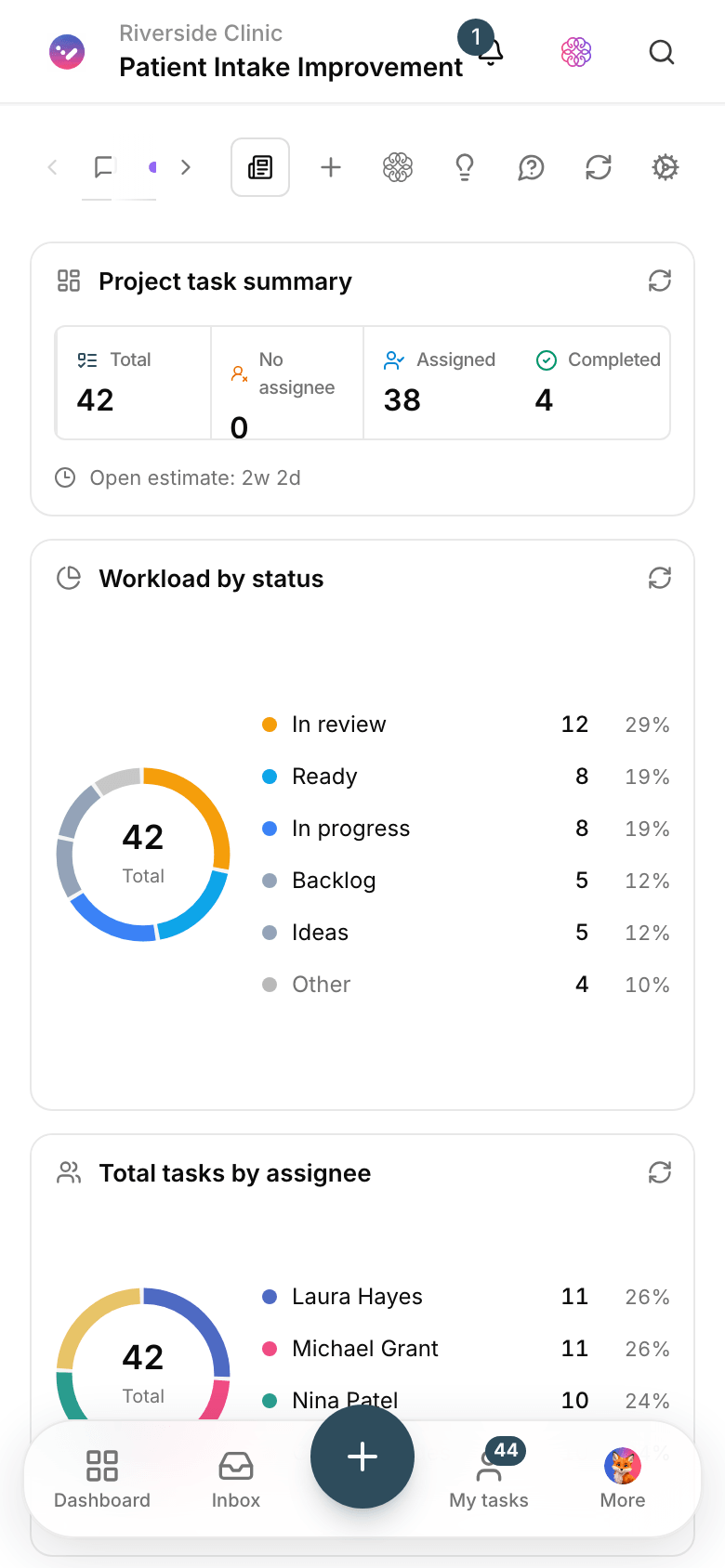
Live numbers from Taskie workspaces right now — never rounded up.
Sign-in controls, a trail of every change and a full export of your data — built into the product, no add-ons.
Privacy and data retentionTransparent pricing
The free plan is free forever, with no upfront payment. As your team grows, upgrade right inside the product.
An easy start for a small team, with no cost pressure.
Free
forever
Get started freeFor teams that track their work more seriously.
84,150Toman
per user / month
Choose this planFor teams that want better reporting and more automation.
169,150Toman
per user / month
Choose this planFor companies with several teams, projects and clients.
339,150Toman
per user / month
Choose this planFor organizations that need SSO, audit trails and hands-on support.
509,150Toman
per user / month
Choose this planA guide to Taskie
Whether you're after project management software, team task management or AI for your projects, start from what you actually need and go straight to the right solution.
Planning and delivery
For teams that want to run tasks, goals, schedules and workflows along one clear path.
One connected workspace
For teams tired of juggling messengers, files, forms and a separate task tool.
Taskie's assistant
An assistant fluent in your team's language that knows the context, makes suggestions and asks before any important change.
Team solutions
Every team has its own language and workflow; these paths account for the differences from day one.
Compare and choose
Documented comparisons, a buying guide and transparent pricing for a decision your whole team will live with.
Didn't find your answer? Ask us — our support team replies during business hours.
Contact usTaskie is project and task management software that brings kanban boards, task lists, Gantt charts, calendars, sprints, docs, forms, chat and reports into one multilingual workspace, LTR and RTL.
Yes. The free plan is free forever, needs no upfront payment and includes the core features for teamwork. Upgrade from the pricing page whenever you need more.
Your data is stored on secure servers managed by Taskie and is encrypted in transit and at rest. Fine-grained permissions decide who sees what, and you can export your work whenever you need a copy.
Taskie supports more than one calendar system, including Gregorian. Each person picks their own calendar, date format and the day their week starts on, and every view follows that choice.
The assistant knows the context of your projects, tasks and docs. It writes summaries, creates tasks and pulls reports — and shows you its plan for approval before it changes anything.
Yes. Taskie is built for teams moving over from other tools; the comparison pages spell out the differences and the support team helps you bring your data across.
Subscriptions are paid online through a secure payment page, with no middleman, and an official invoice is issued for every payment. You can start on the free plan and upgrade from the pricing page whenever you need more.
Yes. Sprints, capacity planning, kanban boards, custom status workflows and team velocity reports are built in.

Set up your team's workspace now; projects, docs, chat and reports sit side by side from day one.
Have a question? Talk to us