
Agent memory in projects
Save each project's standing facts in agent memory so they're taken into account automatically in every conversation about that project.
Every project has a few standing facts that take time to explain to the assistant every time: who the campaign's audience is, that every piece of content needs legal approval before it's published, or that the tech team doesn't work on Fridays. Project agent memory keeps exactly these points.
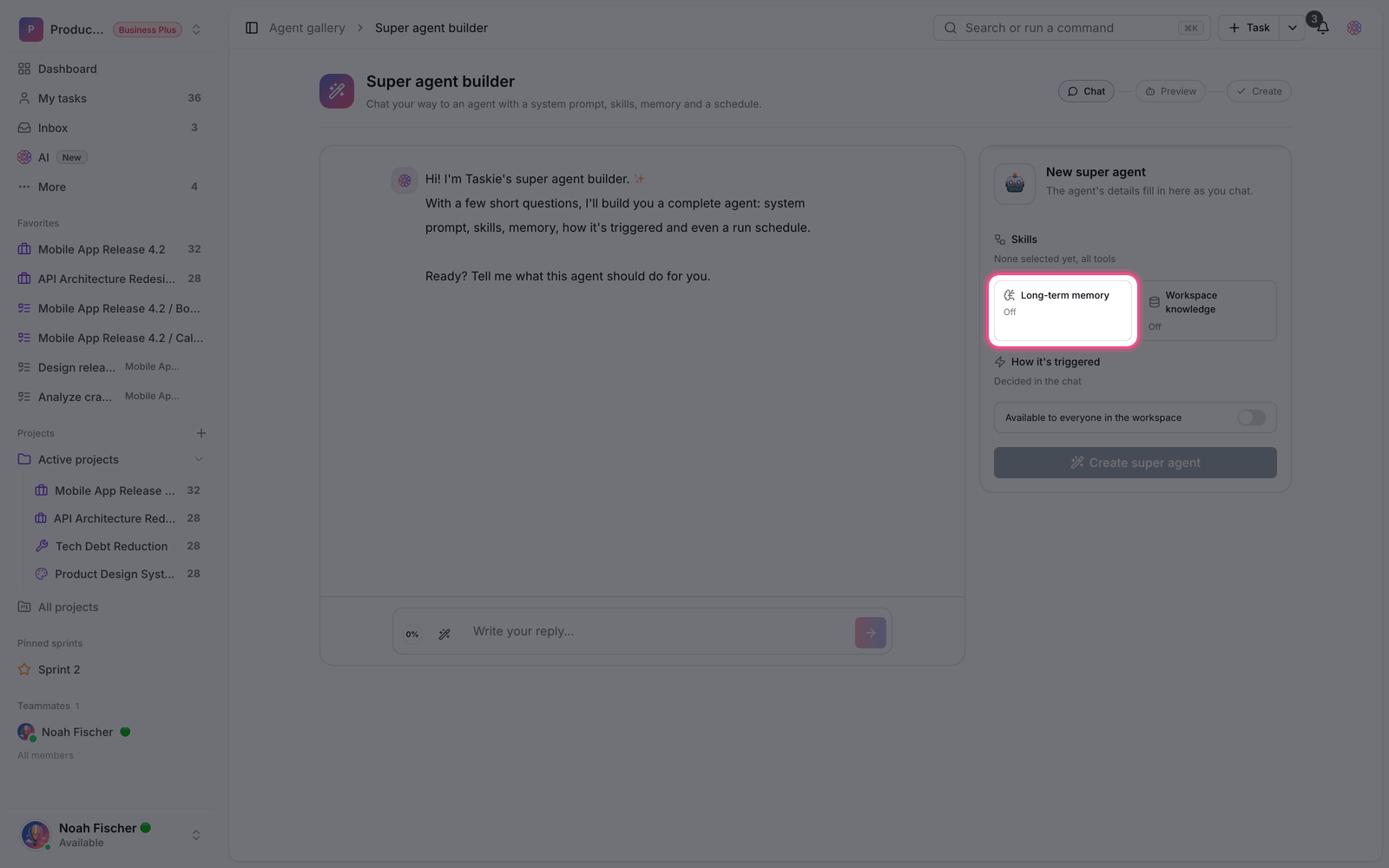
Unlike an agent's long-term memory, which belongs to the agent itself, project memory belongs to the project. That means any agent that has a conversation in the context of that project sees these notes.
Add a memory note
- Open the project and go to its agent memory section.
- Add a new note and write the point in one or two sentences.
- Save it. From that moment on, it's used in conversations about this project.
- Delete notes that are no longer valid so the assistant doesn't make decisions based on old information.
Limit: Each memory note can be up to 600 characters. This limit is deliberate: memory is for short, definite points, not for documentation. For longer text, use a project document.
What to write and what not to
- Good: standing rules, such as "Every social media post needs legal approval before it's published".
- Good: the team's own terms and names that the assistant should use correctly.
- Good: output preferences, such as "Reports always end with a list of suggested actions".
- Bad: changing information, such as the current status of tasks. The assistant reads that directly from the project.
- Bad: sensitive data such as passwords and keys. Memory can be read by everyone with access to the project.
Access and management
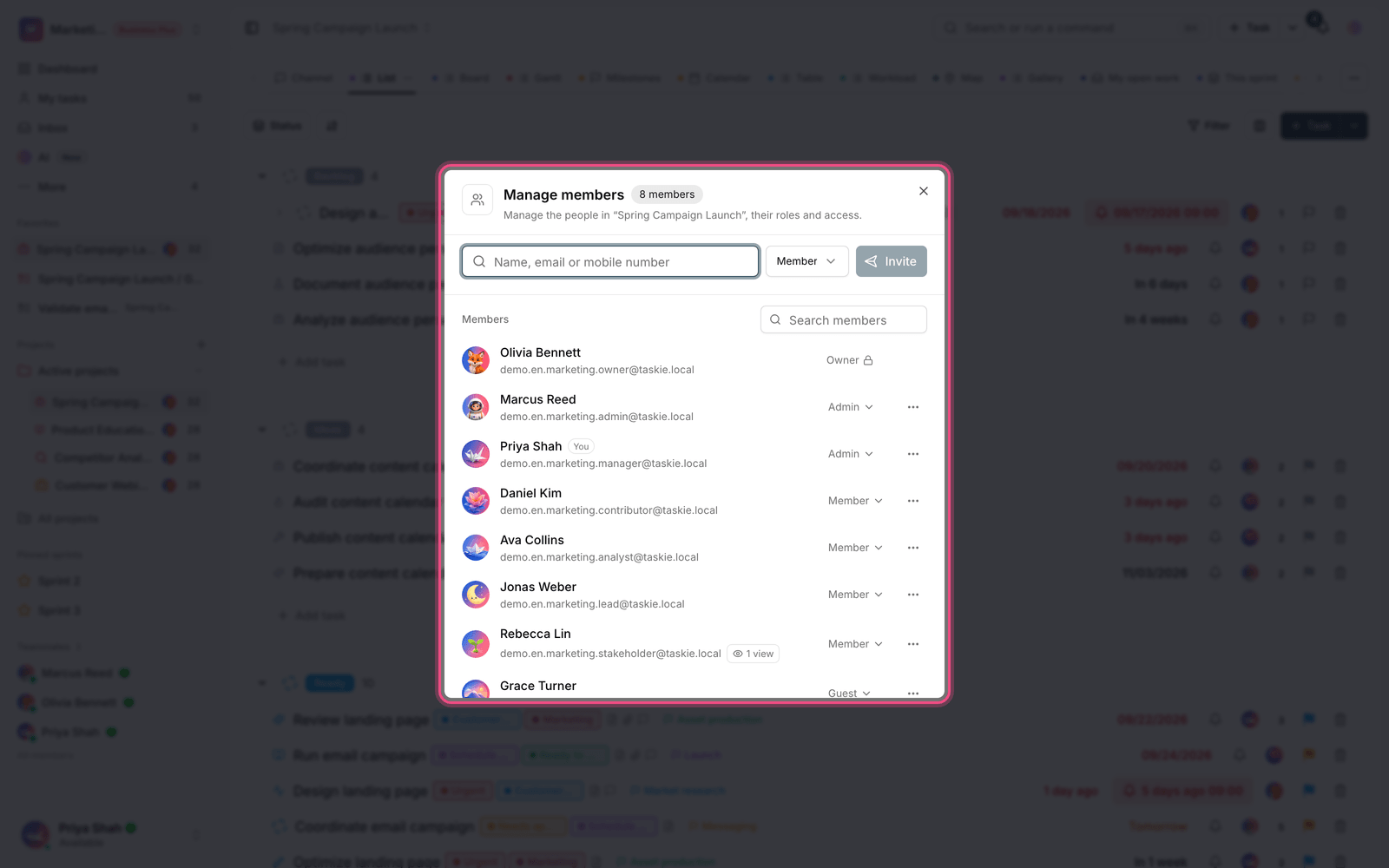
Project members can read the memory, but adding and deleting notes requires project management permission. This separation matters because memory affects how the assistant behaves for every member.
Plan required: Project agent memory is available on the Pro plan and above. On the Free plan this section is turned off, and the assistant uses only the project's own content.
Keep memory up to date
Project memory goes stale like any other documentation. A note that was true six months ago may now send the assistant in the wrong direction.
- Review the notes once at the start of each planning period.
- Delete notes about people or tools that are no longer part of the project.
- If a note is regularly broken, the real rule is something else. Rewrite it.
- Keep the number of notes small. A cluttered memory makes the important points fade.
For memory tied to a specific agent, read Build a custom agent, and to control what the assistant can access, read AI assistant.