
iCal calendar sync
Use a private ICS link to see your dated tasks in Apple Calendar, Google Calendar, Outlook and other iCal-compatible apps.
iCal sync is a read-only feed of your tasks that have dates. When you turn it on, Taskie creates a private ICS and webcal link so your tasks appear in compatible calendar apps.
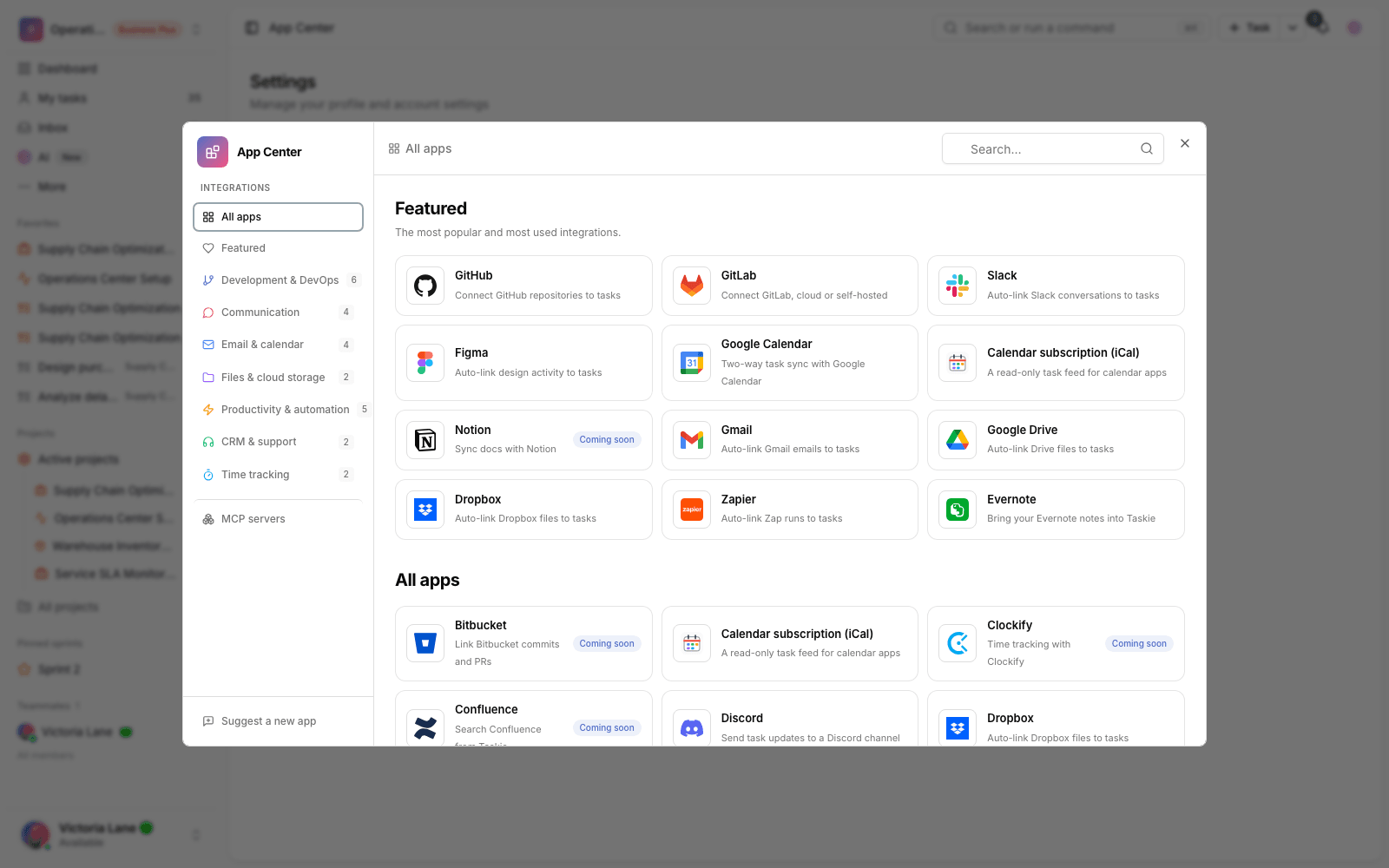
Scope of the current version: this feature was already available in Taskie's calendar settings and is now also listed in the App Center. The iCal feed is one-way: changes you make in your calendar app don't come back to Taskie, and calendar apps may show deleted or updated events with a delay.
Before you start
- The feed is personal to each user and protected by a random token in the URL.
- Turning on the feed depends on your workspace's plan. If you don't have any qualifying workspace, the option to turn it on is locked.
- Tasks only appear in the calendar when they have a start date or due date.
- Before adding each task to the ICS file, Taskie checks again that you still have access to that task.
- Don't publish the feed link publicly. Anyone who has the link can see the same read-only feed.
Turn on the feed
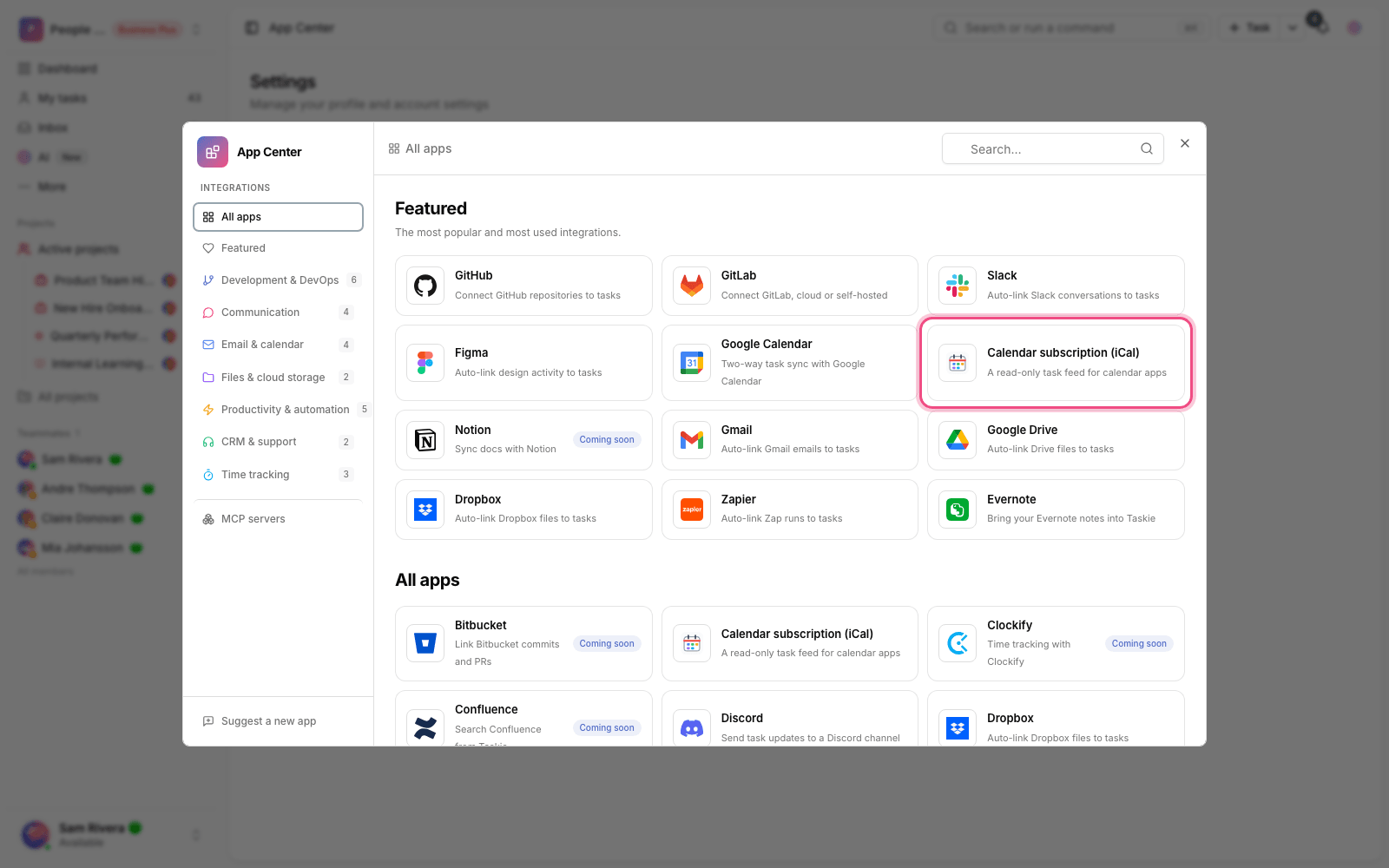
- In the App Center, open Calendar subscription (iCal) and click Manage.
- On the calendar settings page, turn on the iCal feed.
- Choose whether the feed includes Tasks assigned to me, Tasks I follow or both.
- Save your settings to create the ICS and webcal links.
- Add the webcal or ICS link to Apple Calendar, Google Calendar, Outlook or another compatible calendar app.
Token security: if the feed link has leaked, or you no longer want old calendar apps to have access, regenerate the token from the same calendar settings page. The previous link stops working immediately.
Which tasks are shown?
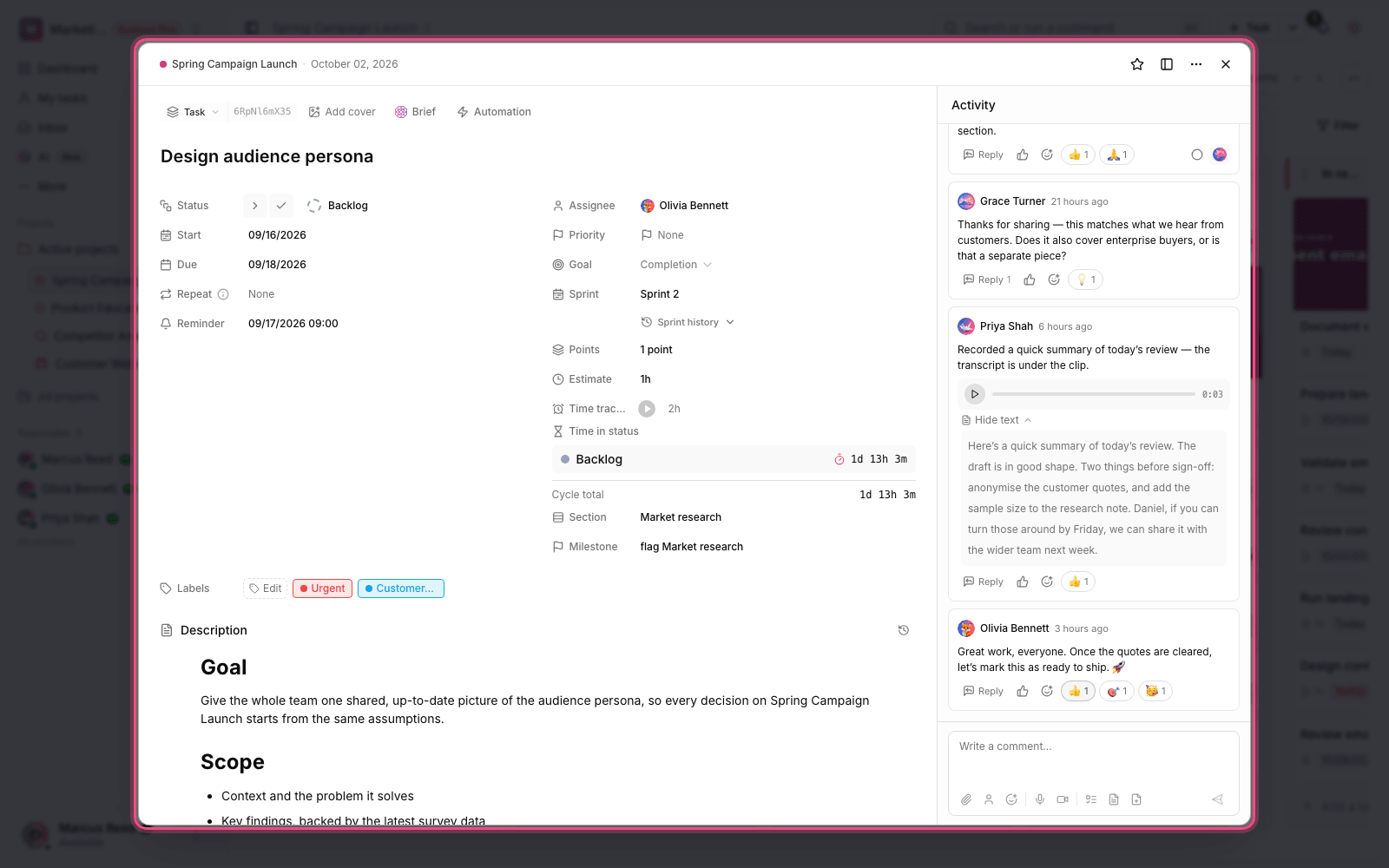
- Tasks with a start date or due date within the feed's upcoming window.
- Tasks assigned to you, if that option is on.
- Tasks you follow, if that option is on.
- Tasks in a qualifying workspace that you're still allowed to view.
If a task only has a due date, that due date becomes the calendar event. If the date has no time, the event is added to the ICS feed as an all-day event.
Task status and two-way changes
iCal doesn't change task status and doesn't support status commands such as TASK-12[Done]. This feed is only for showing tasks in a calendar. To sync Google Calendar events with a richer model, see Connect to Google Calendar.
Manage and revoke access
To stop the feed, turn the feature off in your calendar settings or regenerate the token. If old events still show up in your calendar app, the destination app may keep them until its next sync, or you may need to remove the subscription manually.
Common mistakes
- Adding the regular settings page URL instead of the ICS or webcal link.
- Expecting two-way editing. Changes in the destination calendar don't come back to Taskie.
- Expecting tasks without dates to appear. Only tasks with dates are included in the feed.
- Forgetting to regenerate the token after sharing the link by mistake.
- Expecting old events to disappear from your calendar app immediately. How deletions behave depends on the destination app and its sync schedule.
Next step: if you work with Google events, review Connect to Google Calendar. To connect files and designs to tasks, see the Dropbox and Figma guides.