
What's new in 1.0.0
The first Taskie release laid the foundation for unified team work management, with projects, mind maps, whiteboards, documents and planning tools.
Every product has a starting point, and version 1.0.0 is the foundation the rest of Taskie was built on. The core idea was simple: instead of work being scattered across messaging apps, Excel files and people's memories, everything should live side by side in one unified workspace, so teams can run their day-to-day work in a familiar, organized place.
This release shipped on February 27, 2026 under the name "The launch of the unified Taskie platform" and brought a set of core features together. Looking back at it helps you understand what Taskie's main pillars have been from the start, and why later releases kept building on the same foundation.
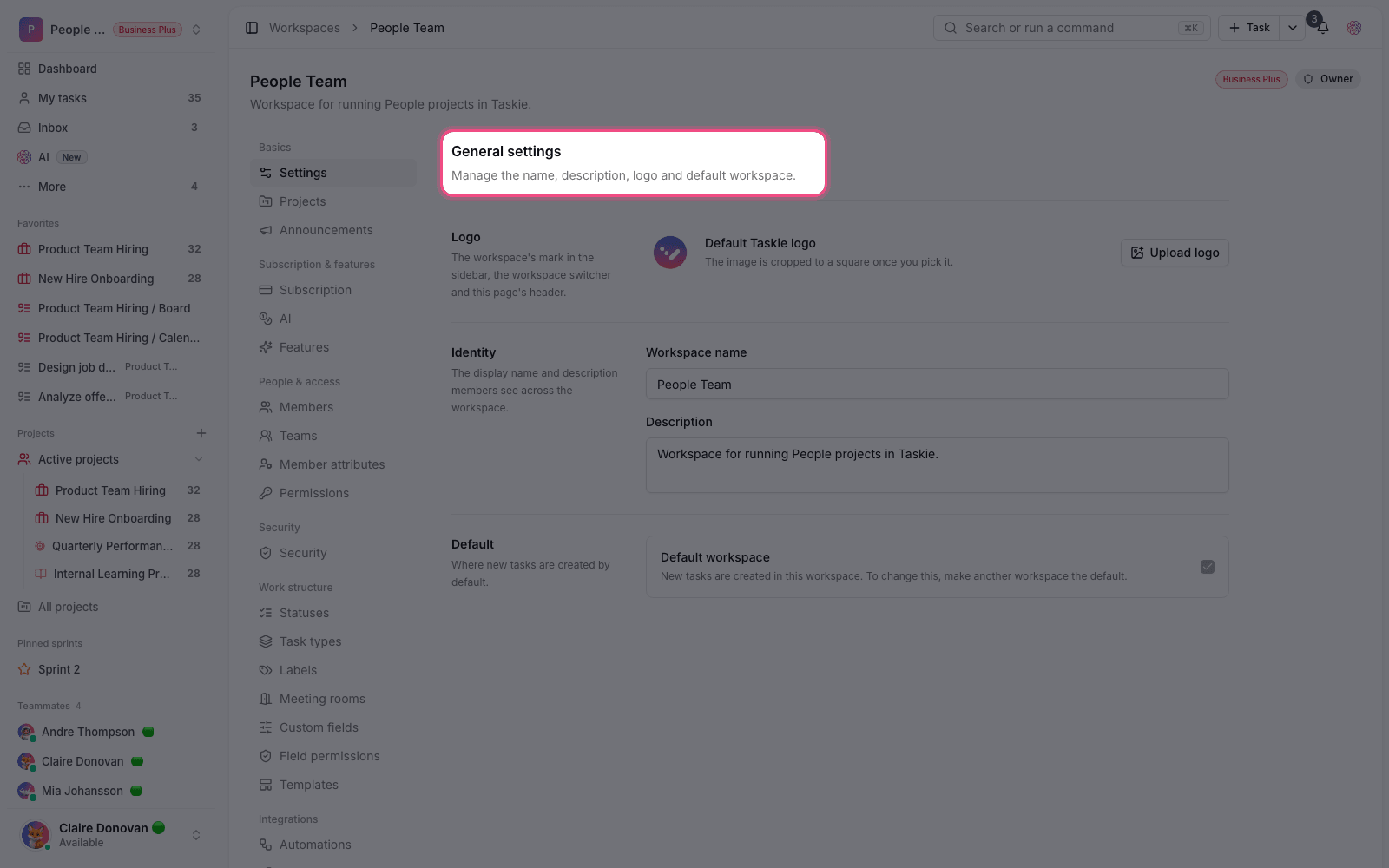
One workspace for many projects
From the very beginning, Taskie was designed to manage multiple projects in one workspace. That means different tasks, members and processes stay in one shared environment, and you don't need a separate tool for each project. Everything sits under one roof, and your team gets a single source of truth for tracking work.
Visual tools for collaboration
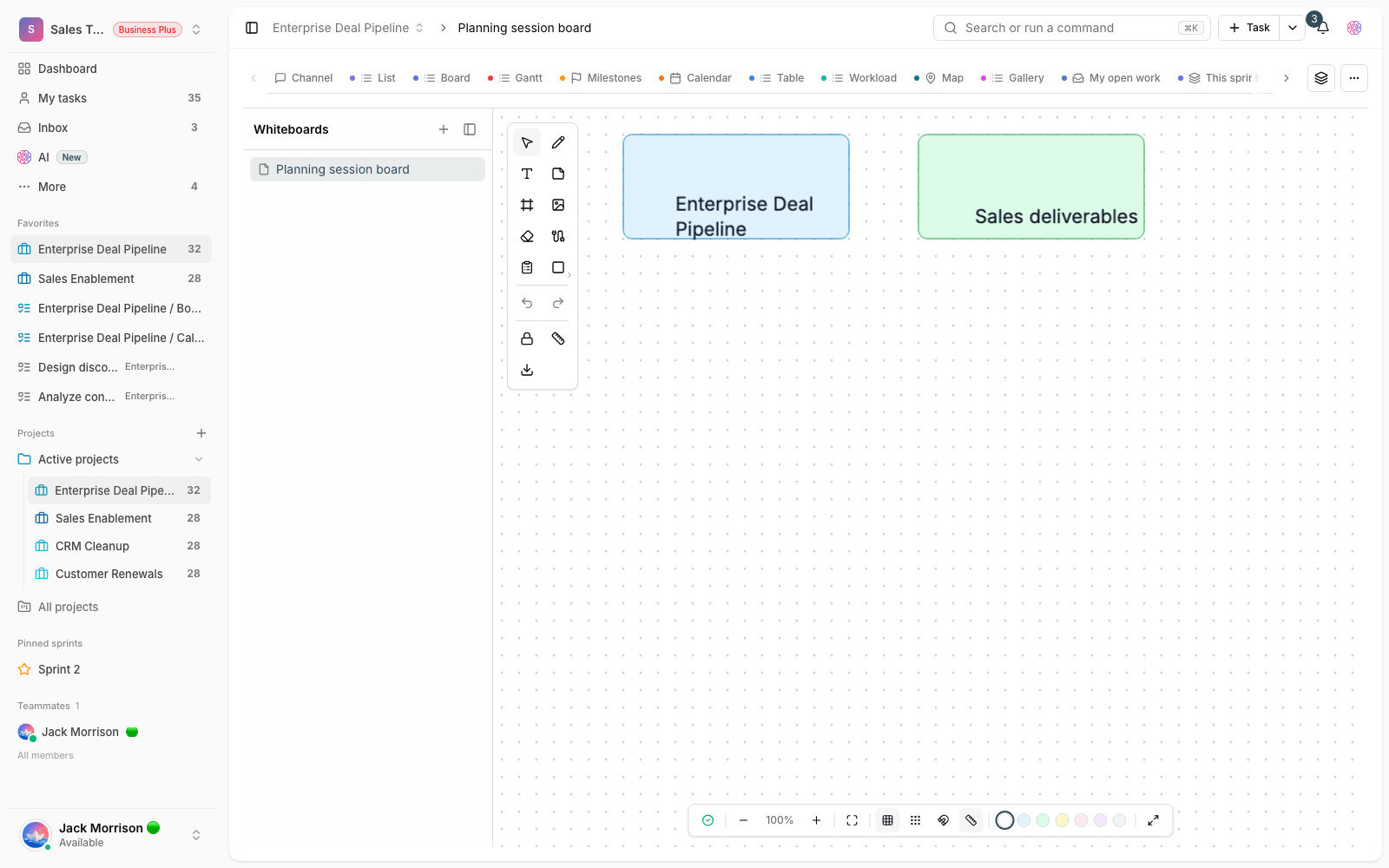
Live mind maps and whiteboards were available from the first release, so your team could shape ideas together, visually. These spaces are especially useful for brainstorming sessions and for giving structure to rough thoughts. They help you move from an idea toward a work plan, right in the same place where you manage the rest of your work.
Documentation, voice notes and notifications
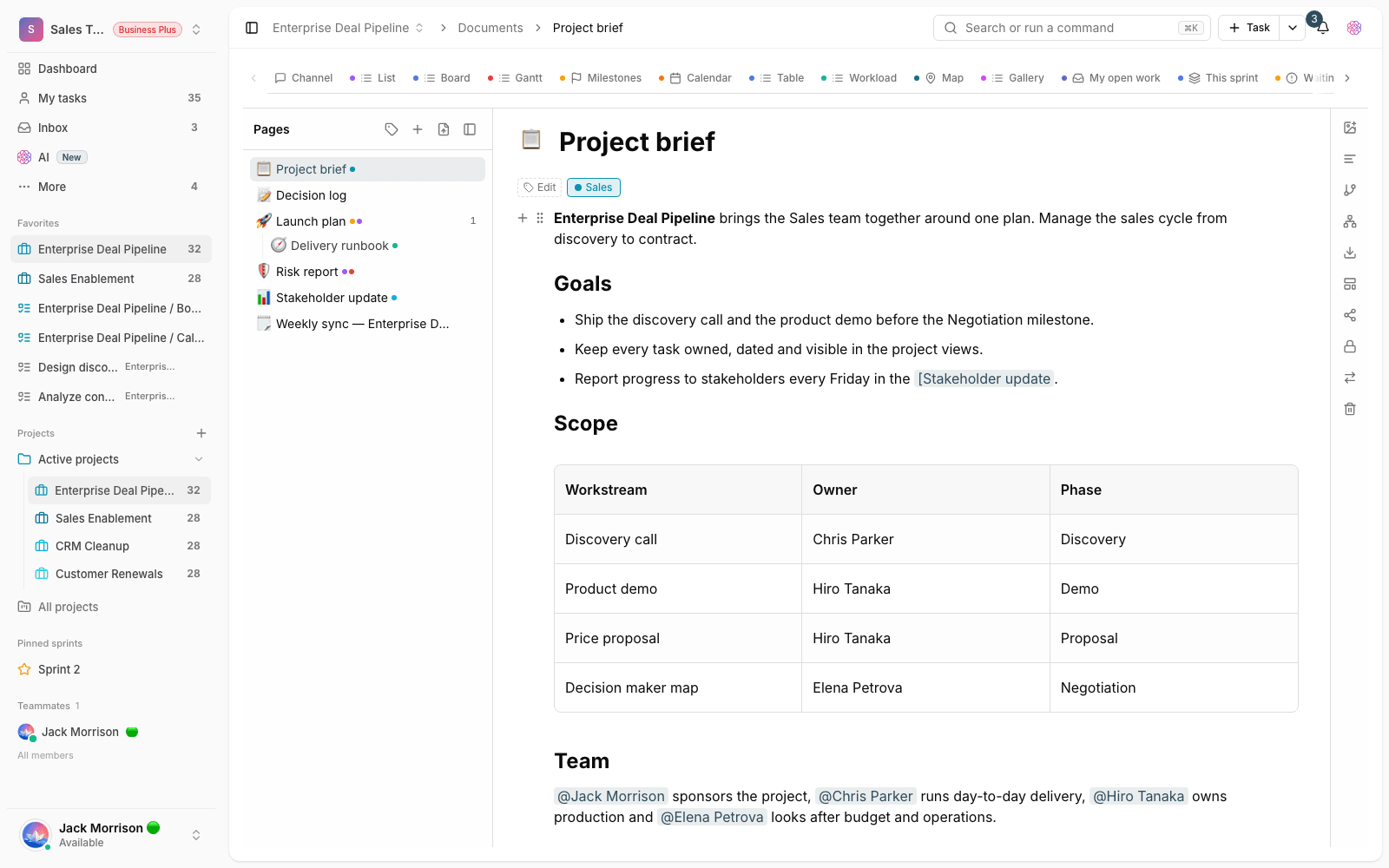
Documents for capturing team knowledge, voice notes for recording quick thoughts, and notifications for staying on top of work all sat next to task management from day one. This combination makes work information easier to follow, so nothing gets lost in everyday conversations, from important decisions to a small reminder.
Core tools for serious planning
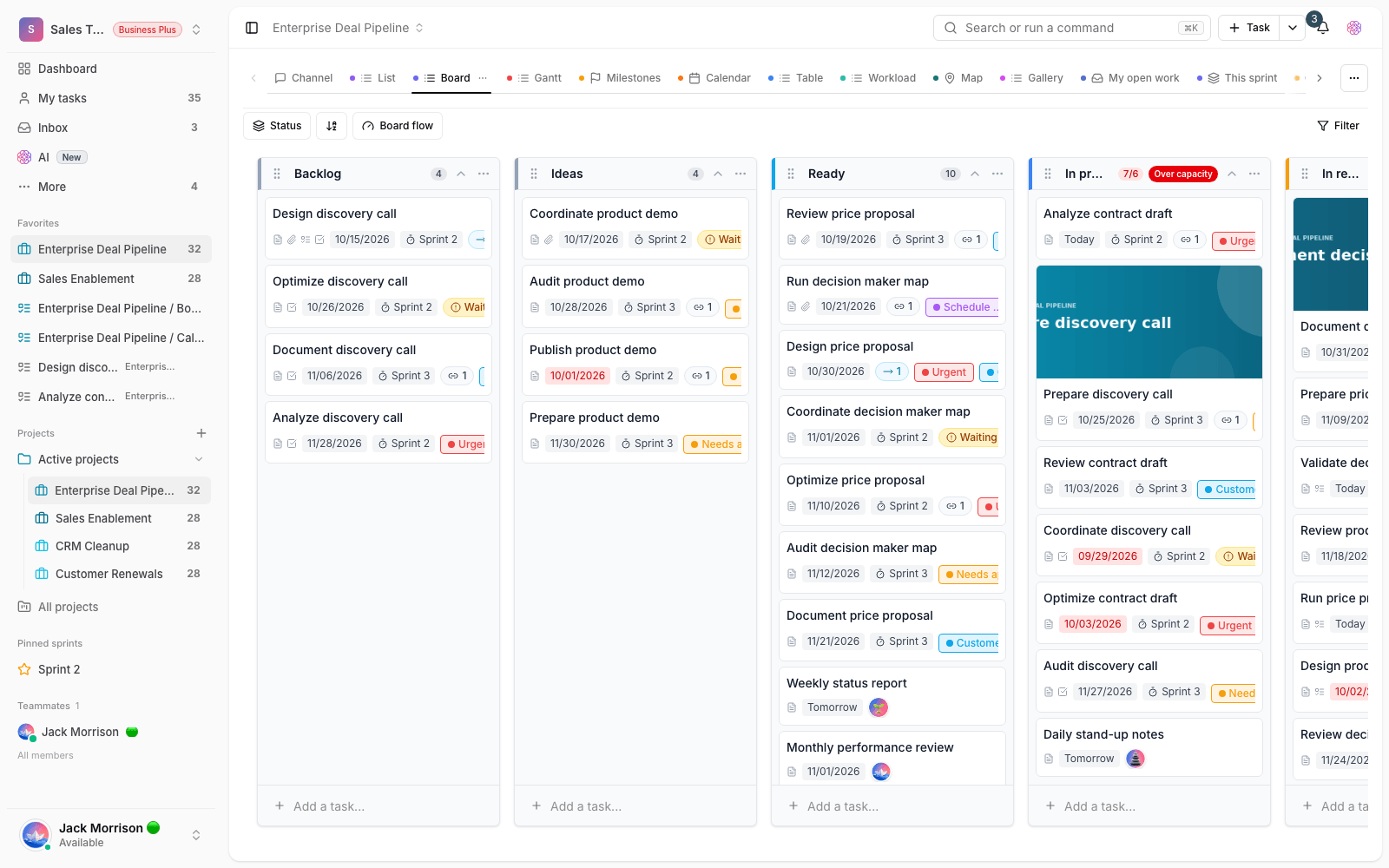
For teams with more demanding projects, several important tools were ready from the first release, so planning could go beyond a simple to-do list:
- Milestones to mark key points and measure project progress.
- Recurring tasks for work that needs to be done again on a regular schedule.
- Custom fields to record information specific to your team's workflow.
- Bulk actions to manage several tasks at once and save time.
A right-to-left-ready foundation
The first release was built with a special focus on the right-to-left experience. The goal was to let teams start managing their daily work in a stable, familiar environment instead of making do with tools that weren't built for them: an environment designed for their language and writing direction from day one.
Where to start
If you're new to Taskie, the best way to start is with a real workflow, adding more tools over time:
- Create a workspace and set up your team's first real project in it.
- Add a few everyday tasks with an assignee and a date, so you can see the value in practice.
- Write down decisions and recurring knowledge in a document, and capture urgent thoughts with a voice note.
- Create a mind map or whiteboard for brainstorming, and turn what comes out of it into trackable work.
- Pick consistent terms for projects, tasks and statuses from the start, so your reports stay accurate over time.
- You don't need to turn on every tool at once. Start with tasks and projects, and add the rest as you need them.
- Bulk actions help most when you're managing several similar tasks together.
To see how Taskie grew after this release, take a look at What's new in 1.1.0 and then What's new in 1.2.0.