
What's new in 1.6.1
Taskie 1.6.1 makes mobile sign-in, member invitations, task conversations and the mobile experience simpler and more stable.
The simpler it is to get started with a tool, and the more smoothly collaboration on tasks goes, the sooner a team gets results. Taskie 1.6.1, released on May 17, 2026, focuses on exactly these two things: making sign-in and member invitations easier, and making conversations and collaboration on tasks more lively.
Alongside these, several stability improvements, especially on mobile, make everyday use more reliable. Below, you'll find the most important changes in this release, grouped by topic, along with what each one makes easier for you.
Faster sign-in and clearer invitations
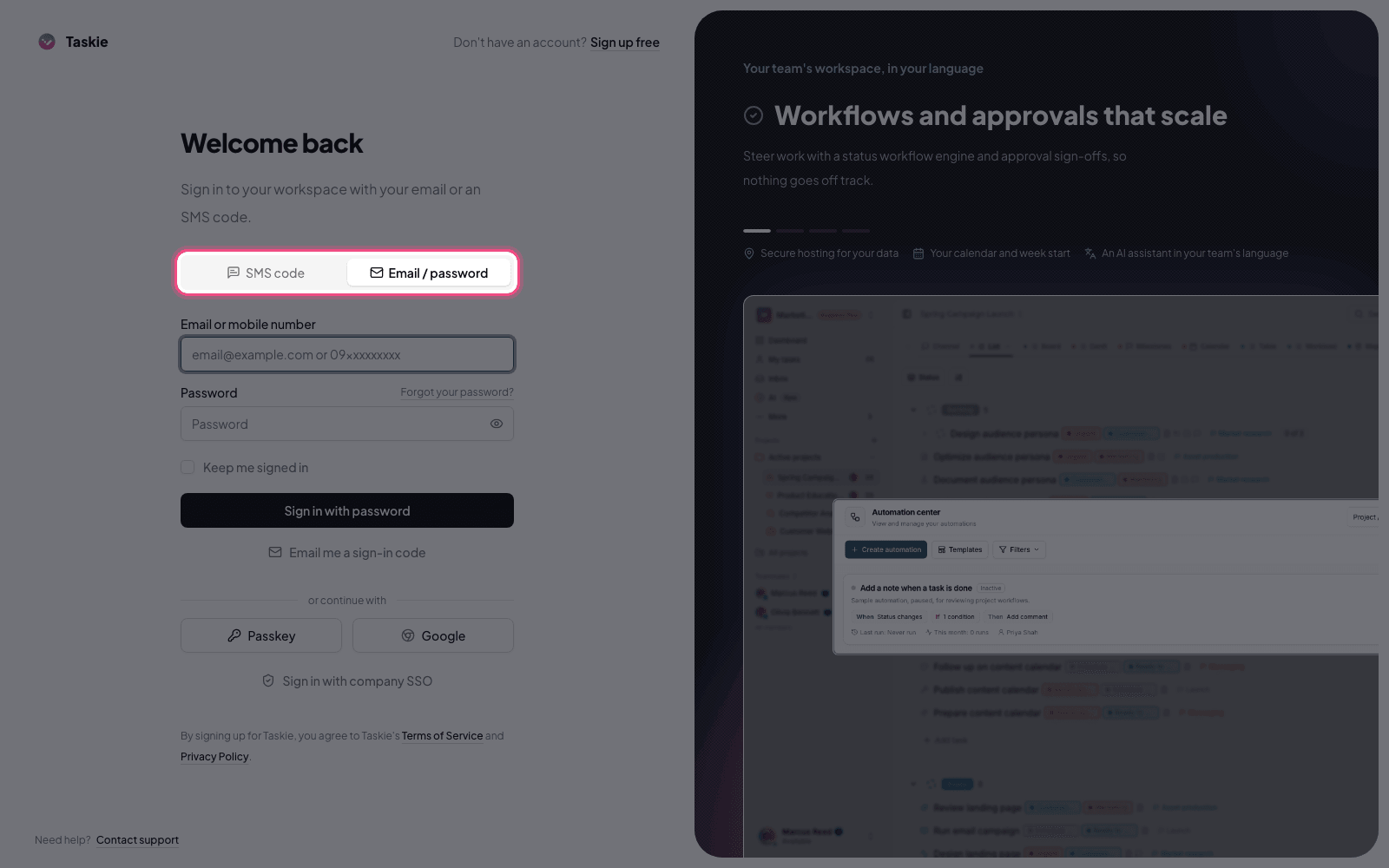
Signing in and signing up with your mobile number and a one-time code is simpler in this release, which makes getting started easier for teams that don't have a fixed work email. Invitations to a workspace or project are also explained more clearly and completely for new members, so adding colleagues causes less confusion and accepting invitations is easier to understand.
Livelier collaboration on tasks
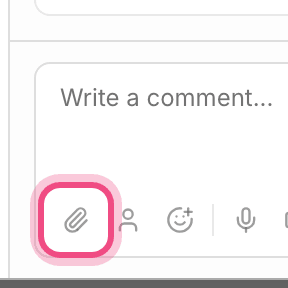
Conversations on tasks are more organized and livelier in this release. Comments now support threaded replies, reactions and emoji, so members can follow the thread of a discussion better and show their opinion or approval faster. When you work with attachments, a file preview is available in quick add and in comments, so you can make sure you picked the right file before fully opening it. For high-volume work, bulk changes to tasks and merging similar tasks are simpler too.
- Threaded replies in comments make long discussions easier to follow.
- Reactions and emoji let you approve something quickly without writing a separate message.
- Attachment previews reduce the chance of opening the wrong file.
- Bulk changes and merging make tidying up duplicate tasks faster.
Faster task creation
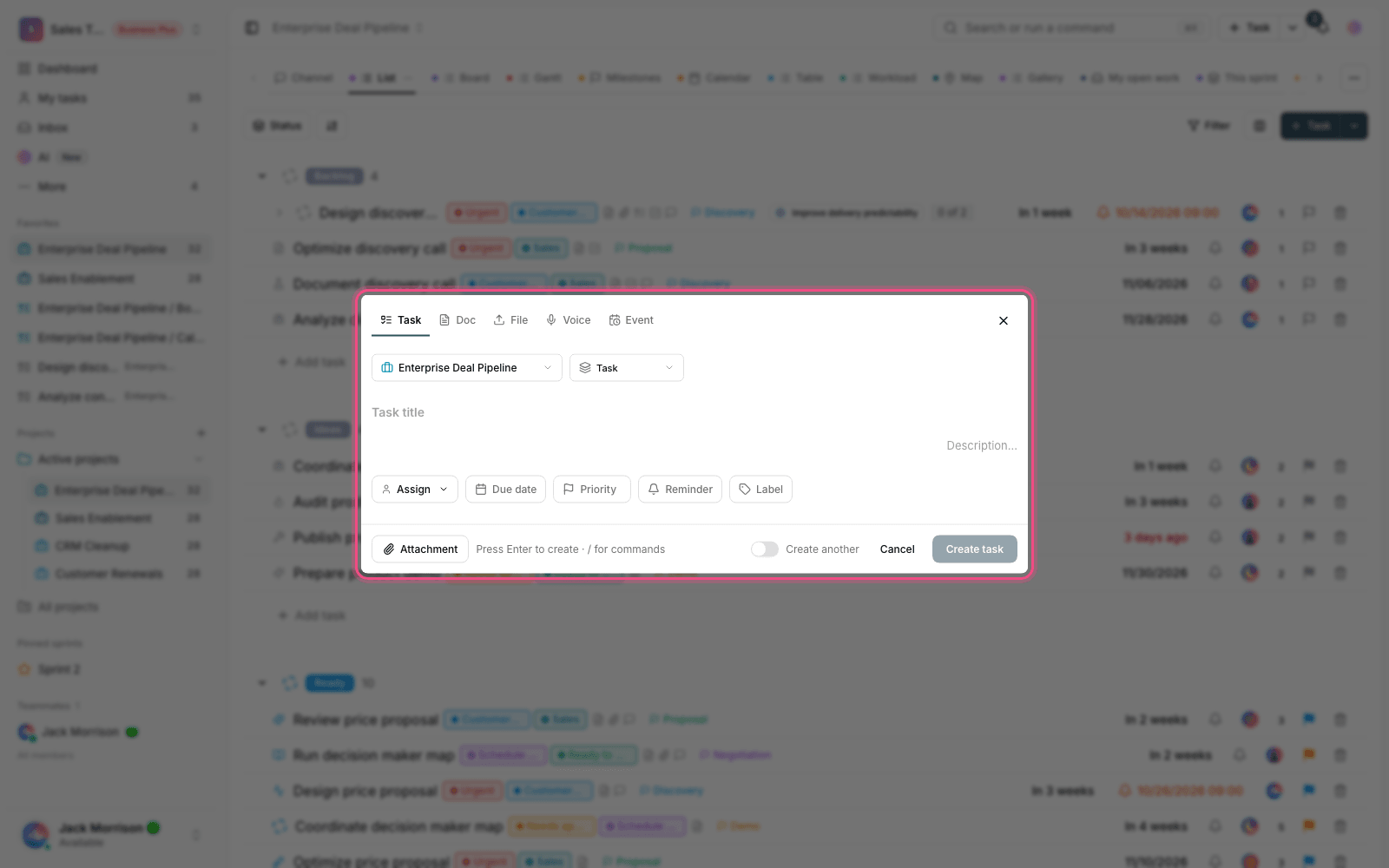
Detecting information in a task title has improved in this release. As you type the title, Taskie can better recognize certain cues, like a time or work details, which makes creating tasks faster. This improvement saves valuable time for people who add lots of tasks every day.
A more stable experience, especially on mobile
- Opening and closing dialogs and layers on mobile is smoother, and the page jumps less often.
- The display of the dashboard and newly created labels has been fixed, so new information shows up correctly.
- Project sorting and the video recording tool are more reliable.
What changes for you
- If you're a new member, you can sign in or sign up with your mobile number and a one-time code.
- To invite colleagues, follow the workspace and project invitation flow. The steps are clearer now.
- In a task's comments, reply to a message or react with an emoji to keep the conversation organized.
- For several tasks at once, use bulk changes and merge duplicate tasks together.
Next step: to see the bigger features that came before this release, take a look at What's new in 1.6.0, and for the changes after it, see What's new in 1.6.2.