
What's new in 1.5.0
Taskie 1.5.0 brings you a help center, guided onboarding and smoother everyday tools.
Taskie 1.5.0, released on May 9, 2026, is less about big new features and more about making it easier to get started and smoothing out everyday work. The goal of this release is to help new users settle in sooner, and to keep existing users from waiting around for answers to everyday questions.
From the new help center to a guided onboarding flow and several improvements to everyday tools, below you'll see what this release makes simpler for you and how you can use it.
Help center and guided onboarding
The most important addition in this release is the Help center, an organized place where you can find tutorials and common answers, so you no longer have to wait for direct support for many everyday questions. Alongside it, the onboarding and post-sign-up flow is more step by step, so new users get their workspace and first project ready to use faster.
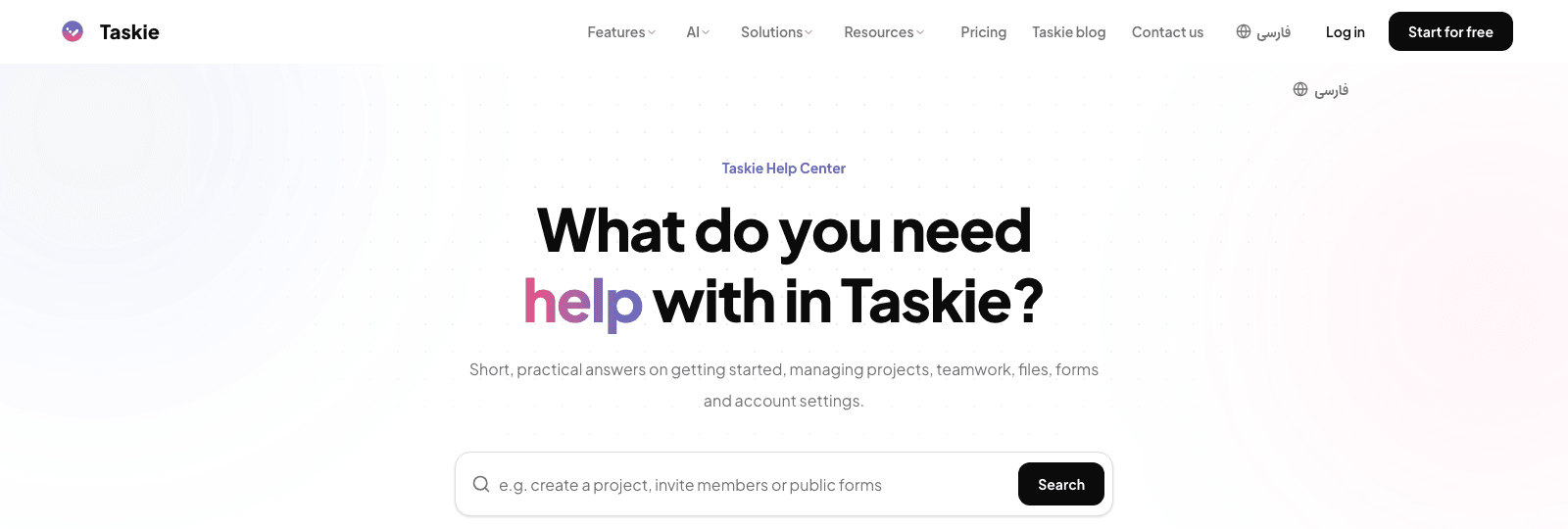
- The help center puts answers to common questions within reach, without waiting for support.
- Step-by-step onboarding makes the initial setup simpler for new users.
Mentions and better board organization
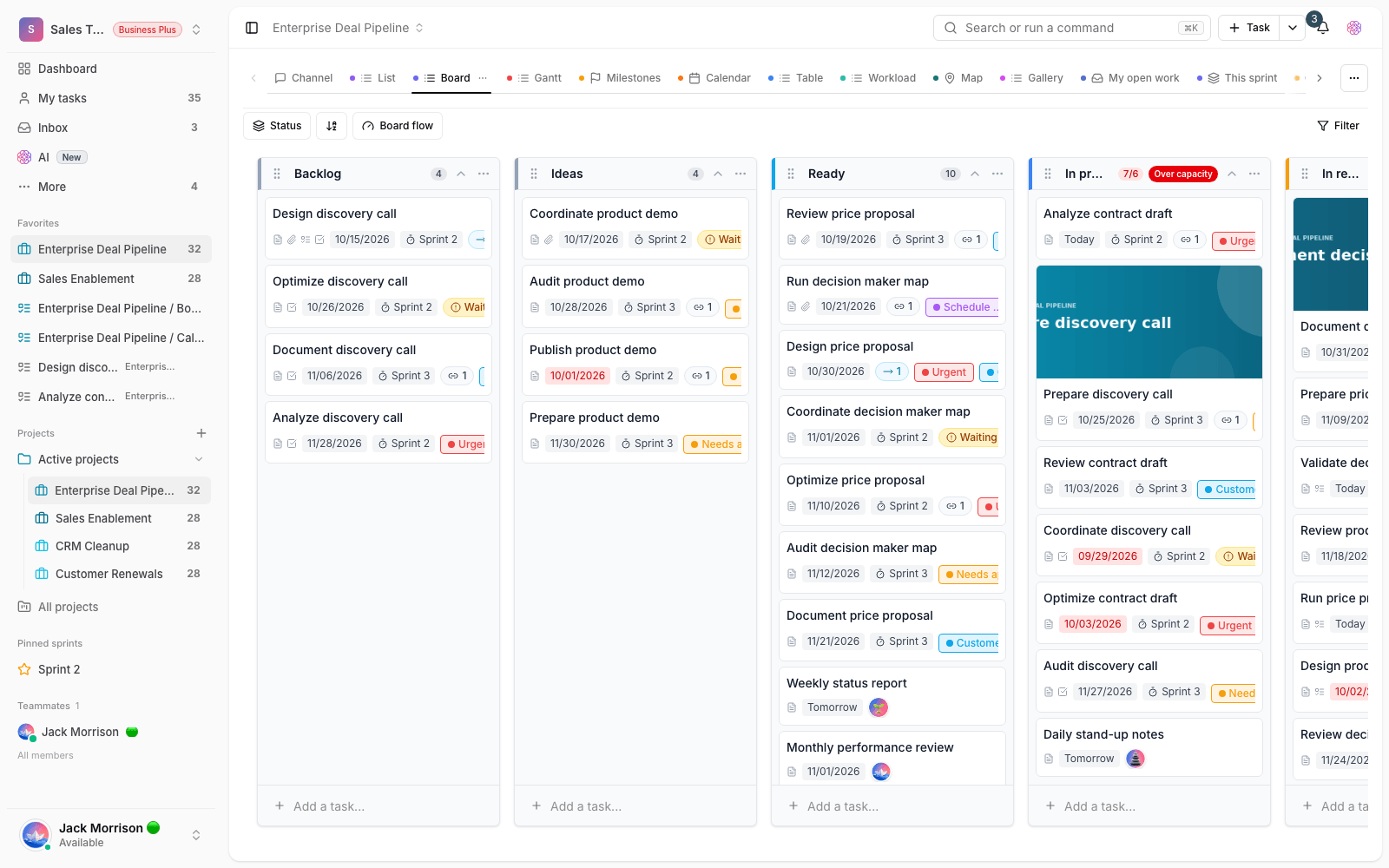
Mentioning tasks and members in text is more precise and easier to follow in this release. When you mention someone or something in a piece of text, the connections are recorded more clearly, and finding what was mentioned is easier. Managing board columns and the default values for new tasks is also better aligned, so project views behave more predictably.
Smoother everyday tools
Several tools you use every day have been reworked in this release, so they work in a more organized way and give you what you need sooner. The goal of this rework was to keep important messages from getting lost in the noise, bring search results closer to what you're actually looking for, and make the AI assistant more dependable for everyday work.
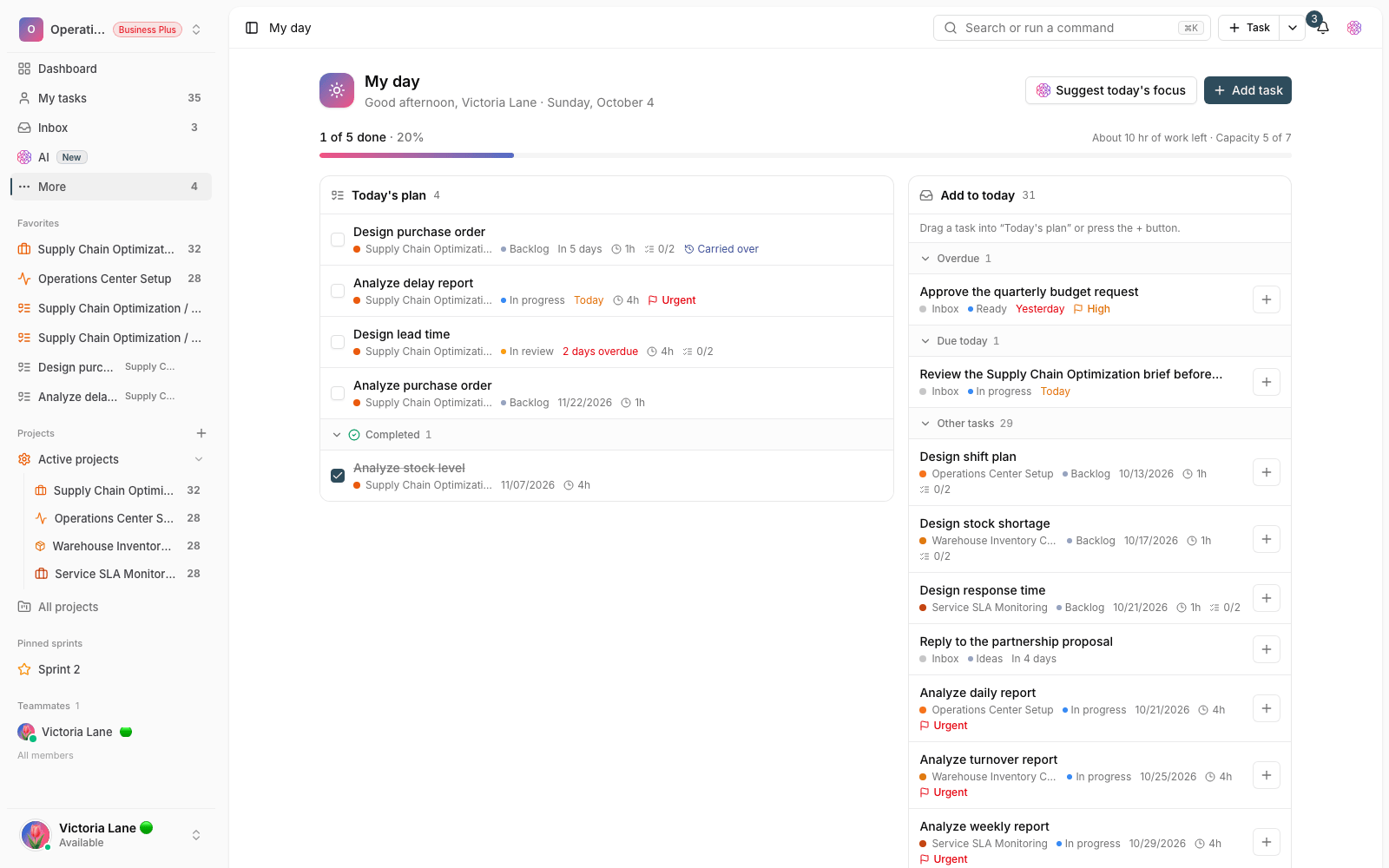
- Notifications and confirmations are shown in a more organized way, so important messages don't get lost.
- Search returns more relevant results, so you get to what you're looking for faster.
- The AI assistant is smoother, so it can better help you with everyday work.
Public pages and the mobile experience
Public parts of the app, like the menu and comparison pages, have been reworked and are easier to read, and mobile flows look tidier. As a result, important options are easier to reach across pages, and using Taskie on your phone feels more consistent. These improvements matter especially if you mostly use Taskie from your phone, because finding the right option and moving between sections is less of a hassle.
What changes for you
- If you have a question about using Taskie, check the help center first.
- As a new user, follow the guided onboarding steps to get your workspace ready.
- Mention members and tasks in your text to link related work and people together.
- Set up board columns and default task values to fit your team's needs.
Next step: to see the bigger features that came after this release, take a look at What's new in 1.6.0 and What's new in 1.6.1.