
What's new in 1.6.4
Version 1.6.4 makes managing work simpler, with background project duplication, configurable subtask depth and a more stable mobile experience.
Taskie 1.6.4 was released on June 4, 2026, and its goal is to make everyday work simpler and more reliable: from duplicating large projects to setting up your subtask structure, managing member invitations and better stability on mobile. Most of the changes in this release are about "reducing friction": things you could already do now go more smoothly and with fewer errors.
On this page, we go through the most important improvements in 1.6.4 by topic, so you know what difference each one makes to your work and where it helps most.
Projects and subtasks
This release adds several tools for a more organized work structure:
- Background project duplication: for large projects, you don't have to wait for every part to be copied on the spot. The operation runs in the background, and you're notified when the project is ready.
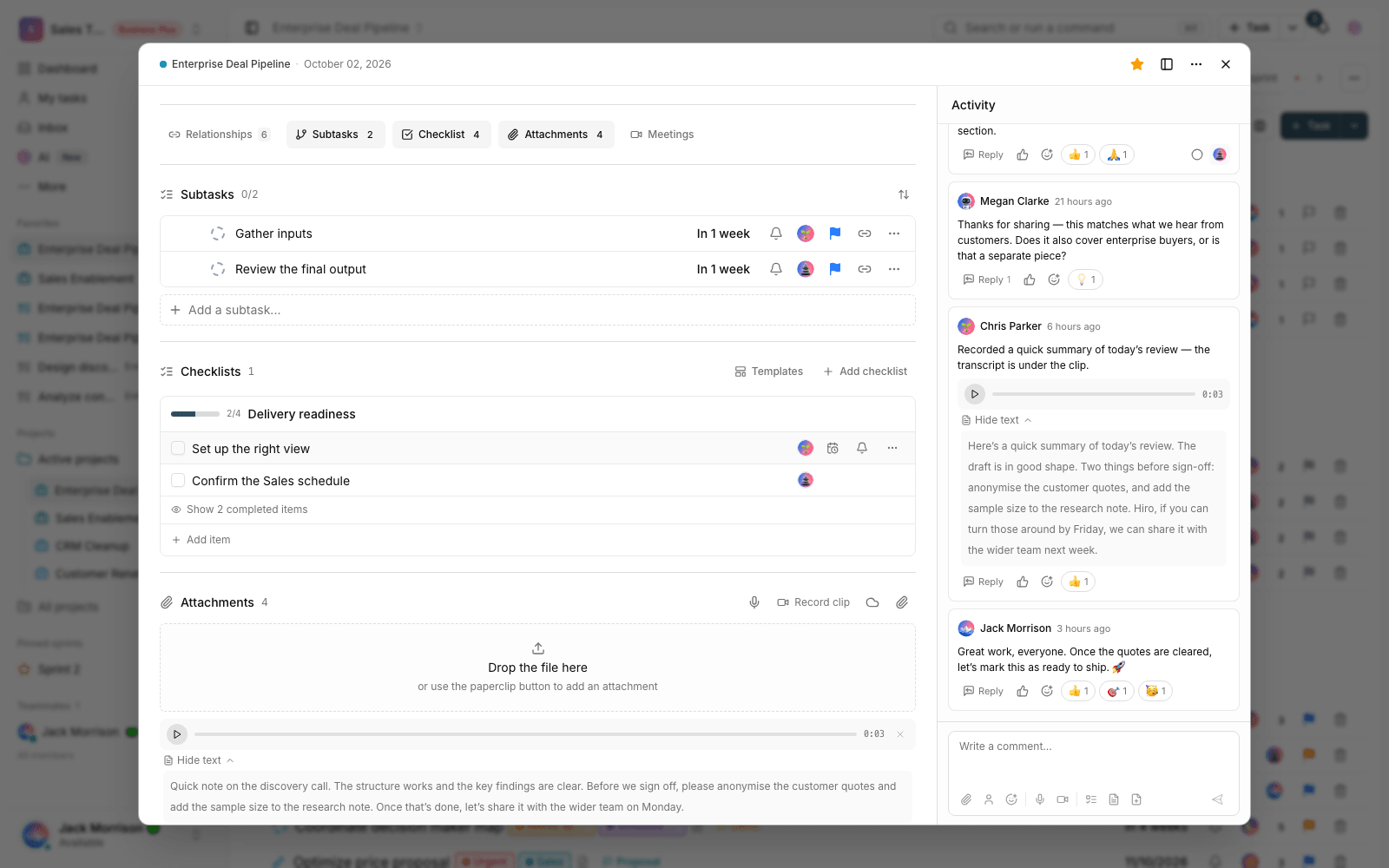
- Configurable subtask depth: decide how many levels of subtasks you need, so your work structure doesn't get overly complex, but isn't too limited for large projects either.
- Bulk actions on subtasks: from inside the task details, you can manage several subtasks together, with fewer errors.
My tasks and the Inbox
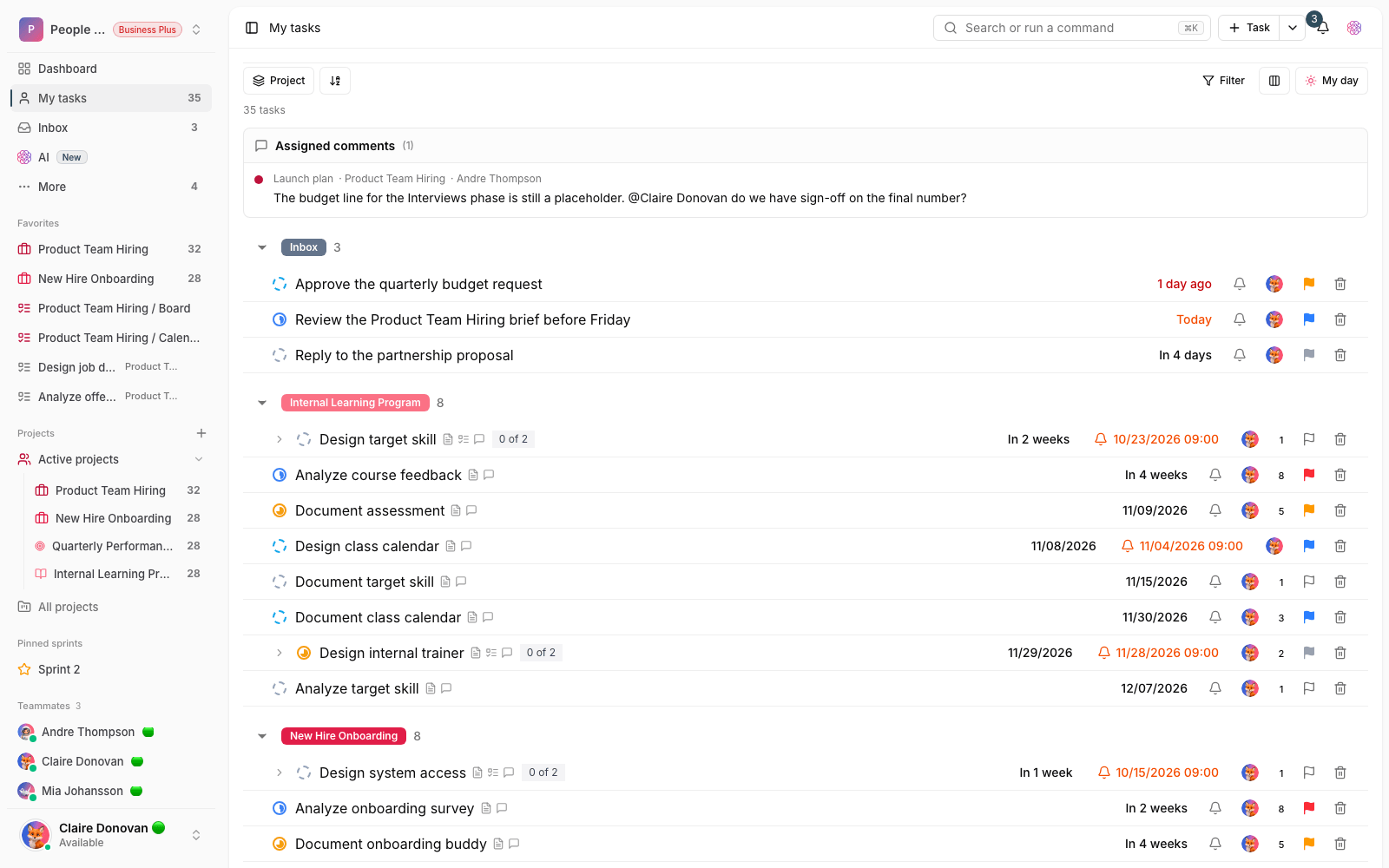
The Inbox and My tasks views are smoother, so you can find new, assigned or follow-up tasks faster and your daily review feels lighter. Alongside this, the project activity summary is shorter and easier to read, so reviewing recent changes takes less time and you see what's been happening in the project faster.
Member invitations and workspace capacity
If you're a team admin, this section matters to you. Now, when a member accepts an invitation, the person who sent it is notified, so they don't have to guess whether it was accepted. The invitation flow is better aligned with workspace capacity, and if you're close to your member limit, the messages explain more clearly why there's a limit and whether you may need to upgrade or change your capacity. In general, plan upgrade messages are clearer when you hit a limit.
Work statuses and the right-to-left board
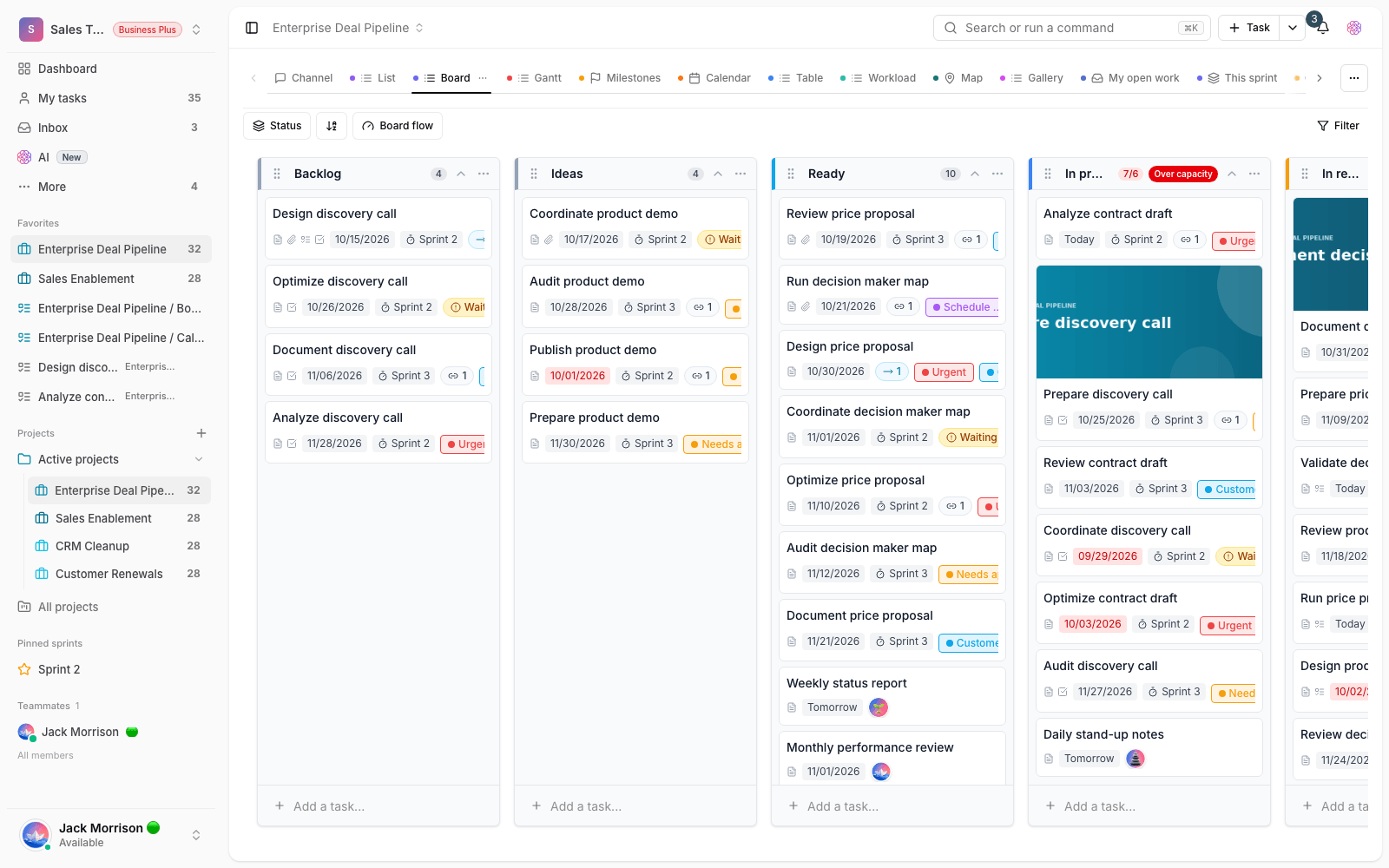
Deleting a work status is now more stable: dependent tasks are moved to the replacement status through a safer process, so the project's flow doesn't get disrupted. For teams working in right-to-left languages, the order of board columns is kept more accurately in the mirrored layout, so the arrangement of statuses and how tasks move stay just the way you expect.
Sign-in and the mobile experience
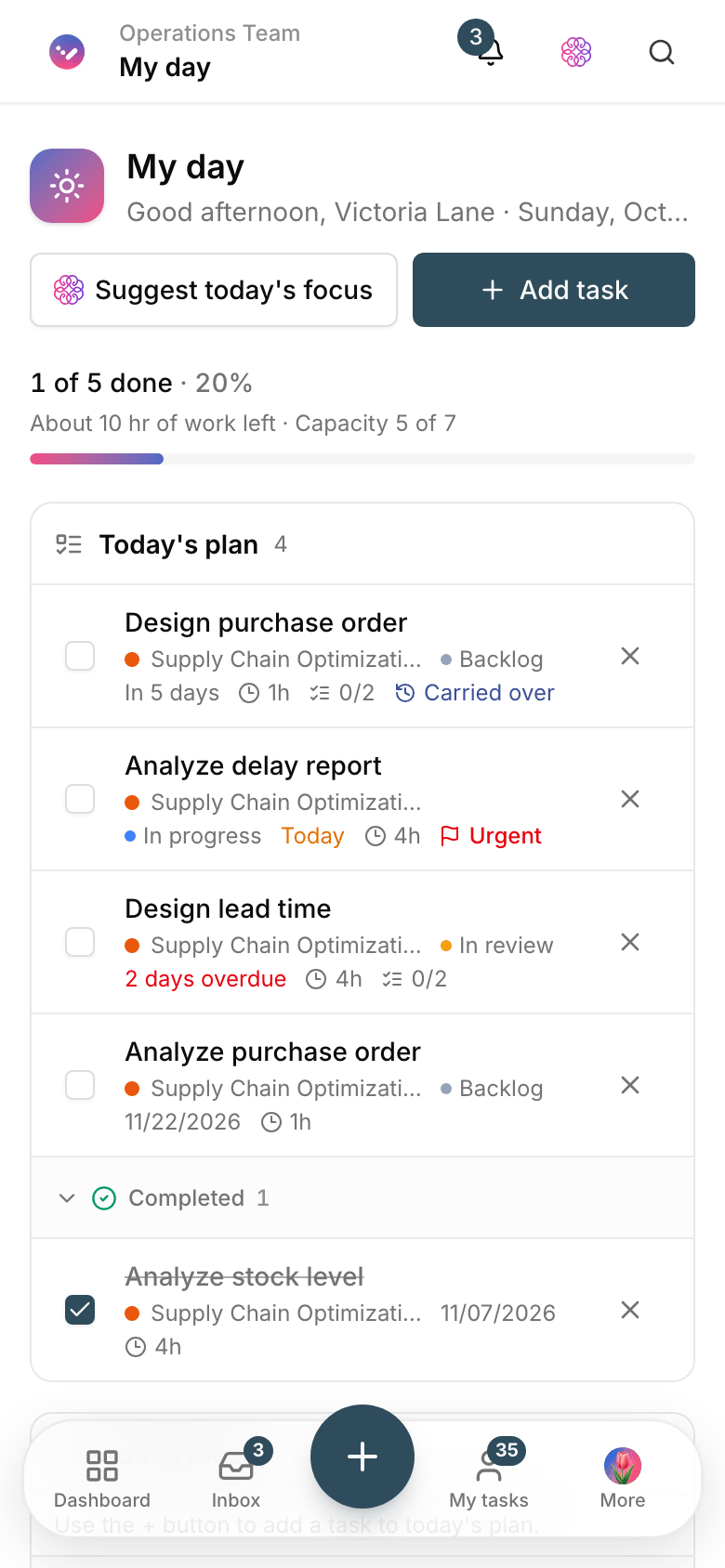
The success message after signing in with a one-time code is clearer and easier to understand, so users know the sign-in worked and what the next step is. Working with menus, dialogs and scrolling on mobile and in the Android app is also more stable, especially when layers open and close, when you go back with the Back button, and during long scrolls.
What changes for you?
- To create a project similar to an existing one, duplicate the project and wait for the notification that it's ready.
- Set the subtask depth to match how your team manages work, so the structure is neither too complex nor too limited.
- Before inviting new members, keep your workspace's current capacity in mind, so a limit message doesn't catch you off guard.
- If you mostly use mobile or the Android app, update to the new version to benefit from the extra stability.
A note about plans: some features and your member capacity depend on your workspace plan. If you see a limit message when inviting a member or using a feature, check your current plan and capacity.
To keep reviewing changes, take a look at What's new in 1.6.3, or follow the next improvements in What's new in 1.6.5.