
What's new in 1.4.3
A tour of what's new in Taskie 1.4.3: steadier live updates, faster task comments, label management and a more responsive dashboard.
Rather than adding new features, Taskie 1.4.3 makes working with frequently used areas more stable and faster. The core of this release is live updates: project changes show up in views on their own, without reloading the page.
This update was released on May 3, 2026. If your team works on the same project at the same time, you'll feel most of this release's improvements as smoother everyday work, without having to learn anything new.
Live updates for statuses and views
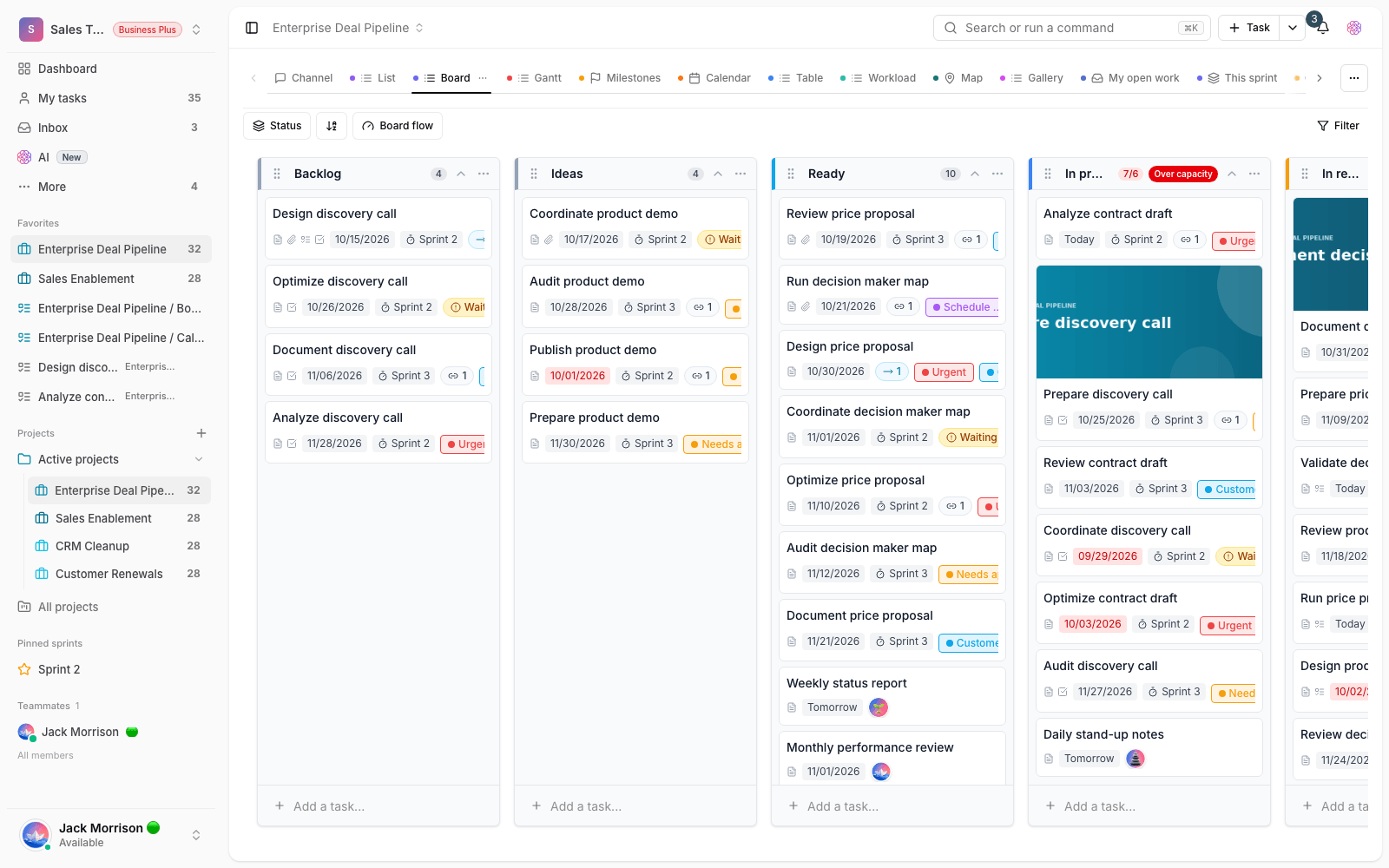
The most important change in this release is that project statuses update in views without a reload. When a member changes a work status or cards get moved, everyone else sees the same change in better sync. Before, you sometimes had to refresh the page to see the latest state, which could leave two people with different pictures of how work was going. Especially on boards and shared views, this means everyone agrees on a single picture of progress, and decisions are made based on fresh information.
Smoother conversations on tasks
Posting and showing task comments is faster and more reliable, so work discussions can be followed with less delay and fewer errors. Alongside this, the underlying conversation system and the content of the collaborative editor are more stable, so you get a more dependable experience when working on text at the same time or editing shared content, and worry less about losing changes.
Labels, colors and the dashboard
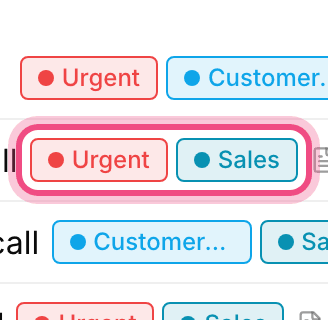
Managing labels and task colors is more unified and simpler, so how tasks are categorized across projects stays easier to read and more consistent. When colors are the same in every view, it's easier to quickly recognize the type and priority of tasks. The dashboard is also more responsive, thanks to global refresh and better caching: metrics and project status update faster and in better sync, and reviewing the team's overall state takes less time.
Personal work and real-time notifications
Personal tasks, the Inbox and real-time notifications are better organized, so following your important daily work is simpler. When notifications arrive on time and in order, important work is less likely to slip through the cracks or get done twice.
What changes for you
- If you were used to refreshing the page to see changes, you don't need to anymore. Views update on their own.
- Follow work conversations in task comments instead of scattered messaging apps, so the history of decisions stays right next to the work.
- Define your labels and colors once, in an organized way, so task categories stay consistent across all projects.
- Keep the dashboard open for a quick look at your team's status. Its information now refreshes faster.
- If you don't see a change in another view, wait a moment before worrying. Live updates can arrive with a short delay.
- For sensitive work, keep relying on task comments rather than separate conversations, so nothing gets lost.
- This release mostly works on stability, so if you used to run into a slow dashboard or jumpy comments, those issues have most likely been fixed.
Live update improvements are on automatically, and you don't need to change any settings to use them.
To follow how these improvements developed, see What's new in 1.4.4 and What's new in 1.4.2 for a fuller picture of the changes in the nearby releases.