
What's new in 1.6.0
Taskie 1.6.0 rounds out diagram-based automations, task templates and recurrence, goals, the dashboard and sign-in security.
Taskie 1.6.0, released on May 14, 2026, is one of Taskie's most packed updates. Its main theme is smoother day-to-day task management, stronger team collaboration and a better mobile experience: from automating processes to planning, team goals and sign-in security.
In this guide, we group the most important new features, so it's clear what each change makes simpler for you in practice and where you can find it.
Automation and repetitive work
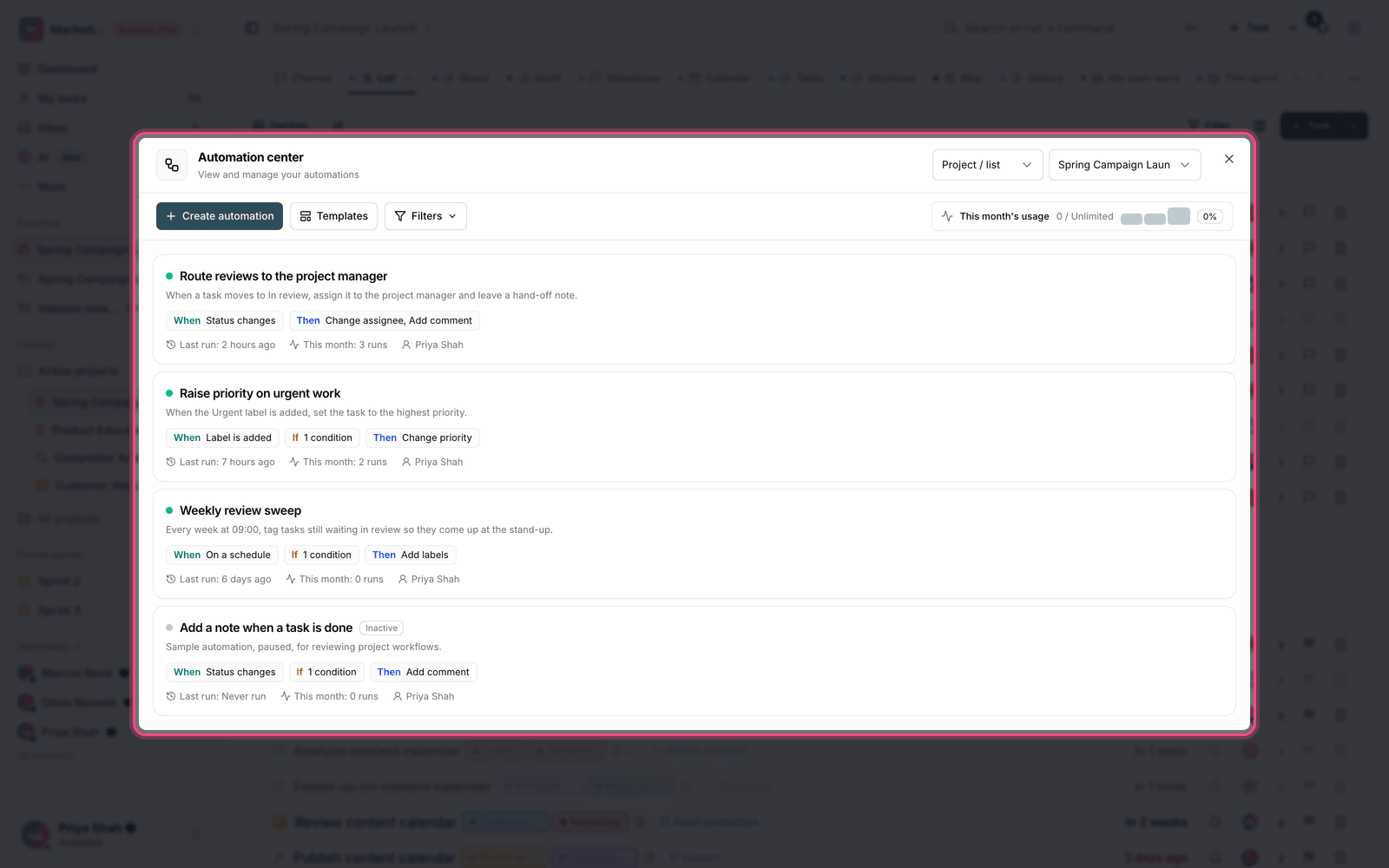
Building automations is simpler and easier to understand in this release with the diagram view. It shows visually which event triggers which action, so you can build automated workflows with more confidence. For repetitive work, task templates and recurring tasks have been added, so you don't have to start from scratch every time. And if a task turns out bigger than expected, you can convert it into a full project to keep the work structured.
More precise planning and team goals
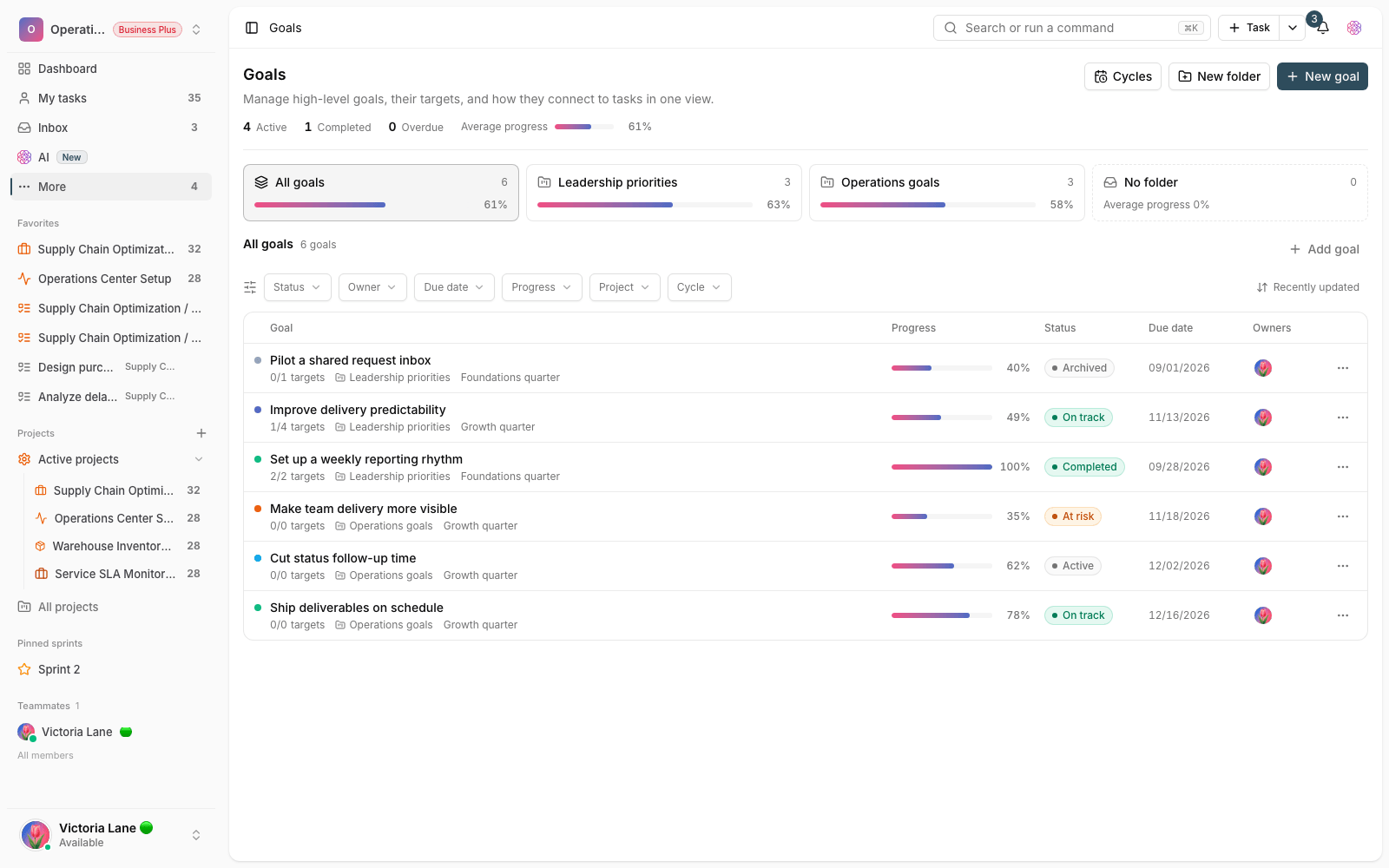
With time estimates, team capacity planning gets more realistic, and you can better judge how much work fits into each period. Duplicating projects helps you start similar projects with less setup. On top of that, goals and OKRs are available again, so your team can track key results alongside projects and see the link between daily work and bigger goals more clearly.
- Time estimates make estimating and dividing work fairer for the team.
- Project duplication shortens the start of similar projects.
- Goals and OKRs show the link between daily work and long-term goals.
Clearer tracking of responsibilities
Assigning checklist items to specific people and making mentions in comments more visible make tracking small pieces of work more transparent. It's now clear who owns each small part of a task, and when someone is mentioned in a conversation, they can more easily tell that something has been handed to them.
Dashboard and the mobile experience
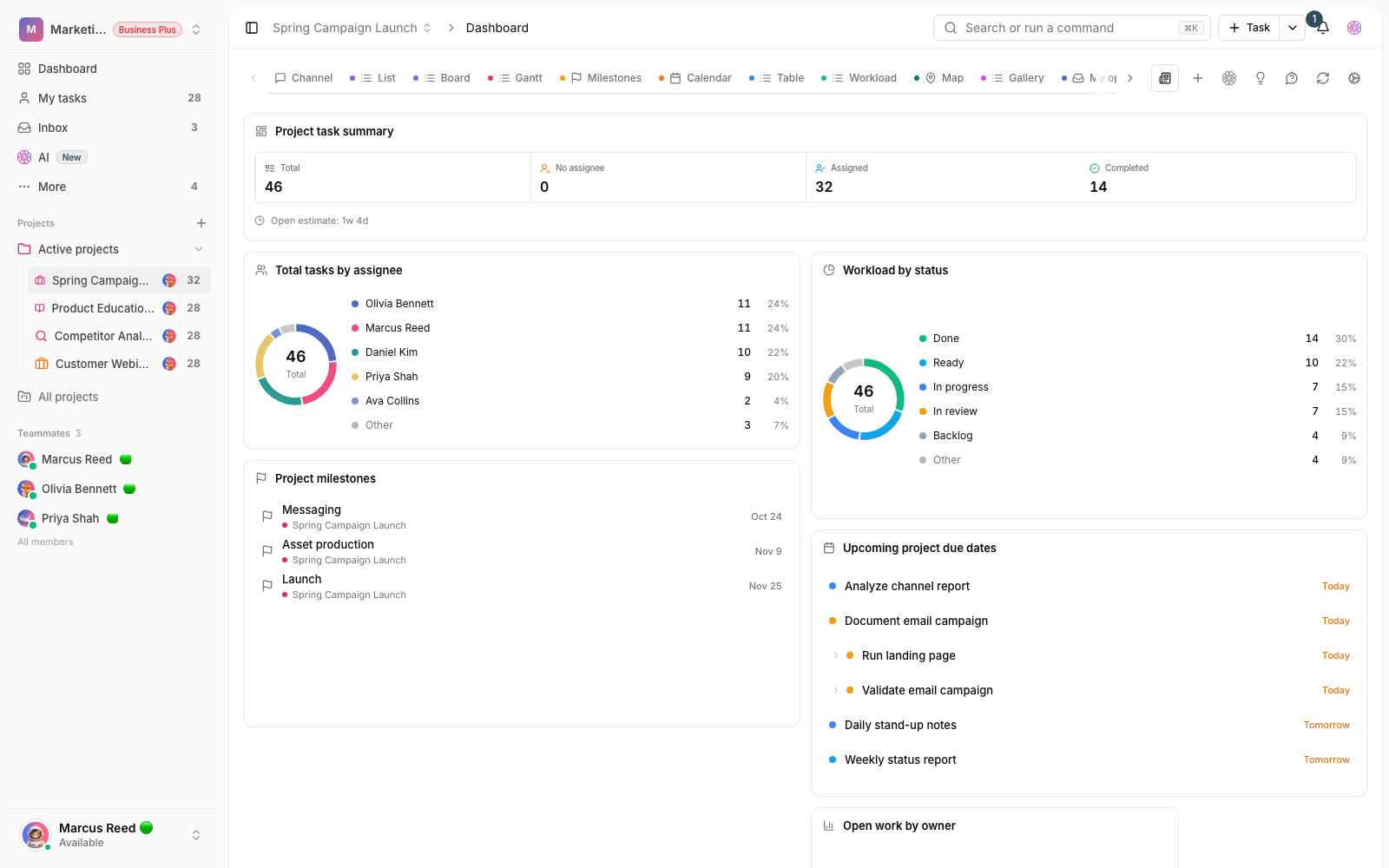
The dashboard is more useful, with the ability to pin important items and a lighter layout, so each team can build the work view that suits it and see the most important information quickly. Using Taskie on mobile, switching between workspaces and moving between view tabs are smoother and more predictable too.
Sign-in security and subscription management
To better protect team accounts, sign-in security has been strengthened with passkeys and step-up CAPTCHA, so sign-in is both safer and more resistant to abuse. On the workspace admin side, subscription status, invoices and member capacity are shown more clearly, and deciding whether to upgrade or renew is simpler.
Where to start
- Build a simple automation in the diagram view to automate one repetitive task.
- For frequent work, set up a task template or a recurring task.
- Enter time estimates for tasks, so team capacity planning is more precise.
- Arrange your dashboard by pinning important items, and turn on passkey sign-in if needed.
Next step: to see the features that laid the groundwork for this release, take a look at What's new in 1.5.0, and to follow later improvements, see What's new in 1.6.1.