
What's new in 1.4.4
A tour of what's new in Taskie 1.4.4, from the form builder and task Inbox to calculated fields, sign-in security and two-factor settings.
Taskie 1.4.4 works on four fronts: a form builder that's more ready for communicating with people outside your team, a stronger Inbox and reminders for personal work, safer sign-in to your account, and more precise data with calculated fields. The focus of this release is helping each member know more clearly what concerns them, and recording data with fewer errors.
This release shipped on May 5, 2026. Alongside the new features, it also made several frequently used paths more stable, like loading the app, the error page and switching between workspaces, so everyday work goes more smoothly.
Form builder with question ordering
The project form builder is more ready in this release. You can build a form to collect information from people outside your team, reorder its questions, publish the form publicly and reduce unwanted submissions with CAPTCHA. Ordering questions helps the form follow a clearer logic, so respondents can get all the way to the end without confusion.
Task Inbox and tracking personal work
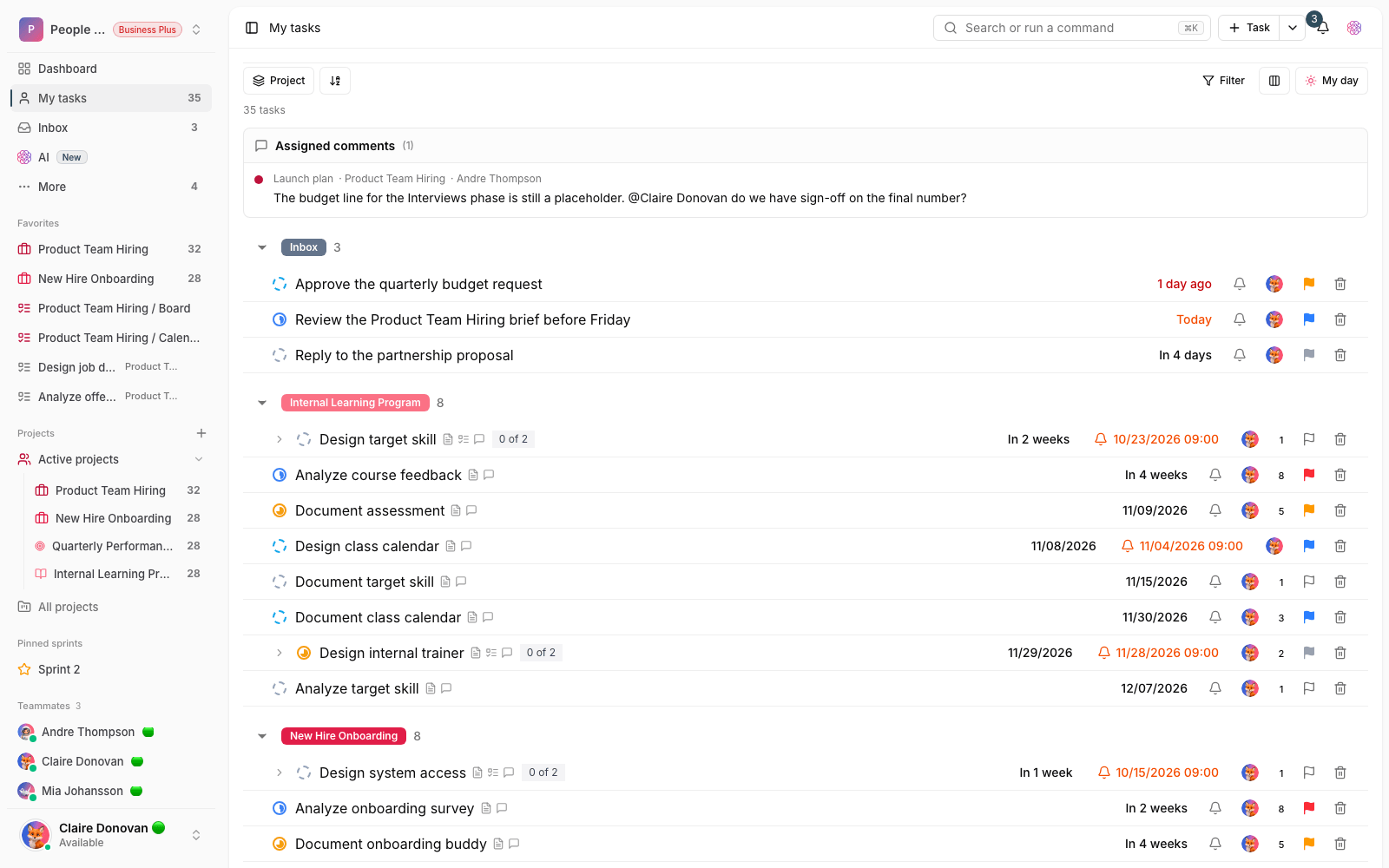
More tools have been added for tracking the work that concerns you. The task Inbox gathers work that needs attention in one place, reminders help make sure nothing slips through the cracks, following a task keeps you in the loop on a task's changes, and recurring tasks automate periodic work. Together, these make a noticeable difference for people who follow several projects at once.
More precise data with calculated fields
Calculated fields are now available, with support for safe formulas and dependencies between data. With them, you can define a field's value based on other fields, so it updates automatically instead of being calculated by hand. Safer control over formulas and dependencies keeps results more reliable, and when one piece of data changes, the related values update correctly.
Sign-in security and two-factor settings
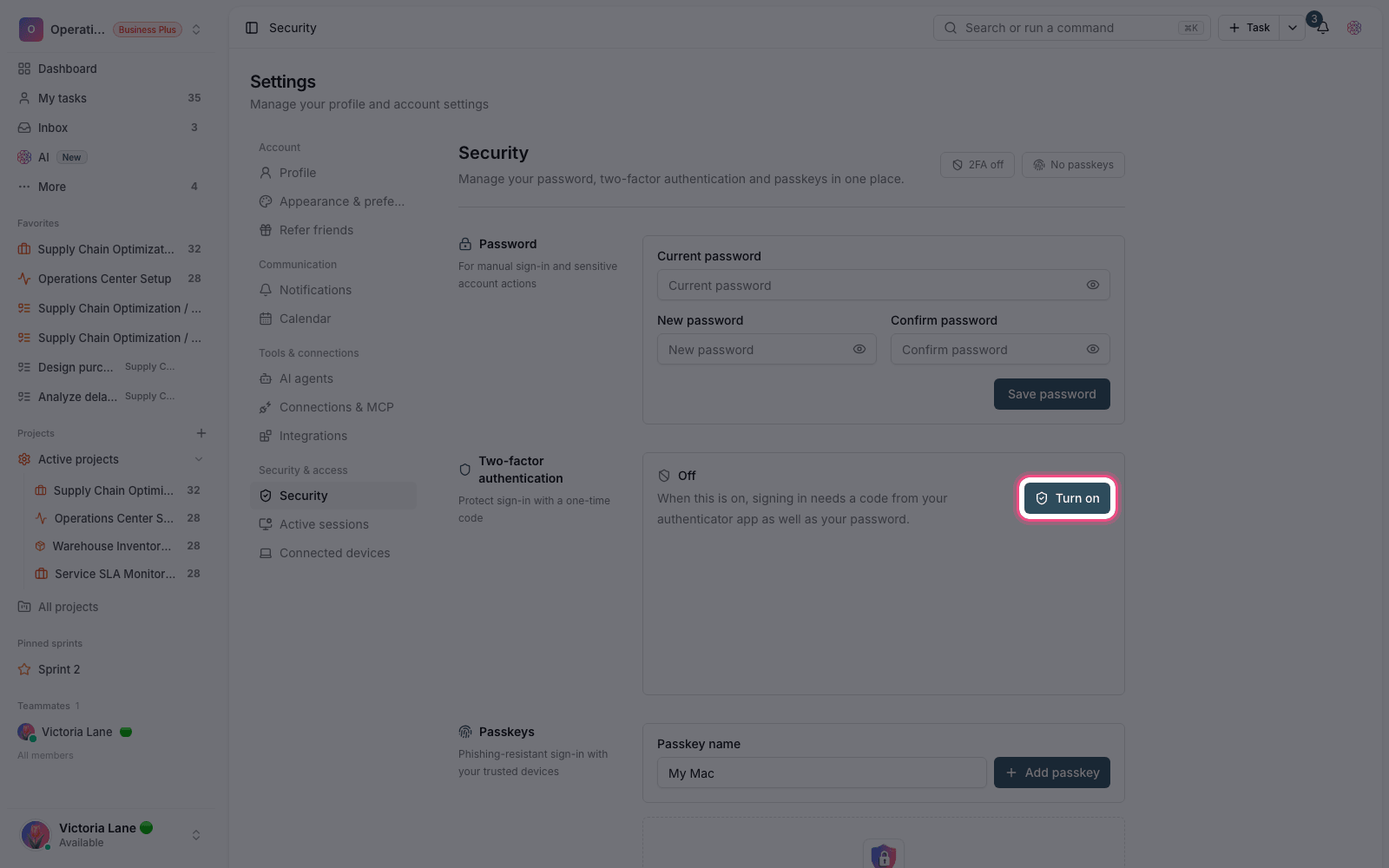
This release gives you more visibility into your account security. Sign-in history, Active sessions and security alerts have been added, so you can keep better track of access to your account. Alongside this, two-factor authentication settings and view permissions are more stable, and some detail information is shown faster and in better sync.
What changes for you
- If you have a form for collecting information, put its questions in a logical order, turn on CAPTCHA and publish the form publicly.
- Make the task Inbox part of your daily review, and set reminders for important tasks.
- For fields derived from other data, define a calculated field and check its dependencies.
- In your security settings, review your sign-in history and sessions, and keep two-factor authentication on if you can.
- Don't make two-factor authentication your only way to sign in until you've saved your recovery codes somewhere safe.
- Always turn on CAPTCHA for public forms to reduce automated submissions.
- If you used to notice slowness when switching between workspaces or loading the app, these paths are more stable in the current release.
Some features, like the form builder and calculated fields, depend on your workspace plan. If you don't see an option, check your current plan.
To keep going, see What's new in 1.4.5 and What's new in 1.4.3 to follow how forms, sign-in security and app stability came together in the nearby releases.