
What's new in 1.4.0
Taskie 1.4.0 brings Google sign-in, AI in the visual tools and a smoother experience on mobile and with files.
The simpler it is to get started with a tool, and the smoother it is to use on mobile, the sooner a team makes it part of its daily work. Taskie 1.4.0, released on April 29, 2026 under the name "Smoother work on mobile, boards and files", brings a set of improvements in exactly that direction: from simpler sign-in to smarter visual tools and a better experience on small screens.
This release is a mix of new features and polish for frequently used paths. Below, we group the most important changes and explain how each one helps you in practice.
Simpler sign-in and a clearer start
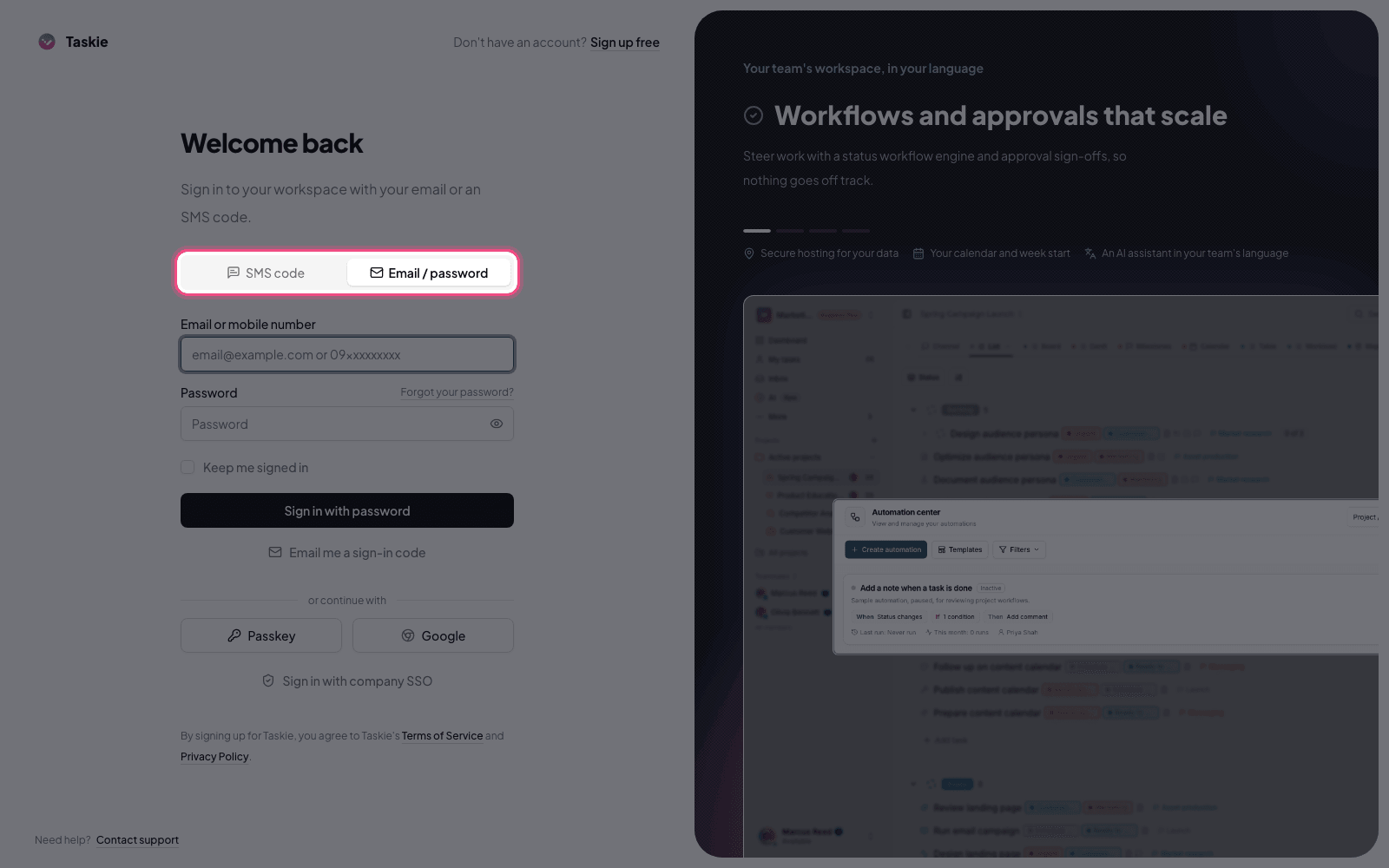
This release adds sign-in with a Google account, so users can sign in with a few clicks without creating a new password. Alongside this, the getting-started experience after sign-in is clearer, so new users understand their next step sooner and get to creating a workspace and their first project faster. Both changes reduce first-day friction, especially for teams that add new members regularly.
More active AI in whiteboards and mind maps
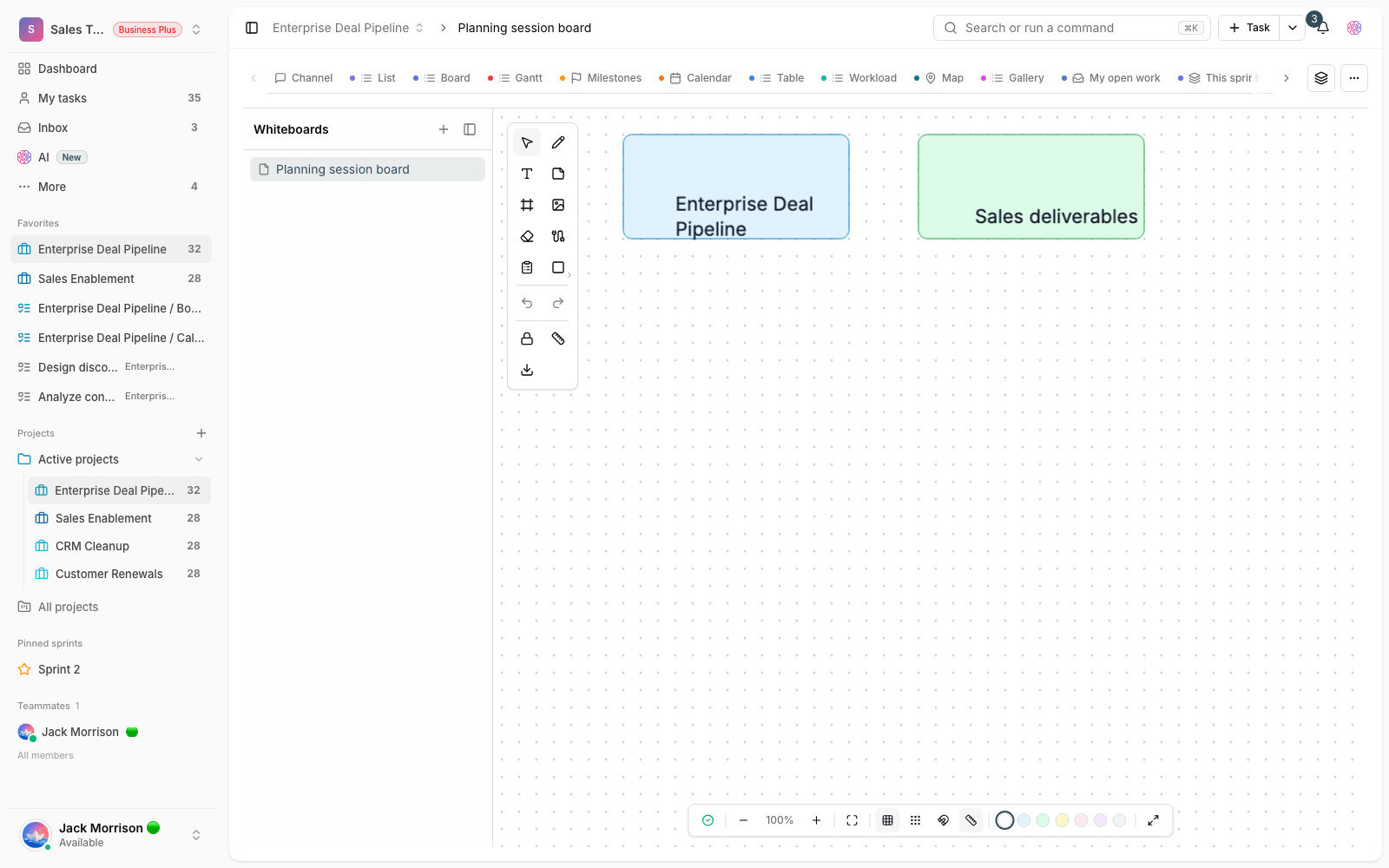
Taskie's visual tools are smarter in this release. AI plays a more active role in whiteboards and mind maps, making it simpler to brainstorm, structure your thinking and turn rough plans into trackable work. If your team holds brainstorming sessions, this helps turn their output into a clear work plan faster, so ideas don't get lost among scattered notes.
Smoother mobile, files and navigation
A big part of this release is about the mobile experience and navigation. Managing files on small screens is simpler and more practical, so browsing and organizing documents and attachments on mobile is less of a hassle. Alongside this, sprints, favorite projects and the sidebar have improved, so reaching important projects and managing sprint work is faster.
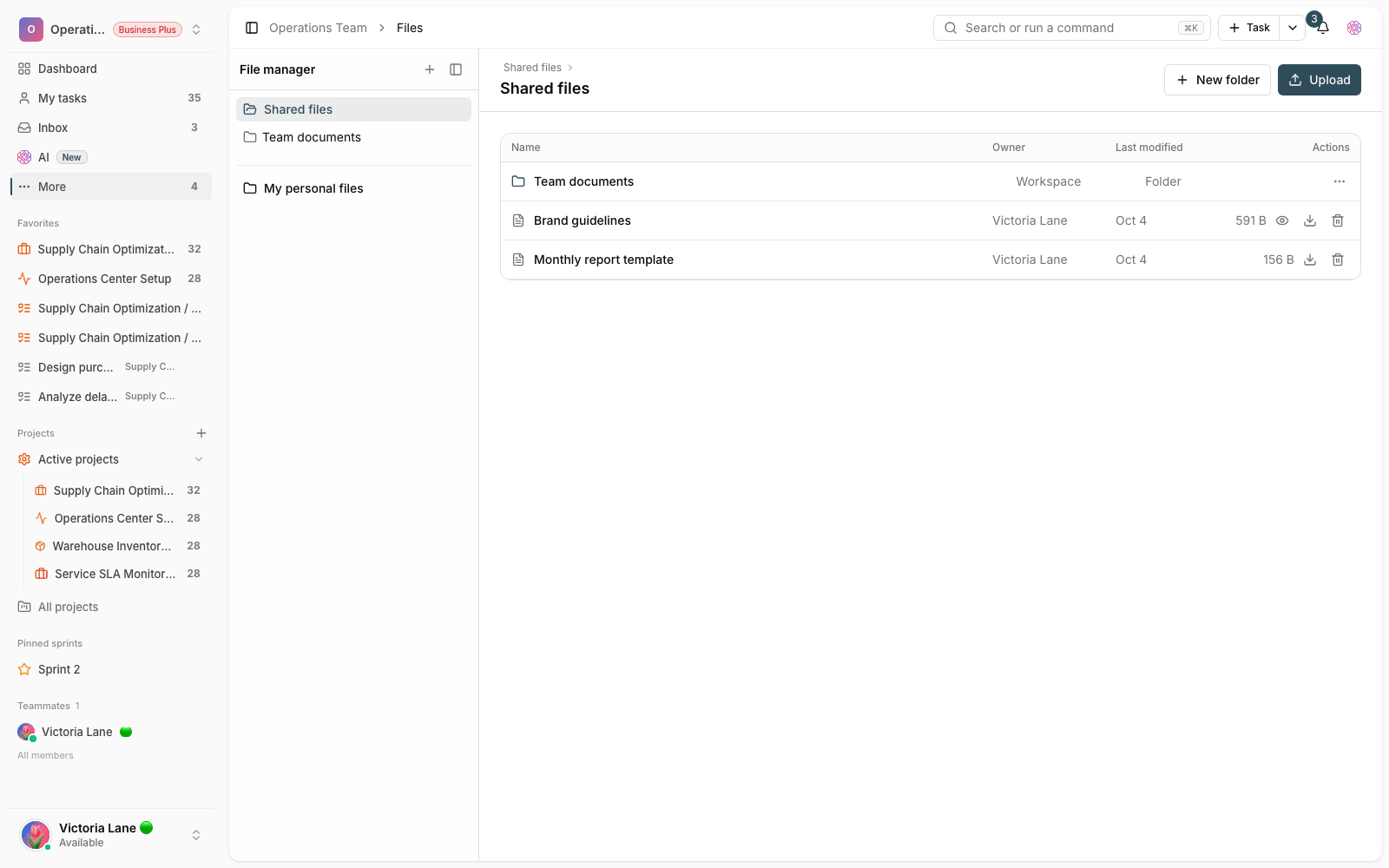
- Files on mobile: browsing and managing documents and attachments on small screens is simpler.
- Sprints and favorites: reaching important projects and sprint work is more organized and faster.
- A tidier sidebar: moving between different parts of the app is smoother.
- Clearer details: the music player and loading states are clearer, so while you wait, you know what state the app is in.
How to use what's new in this release
- If you're adding a new member to your team, suggest Google sign-in so they can get started faster.
- Open a whiteboard or mind map and use AI to help structure ideas and turn them into tasks.
- Open Taskie on mobile and try managing files and browsing projects in the new experience.
- Add your most-used projects to your favorites, so you can reach them faster from the sidebar.
Tip: some AI features and certain advanced options depend on your workspace plan. If you don't see an option, check the plan status and workspace settings with your admin.
Next step: to follow the path of improvements, see What's new in 1.4.1 and What's new in 1.3.1.