
What's new in 1.6.2
Taskie 1.6.2 brings you time tracking, project time reports and new views for seeing your work more clearly.
Knowing exactly where your team's time goes and where each project really stands is the basis for good decisions in work management. Taskie 1.6.2, released on May 18, 2026, brings a new round of tools for exactly that: a way to log and report time, several new views for seeing a project from different angles, and more precise planning for time-based work.
If you're a project manager, or a member who wants to track your daily work more transparently, this release gives you several practical features. Below, we go through these changes topic by topic and explain what each one does for you in practice.
Time tracking and project-level reports
The main theme of this release is time tracking. Members can now log the time they spend on each task, so the team gets a clearer picture of the workload and the time cost of a project. Alongside this, a project time report has been added, so managers can see members' logged time across the whole project and understand which tasks are taking most of the team's energy. So you don't have to open separate reports every time, time widgets have also been added to the dashboard, letting you see a summary of logged time at a glance.
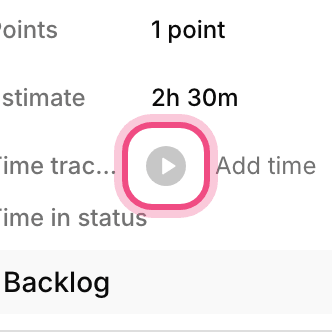
- Logging time on tasks makes estimates and team capacity planning more realistic.
- The project time report shows which tasks have taken most of your team's time.
- Time widgets on the dashboard make it quick to check how work is going without opening separate reports.
New views for seeing a project from different angles
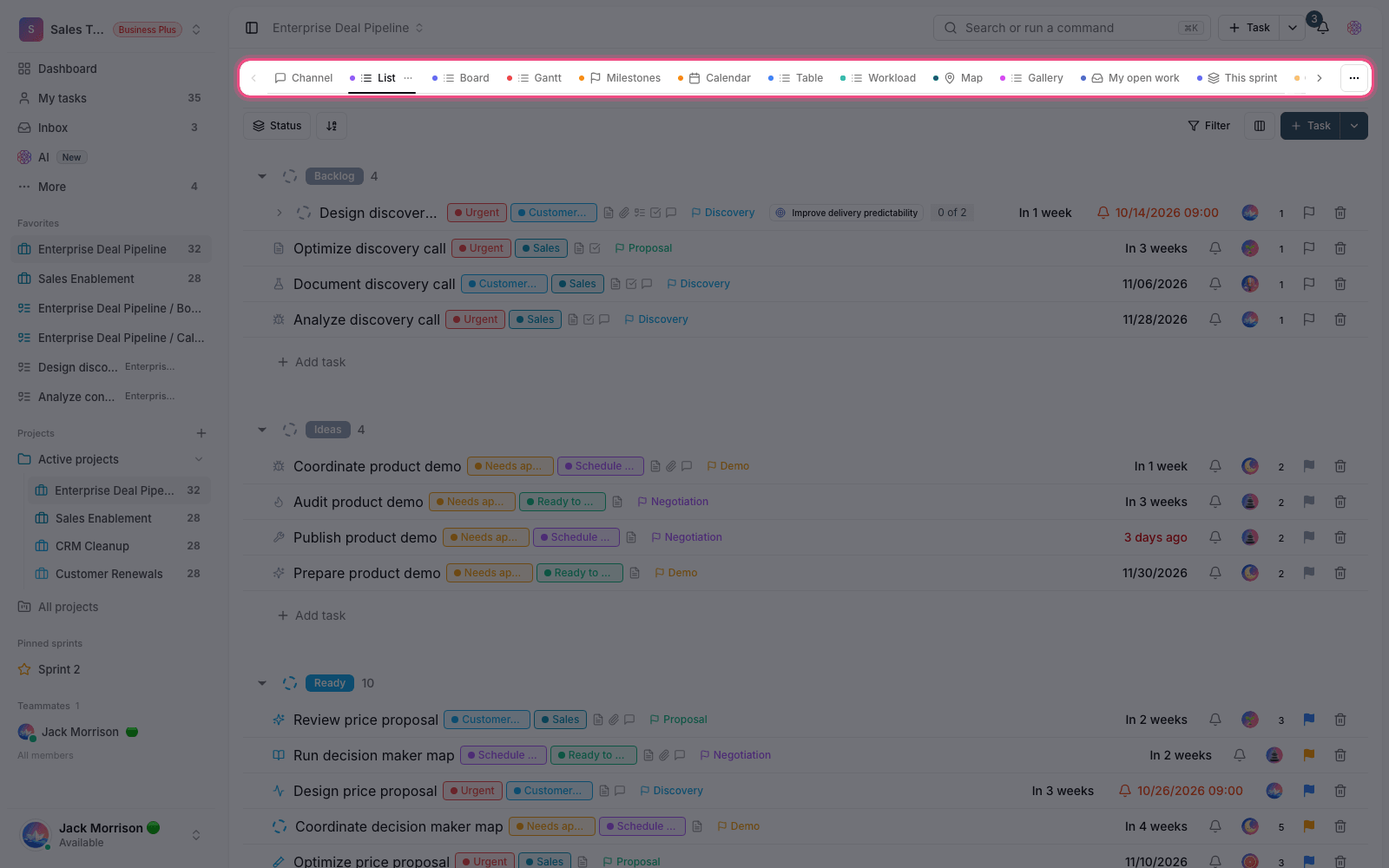
This release adds three new project views. The Activity view lines up a project's key events in one organized feed, so following changes, decisions and recent work is simple. The Map view suits tasks that have a location and helps field teams plan visits and on-site work better. The Embed view lets you keep external content related to the project, like a dashboard, form or reference page, right next to your tasks, so members don't have to leave the project to see it.
More precise planning and tidier organization
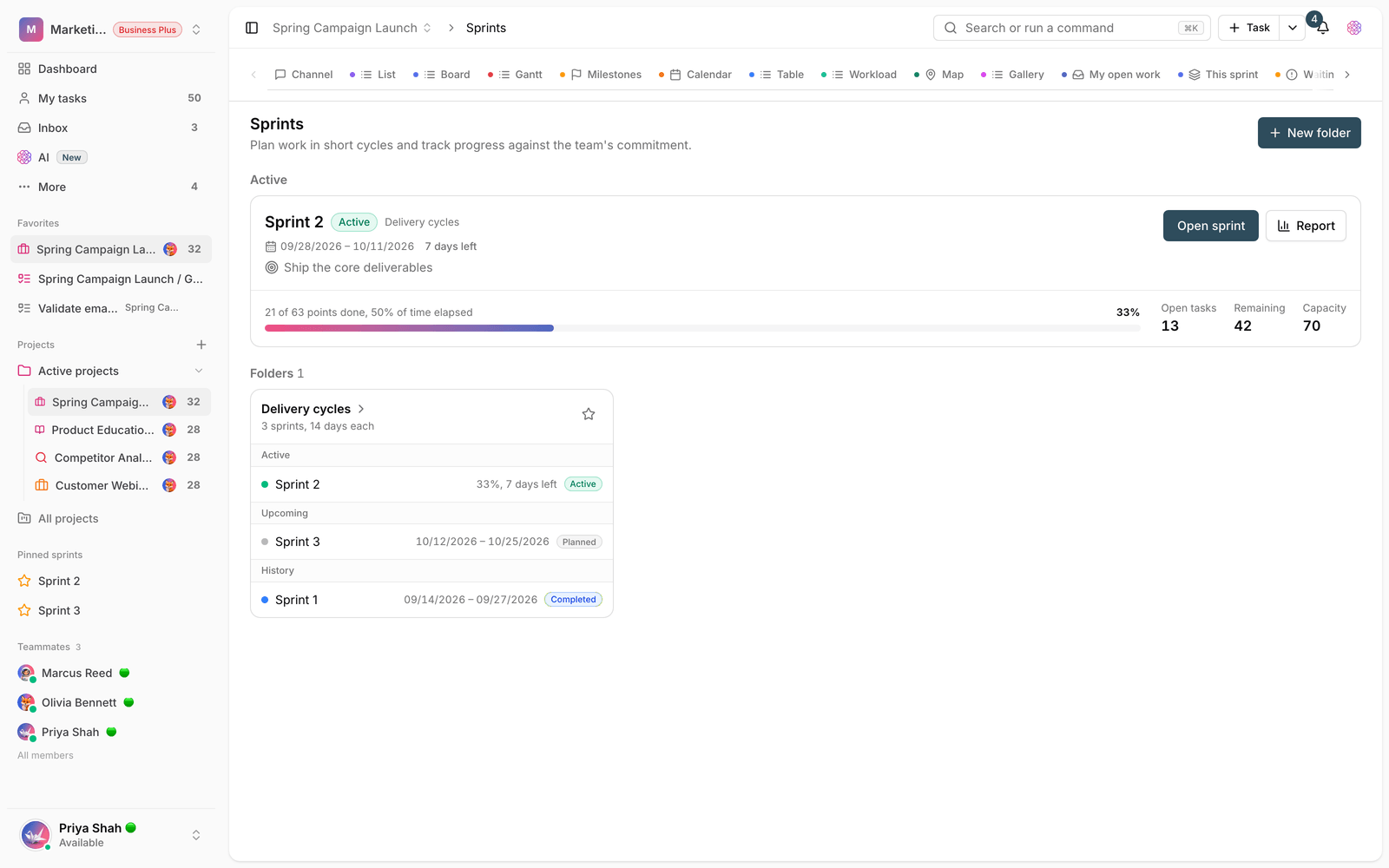
For time-based projects, the Gantt view is smoother in this release: rescheduling tasks and understanding dependencies between them is more precise, which makes planning the project's path easier. In files and documents, managing folders with sorting and expanding and collapsing is tidier too, so moving around larger structures is more reliable.
Small but useful improvements
- Unread notifications update in better sync across open browser tabs, so you don't see different numbers in different tabs.
- Copying a member invitation link is simpler, so adding colleagues to the workspace is faster.
- Adding images and media in the editor is smoother, which makes team documentation less of a hassle.
How to use what's new in this release
- Open a project task and log time as you start working, so the task's total time builds up.
- For the big picture, visit the project time report and add time widgets to your dashboard.
- From the project's view bar, try the Activity, Map or Embed view to see the project from the angle you need.
- In scheduled projects, lay out tasks and dependencies in the Gantt view, and reschedule them if needed.
Tip: some of these features, like time tracking, depend on your workspace plan, and an admin can turn them on or off in the workspace feature settings. If you don't see an option, check your plan status and workspace settings.
Next step: to review the changes before and after this release, take a look at What's new in 1.6.1 and What's new in 1.6.0 to follow the full story of Taskie's improvements.